
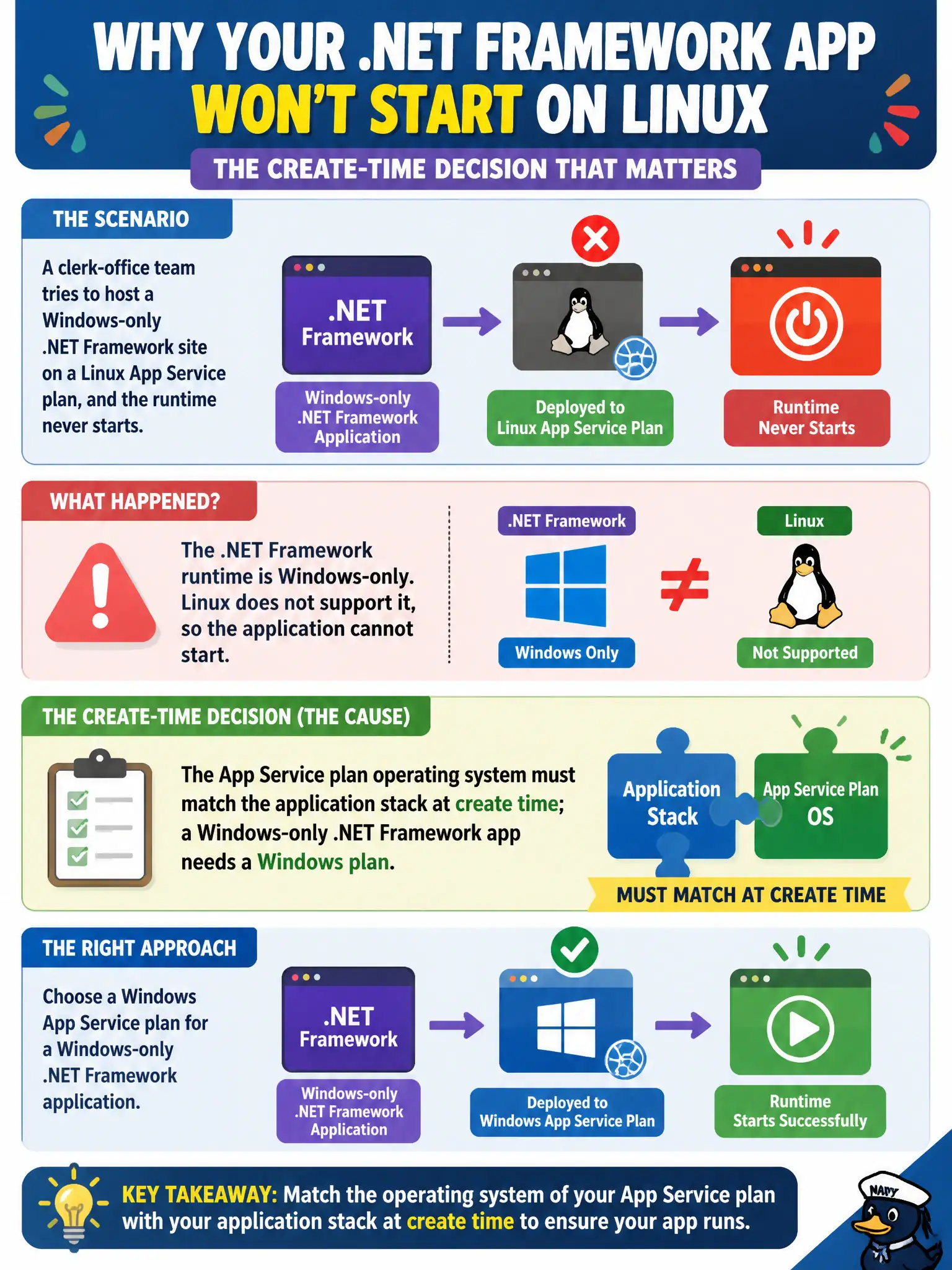
A clerk-office team tries to host a Windows-only .NET Framework site on a Linux App Service plan, and the runtime never starts. What create-time decision caused the failure?
Select an answer to reveal the explanation.
Short Explanation
Plan OS is chosen when you buy the engine—not flipped later with a mystery app setting. A Windows-only .NET Framework site needs a Windows plan the way a diesel truck needs diesel. Mismatch the OS and the runtime simply never starts.
Full Explanation
The App Service plan’s operating system is chosen at create time and must match the application stack. A Windows-only .NET Framework site will not start on a Linux plan—the clerk-office team’s create-time OS decision caused the failure. Linux plans host Linux-compatible stacks (including modern .NET on Linux), not classic .NET Framework on Windows IIS in the same way. Treat plan OS as a foundation decision, not a toggle you invent later.
Setting a mythical WEBSITE_OS app setting after create does not convert a Linux plan into a Windows plan; app settings cannot rewrite the underlying plan operating system. Enabling Always On and ARR affinity does not unlock .NET Framework on Linux, because those features do not change the OS or Framework hosting surface. ZipDeploy from Visual Studio does not override plan OS compatibility either; publishing still targets the OS and managed stack the plan actually provides.
Exam caveat: you generally cannot flip plan OS in place. Migrate by creating a Windows App Service plan (or a Windows web app on a Windows plan) and redeploying the .NET Framework site. Confirm available stacks in the portal for the chosen OS before cutting over production traffic.
Operational check: recreate or move the site onto a Windows App Service plan with a .NET Framework stack selected, deploy the same package, and confirm the worker process starts and serves pages. Document in the runbook that Linux plans are for Linux-compatible stacks only and that Framework sites need Windows plans.