
A public-library catalog is a conventional multi-page web app that needs a custom domain, deployment slots, and app settings in the IIS-style App Service model. Which Azure compute option should the developer choose?
Select an answer to reveal the explanation.
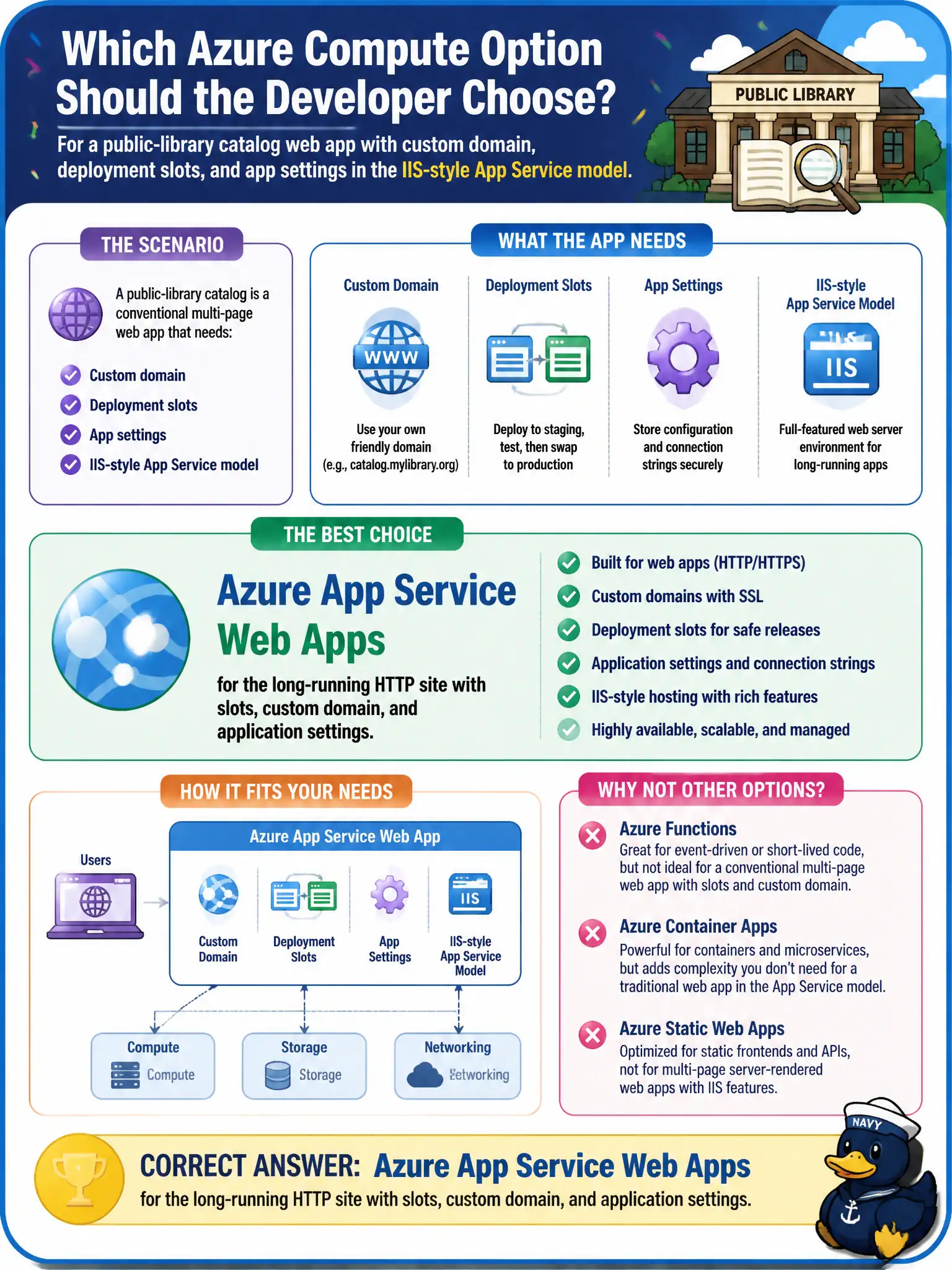
Short Explanation
A library catalog is a classic website, not a one-shot webhook or a tiny scale-to-zero service farm. App Service Web Apps is the host built for that pattern—custom domain, slots, and app settings included. Pick the tool that matches the shape of the app.
Full Explanation
Azure App Service Web Apps are the right home for a conventional multi-page HTTP site that needs a custom domain, deployment slots, and application settings in the classic App Service model—precisely the public-library catalog scenario. The platform is built for long-running web apps with those operational knobs.
A single Azure Function with an HTTP trigger is not a drop-in multi-page website with slots and IIS-style app settings; Functions optimize event-driven compute and scale-to-zero, not every catalog UX. Azure Container Instances can run containers but do not provide App Service slots and settings as the primary developer model claimed here. A Container Apps microservice mesh with Dapr is overkill when the workload is one classic web application, not a mesh of services.
Exam caveat: choose App Service when the requirement list is web app hosting features (slots, custom domains, app settings, deployment center). Choose Containers/Functions when the workload shape truly matches those platforms—not because “everything should scale to zero.”
Operational check: create an App Service web app on a SKU that supports slots, bind a custom domain, add application settings, and deploy the multi-page catalog; confirm slots and settings behave as expected without introducing Functions or Dapr.