
A county extension office creates a .NET Web App in the Azure portal and is surprised that deployment slots and certain scale options are missing. What did the team overlook?
Select an answer to reveal the explanation.
Short Explanation
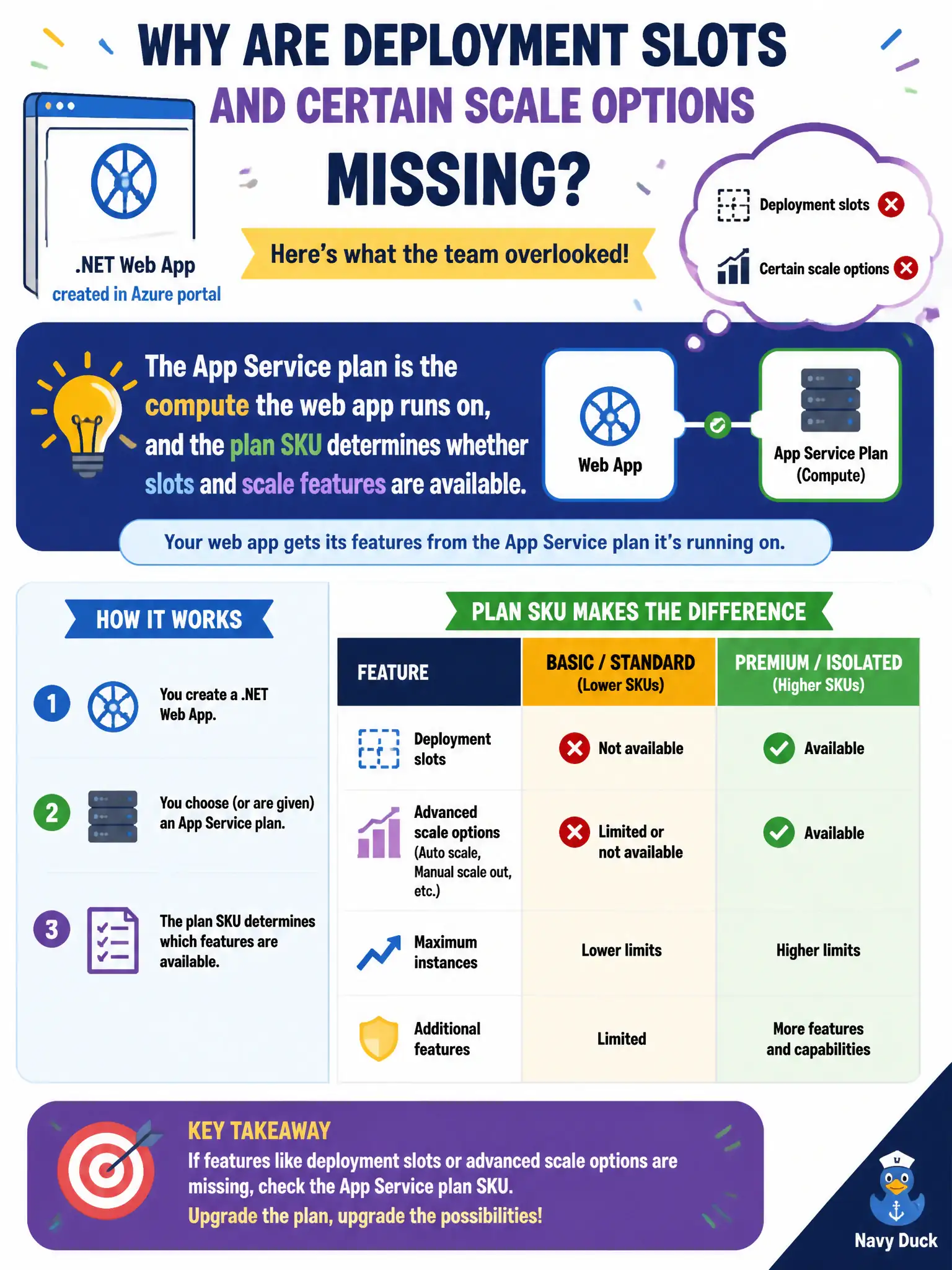
The web app is the site; the App Service plan is the engine under the hood that you actually pay for. Cheap or free engines simply do not include slots and fancy scale. Pick a plan SKU that unlocks the features the office needs.
Full Explanation
In App Service, the web app is the site configuration surface, but the App Service plan is the compute SKU you pay for. Features such as deployment slots and certain scale options appear only when the plan SKU supports them. The county extension office created a web app and expected slots without noticing that a free or lower SKU plan simply does not unlock those capabilities—the engine under the hood, not the site name, gates the feature.
Application Insights does not gate deployment slots; monitoring is orthogonal to slot SKUs. A Container Apps environment is unrelated to App Service slot creation. Custom domain verification in Azure DNS is not a prerequisite that magically reveals slots; slots depend on plan capability.
Exam caveat: changing the web app alone does not upgrade the plan. Moving to a higher SKU (or a different plan that already has the right SKU) is what unlocks slots and advanced scale. Some features also differ between Windows and Linux plans.
Operational check: open the web app’s deployment slots blade (or CLI equivalent), note the SKU restriction if slots are missing, scale the plan to a SKU that supports slots, and confirm the slot UI or az webapp deployment slot commands succeed.