
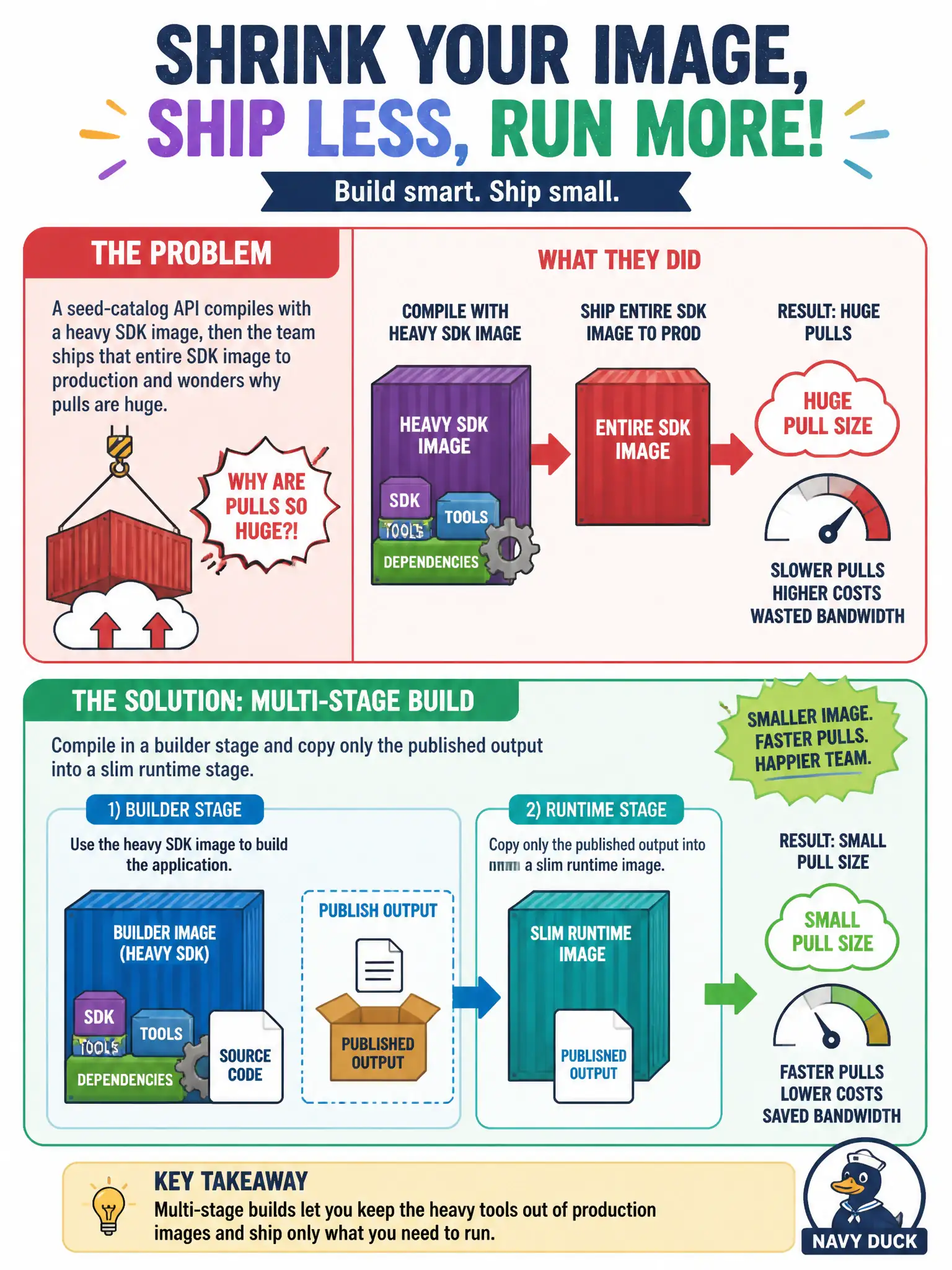
A seed-catalog API compiles with a heavy SDK image, then the team ships that entire SDK image to production and wonders why pulls are huge. What image-management approach shrinks the runtime artifact?
Select an answer to reveal the explanation.
Short Explanation
Think of the SDK image as a whole construction site. Production only needs the finished house, not the cranes. A multi-stage build compiles in one stage, then copies just the published bits into a slim final image.
Full Explanation
Multi-stage Dockerfiles separate compile-time tooling from what production must pull and run. A heavy SDK builder stage compiles or publishes the seed-catalog API; a later slim runtime stage copies only the published output. The final artifact therefore omits SDKs, compilers, and unused build tools, which shrinks pull size and attack surface for the harbor of images the team ships.
Running the full SDK image in Azure Container Instances still ships every build tool into the runtime host; ACI placement does not magically strip layers. Moving the same oversized image onto AKS merely stores and pulls the bloat on nodes; node pools do not rewrite image contents. Collapsing compile and serve into a single stage that keeps the SDK in the final layers recreates the original problem—production still carries the construction site with the house.
Exam caveat: the final stage must COPY --from=builder the correct publish folder and set a compatible runtime base (for example a runtime-only ASP.NET or Node image). Copying the wrong path yields a tiny image that fails at start.
Operational check: compare docker history or image size of the builder tag versus the final tag, then pull only the slim tag in a staging ACI or Container Apps revision and confirm the API still starts without the SDK packages present.