
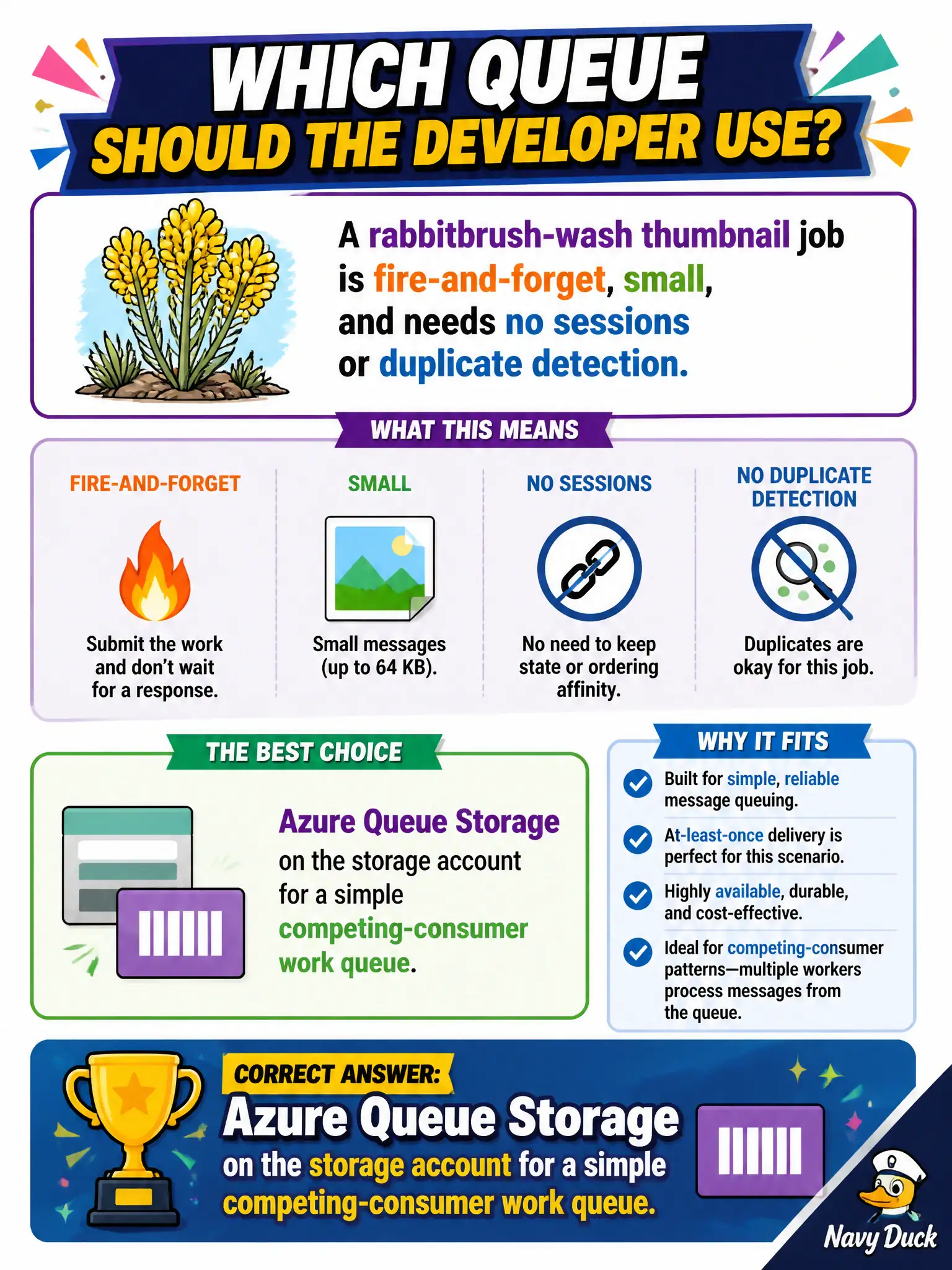
A rabbitbrush-wash thumbnail job is fire-and-forget, small, and needs no sessions or duplicate detection. Which queue should the developer use?
Select an answer to reveal the explanation.
Short Explanation
Tiny fire-and-forget jobs do not need Service Bus chrome. Park them on Azure Queue Storage and let workers compete.
Full Explanation
A rabbitbrush-wash thumbnail job that is fire-and-forget, small, and needs no sessions or duplicate detection belongs on Azure Queue Storage. Storage queues on the storage account provide a simple competing-consumer work queue with visibility timeouts at low ceremony—ideal when advanced Service Bus features would be unused cost and complexity. AZ-204 expects you to pick the lightest messaging tool that still meets the requirement.
Azure Service Bus Premium with sessions enabled for every thumbnail fails because Premium sessions are heavyweight relative to tiny disposable jobs that explicitly need neither sessions nor duplicate detection. Event Hubs Capture as the thumbnail work item store fails conceptually: Capture writes Avro archives for lakes, not per-job work tickets for workers. Azure Relay hybrid connections as the image job queue fail because Relay bridges network connectivity to on-premises resources; it is not a competing-consumer job queue.
Exam caveat: Storage queue messages max out at 64 KB—use a claim-check to Blob if payloads grow. Operational check: enqueue a small thumbnail message, run two workers with visibility timeout, delete on success, and confirm competing-consumer behavior without Service Bus.