
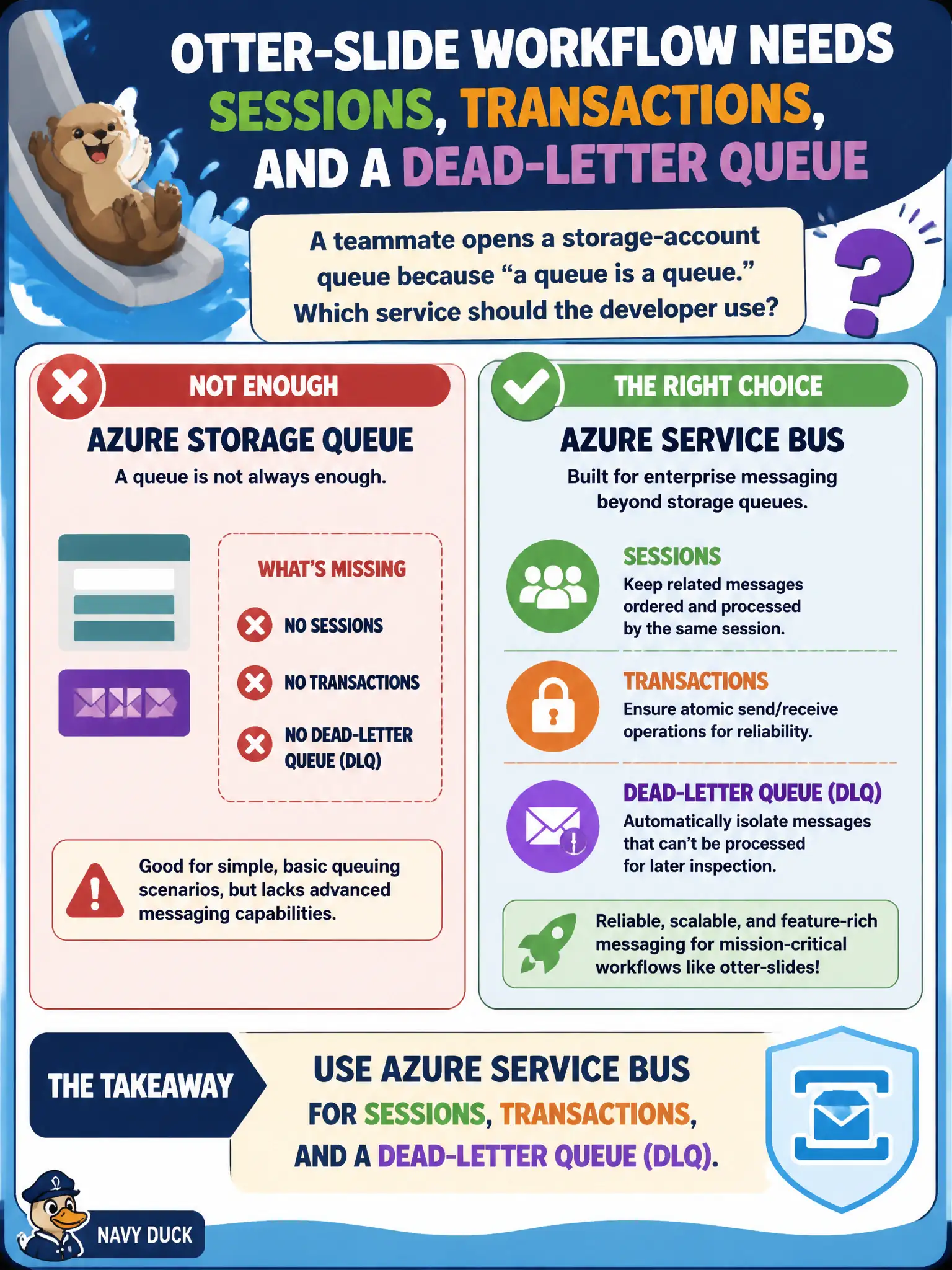
An otter-slide workflow needs sessions, transactions, and a dead-letter queue, but a teammate opens a storage-account queue because "a queue is a queue." Which service should the developer use?
Select an answer to reveal the explanation.
Short Explanation
Storage queues are fine for simple work — they are not sessions-plus-transactions-plus-DLQ. When the workflow needs that trio, pick Service Bus.
Full Explanation
When an otter-slide workflow needs sessions, transactions, and a dead-letter queue, Azure Service Bus is the service that provides that trio as first-class messaging features. Storage-account queues offer simple competing-consumer work items with visibility timeouts, but they do not match Service Bus sessions, transactional send/receive patterns, and the entity dead-letter subqueue the workflow requires. "A queue is a queue" is therefore false at the feature level AZ-204 tests.
Choosing Azure Queue Storage because sessions are built into every storage queue fails because Storage queues do not implement Service Bus sessions. Choosing Event Hubs because DLQ and transactions are partition defaults fails conceptually: Event Hubs is a telemetry log; partitions are not Service Bus sessions/transactions/DLQ. Microsoft Graph mail folders as the transactional command bus fail because mail folders are not Domain 5 durable command messaging with those broker features.
Exam caveat: migrating from Storage queues to Service Bus changes SDKs, connection models, and receive semantics—plan client rewrites rather than pointing ServiceBusClient at a storage URL. Operational check: prototype the workflow on a Service Bus queue with sessions enabled and max delivery count set, then verify session ordering, a transactional scenario if used, and DLQ movement on repeated failure.