
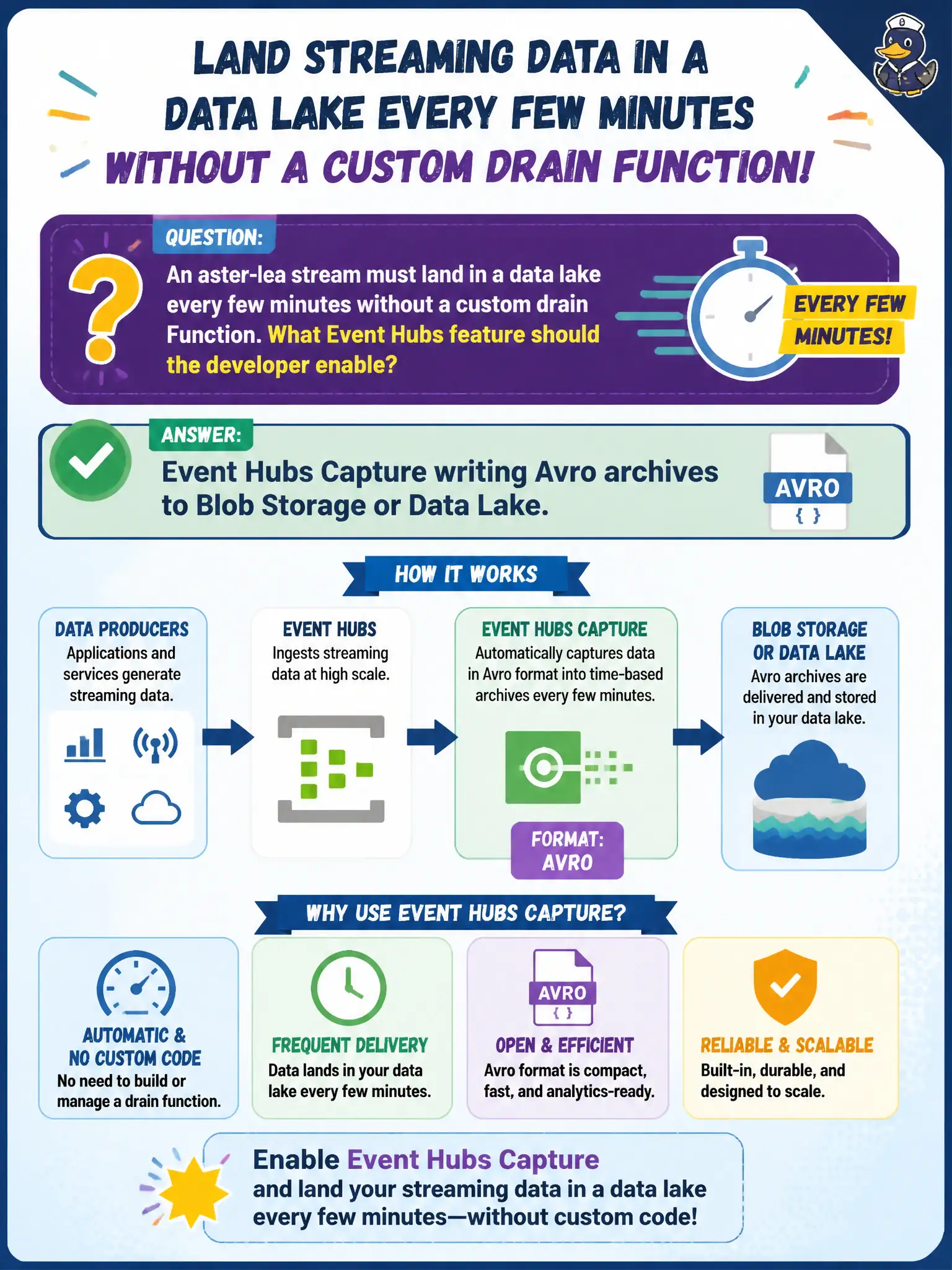
An aster-lea stream must land in a data lake every few minutes without a custom drain Function. What Event Hubs feature should the developer enable?
Select an answer to reveal the explanation.
Short Explanation
Skip the custom drain Function when Capture will do. Turn on Event Hubs Capture and let Avro batches roll into Blob or Data Lake on a schedule.
Full Explanation
Event Hubs Capture is the built-in archival path for an aster-lea stream that must land in a data lake on a time or size cadence without writing a custom drain Function. When Capture is enabled, the service batches events and writes Avro archives to Azure Blob Storage or Data Lake Gen2 on the configured interval, giving analytics and replay consumers durable lake files while live processors continue reading the hub.
A Microsoft Graph subscription that polls the hub every minute fails because Graph change notifications are for Microsoft 365 / Graph resources, not Event Hubs stream archival. A Service Bus session on each partition for archive ordering fails conceptually: Service Bus sessions order business messages on Service Bus entities; they are not how Event Hubs dumps a telemetry stream into a lake. Using Redis as the only Capture destination fails because Capture targets Blob or Data Lake Avro output—Redis is a cache/store, not the Capture archive landing zone.
Exam caveat: Capture is not a substitute for low-latency online consumers; it is batch archival with windowing, so near-real-time dashboards still need a live reader. Operational check: enable Capture on the hub or event hub entity, verify Avro files appear under the configured container/path after the window elapses, and confirm a lake query can read those archives.