
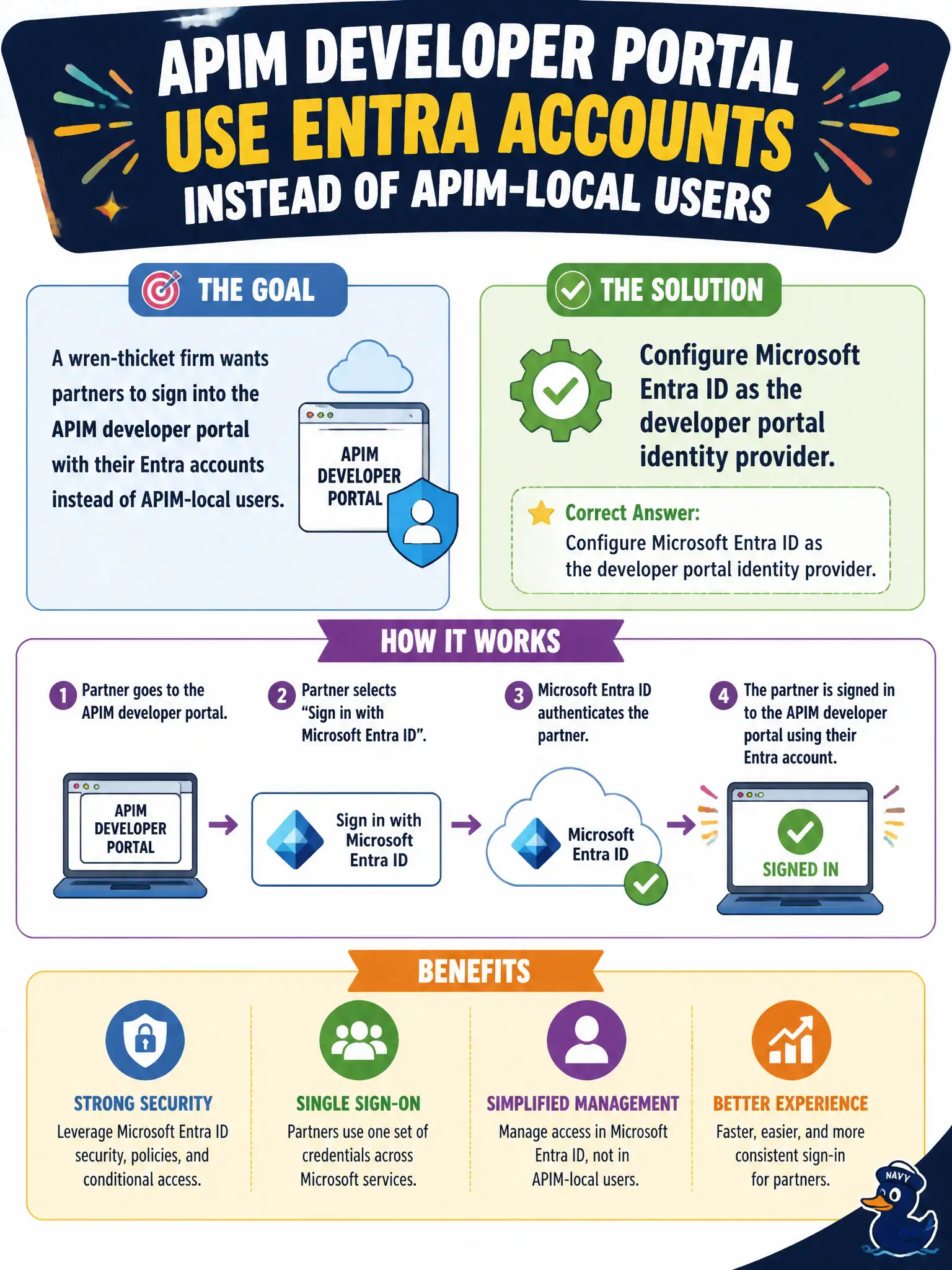
A wren-thicket firm wants partners to sign into the APIM developer portal with their Entra accounts instead of APIM-local users. What should the developer configure?
Select an answer to reveal the explanation.
Short Explanation
Partners already live in Entra? Hook Entra ID up as the APIM developer portal identity provider and drop the local-user chore for wren-thicket.
Full Explanation
To let wren-thicket partners sign into the APIM developer portal with organizational Entra accounts instead of APIM-local users, configure Microsoft Entra ID as the developer portal identity provider. Portal authentication then trusts Entra for sign-in while APIM continues to manage APIs, products, subscriptions, and groups—reducing local password choreography for firms that already live in Entra.
Replacing the portal with anonymous FTP access to gateway configuration is insecure, unsupported for partner docs, and removes the documentation and try-it experience. Forcing every partner to create a separate Azure subscription before reading docs conflates Azure billing tenancy with portal identity and creates unnecessary friction. Storing partner passwords in Application Insights custom events is an unsafe anti-pattern and is not an identity provider configuration at all.
Exam caveat: Entra as a portal IdP is about developer portal sign-in—not the same setting as validate-jwt for API runtime tokens, though both may appear together in a complete municipal identity design.
Operational check: in APIM developer portal identity settings, add Microsoft Entra ID, complete the app registration details as required, sign in as a partner user from the wren-thicket tenant, and confirm local-user-only registration is no longer required for portal access.