
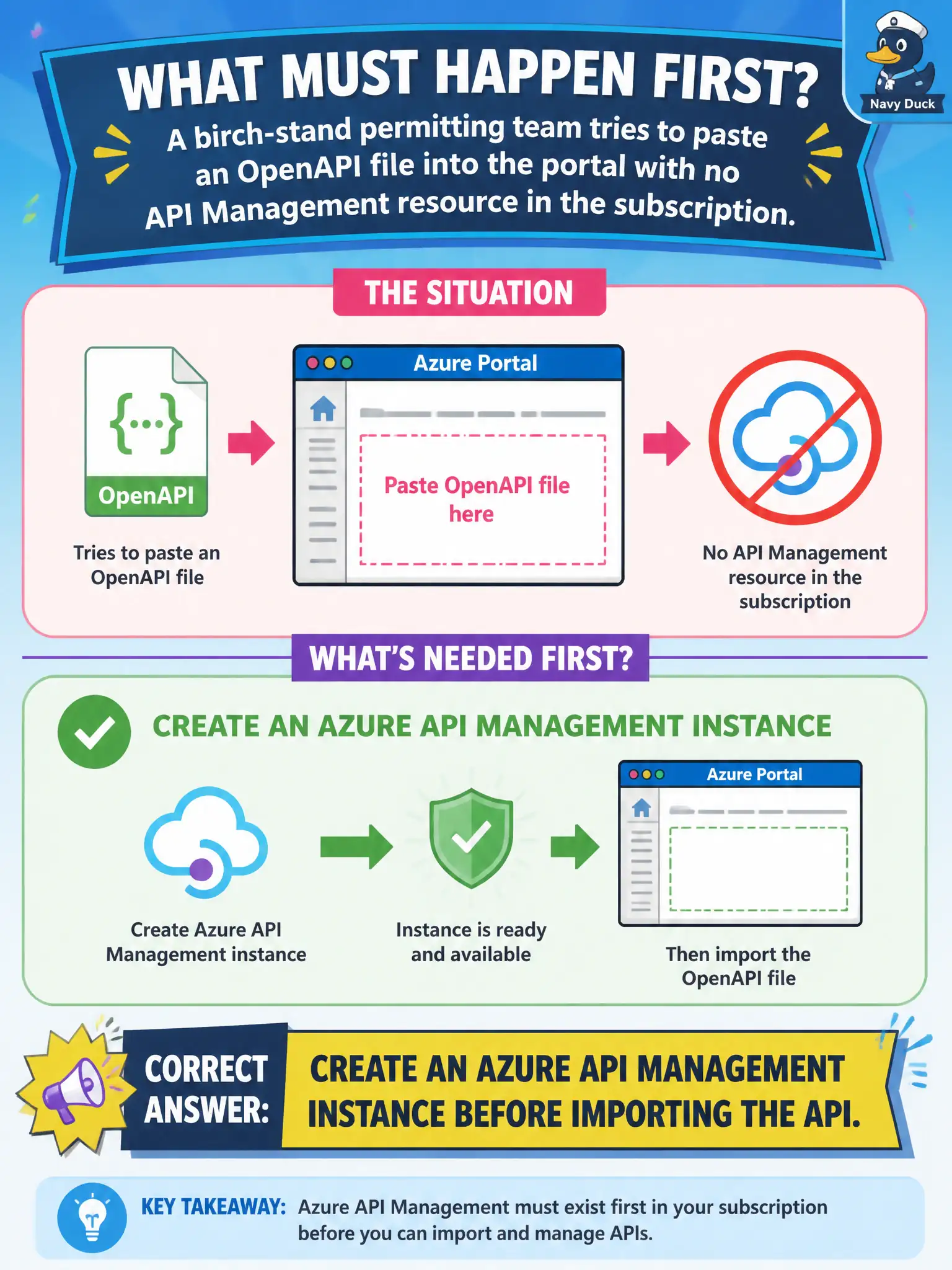
A birch-stand permitting team tries to paste an OpenAPI file into the portal with no API Management resource in the subscription. What must happen first?
Select an answer to reveal the explanation.
Short Explanation
No instance, no import—APIM has to exist first. Create the resource in the portal, CLI, or PowerShell, then bring the OpenAPI in.
Full Explanation
API definitions, products, revisions, versions, and policies all live inside an Azure API Management instance. The birch-stand permitting team cannot paste or import an OpenAPI file into APIM until that container resource exists in the subscription. Create the APIM instance first (portal, CLI, Bicep, or PowerShell), then import the specification as an API.
Publishing the OpenAPI file as a static website documents a contract but does not create a managed gateway, subscription model, or policy engine—APIM remains necessary for the managed facade. Converting the specification into an Event Hub consumer group confuses an API description with a messaging consumer construct and yields no gateway. Storing the spec only in Key Vault protects a secret or document; it does not stand up API Management or import operations.
Exam caveat: import workflows in the portal and tooling assume a target APIM service already selected—there is no floating “import without instance” path.
Operational check: provision the APIM resource, wait until it reports Succeeded, then use APIs → Add API / OpenAPI to import the birch-stand file and confirm operations appear under the new API before publishing a product.