
GuardDuty raises a high-severity finding on an EC2 instance that is still running and still in the application security group. What should be done first?
Select an answer to reveal the explanation.
Short Explanation
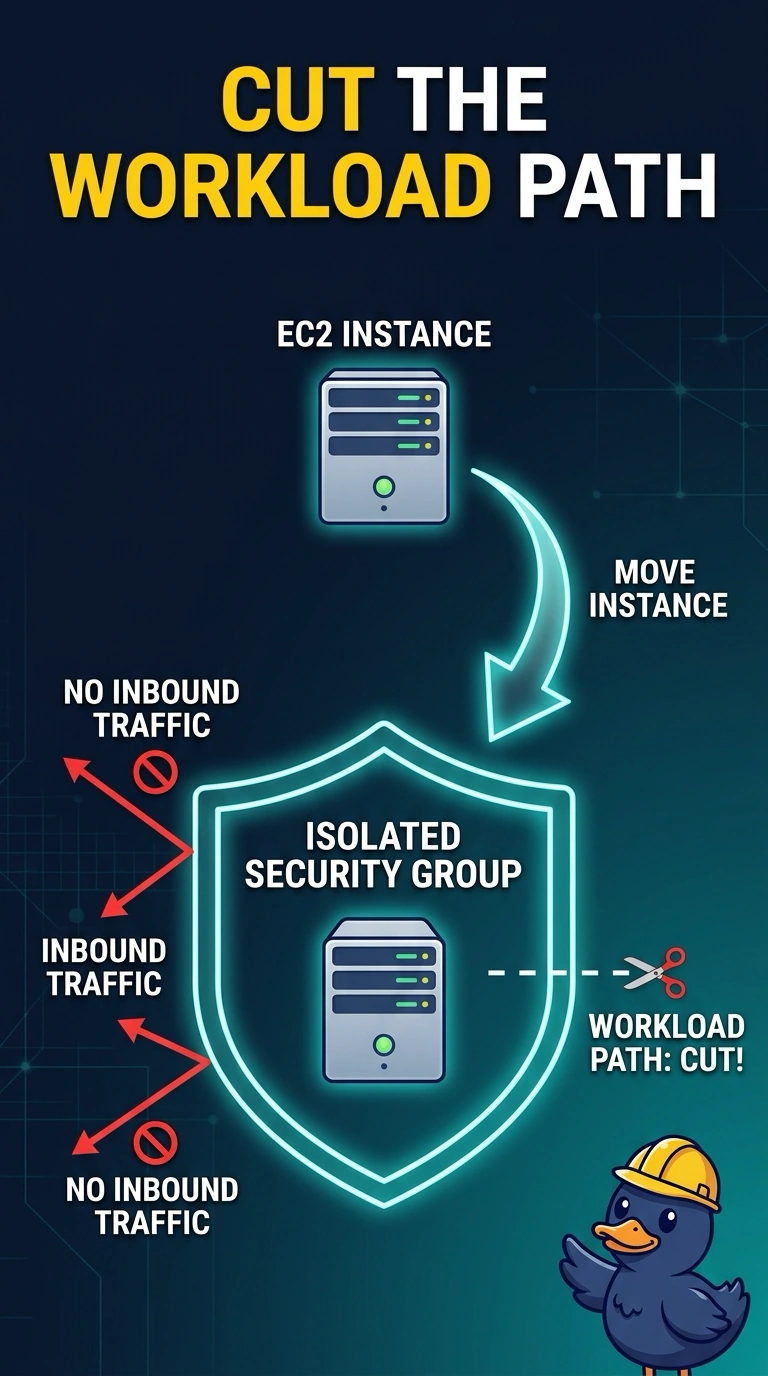
The alarm slip is not the fire, and filing it does not put the fire out. When GuardDuty raises a high-severity finding on a running instance, you first isolate it by moving it to a security group that allows no inbound traffic, cutting the workload path. Archiving the finding only changes its status, while opening the group to the internet widens the path you are trying to close.
Full Explanation
A high-severity GuardDuty finding means the instance is still a live suspect: it is running and remains in the application security group. Your first action is to isolate it from the workload by moving it to a security group that allows no inbound traffic, cutting new inbound access from the application path. Archiving the finding only changes its workflow state in the console; the instance keeps running in the application security group and remains connected. Disabling the GuardDuty detector in the Region stops new findings there, but does not disconnect this instance and reduces visibility while it remains in place. Opening the instance security group to the internet creates a path from any address, the reverse of containment. Exam caveat: if the finding concerns the instance calling out, remove outbound rules as well; security groups are stateful, so return traffic for connections the instance starts is still allowed. Practical check: after the change, confirm the instance’s security group has no inbound rules and application targets no longer send it traffic, then snapshot the volumes if you still need evidence.