
Trusted Advisor reports unrestricted access on a retailer's S3 bucket that should not be public. What should the team do?
Select an answer to reveal the explanation.
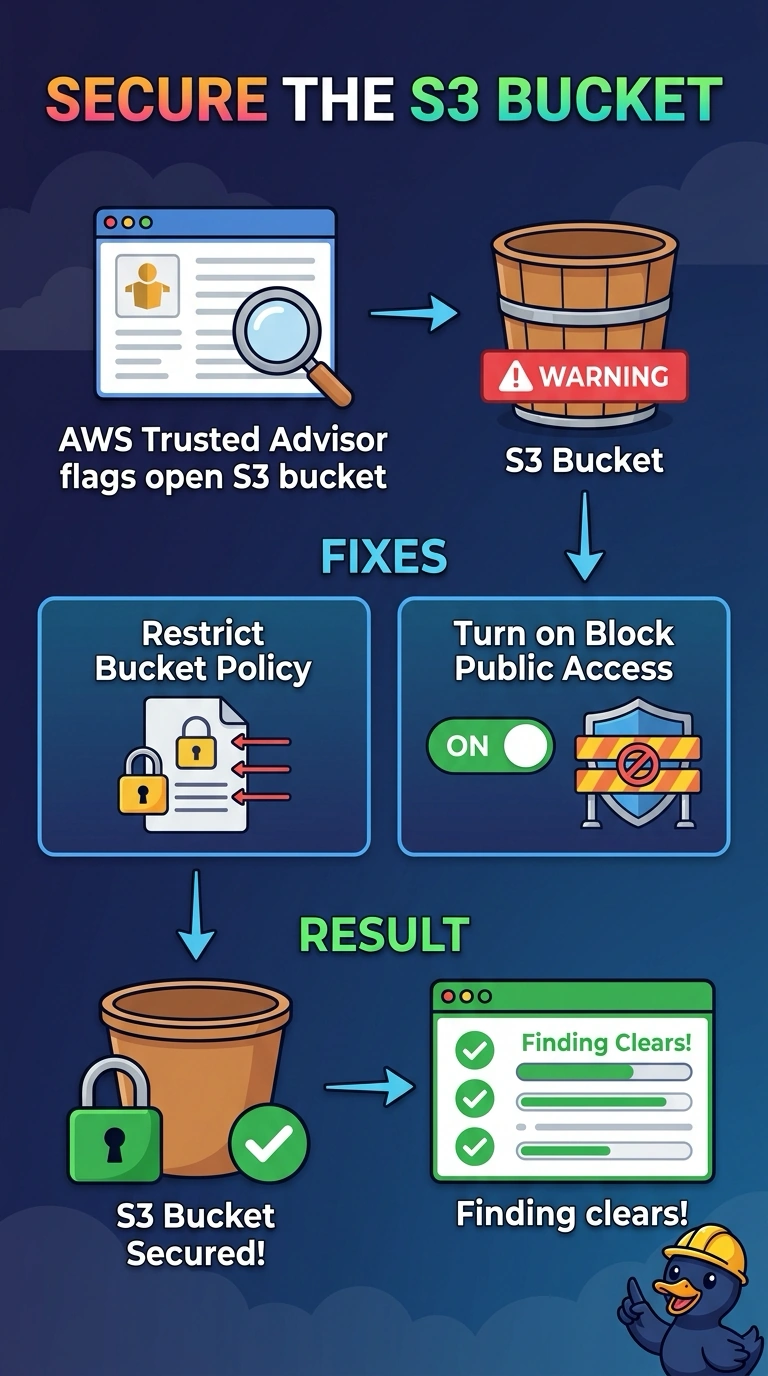
Short Explanation
Covering the warning light does not close the open door. You have a bucket that allows unrestricted access, so the fix is the bucket policy and Block Public Access, not a hidden Trusted Advisor check. Excluding the bucket leaves the public grant in place for anyone who finds it.
Full Explanation
The Trusted Advisor finding means a bucket policy or ACL still allows broad public access. Remove that grant and enable Block Public Access on the bucket so public ACLs and public policies cannot keep the objects open. Once the bucket is no longer open, the check can return a clear result the next time it updates. Block Public Access is what stops a later ACL or policy from reopening the bucket. Excluding the bucket only hides that row in Trusted Advisor, and the data remains reachable under the old grant. Disabling Trusted Advisor removes the signal for every other check in the account and does nothing to the bucket. Adding another public ACL widens the exposure and gives the check a stronger finding. Caveat: account-level Block Public Access can override a bucket that some workload still publishes from, so confirm this bucket is not an intentional public site before you turn it on. Operational check: after the policy change, send an anonymous request for a known object, confirm it is denied, and review the check again after it refreshes.