
CloudTrail shows an s3:DeleteObject call made with an IAM user access key that the team thought was retired months ago. The user still owns other keys that a build uses. What should happen to the key in the event first?
Select an answer to reveal the explanation.
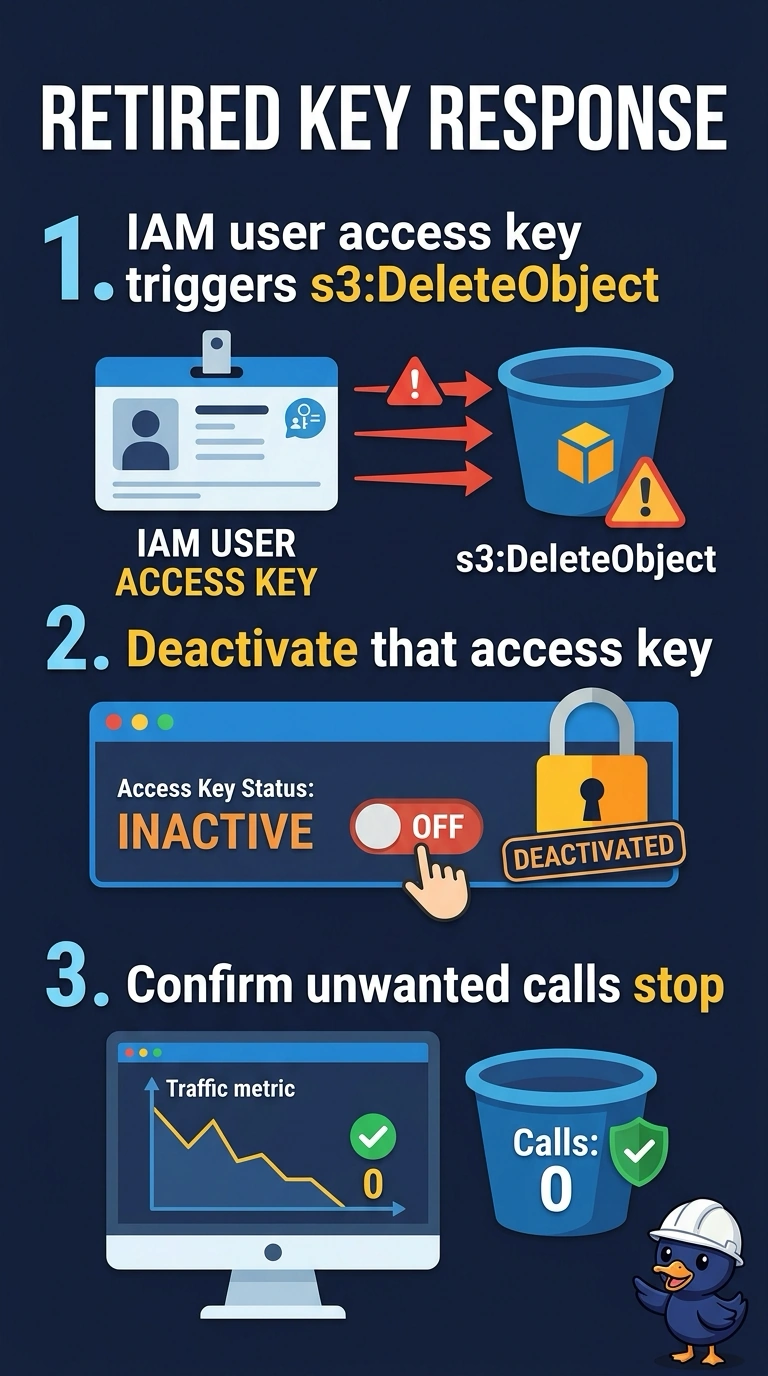
Short Explanation
The trail points you to a key that should no longer be in use. Deactivate that specific key and confirm the unwanted call stops; deleting the user would also remove the build’s other key, and hiding the trail would leave the credential active.
Full Explanation
Deactivating the access key identified in the CloudTrail event disables that credential while leaving the IAM user and its other keys in place. This lets you check whether anything legitimate depends on the key before taking broader action. Deleting the IAM user would revoke all of its keys and login access, including the separate key still used by the build. Making the key public in Parameter Store would expose the credential rather than make rotation safe or obvious. Turning off CloudTrail would remove visibility into activity but would not deactivate the key, so unwanted calls could continue without being recorded. Caveat: if a system you still need uses this key, deactivation will disrupt that system; confirm the impact before deleting the user, which would also affect the build. For a practical check, deactivate the key on the specific IAM user shown in the event, verify that its status is inactive, and query CloudTrail again for successful calls using that access key ID. Confirm that no further successful calls appear and monitor the build: because it uses another key, it should remain unaffected. Do not confuse the key with a different user’s key that happens to have a similar prefix. Turning off the trail would also hide evidence of any later credential misuse.