
An audit of a university account finds that IAM users can set short passwords that never expire. The auditor wants a minimum length and expiration for those IAM user passwords. What should be configured?
Select an answer to reveal the explanation.
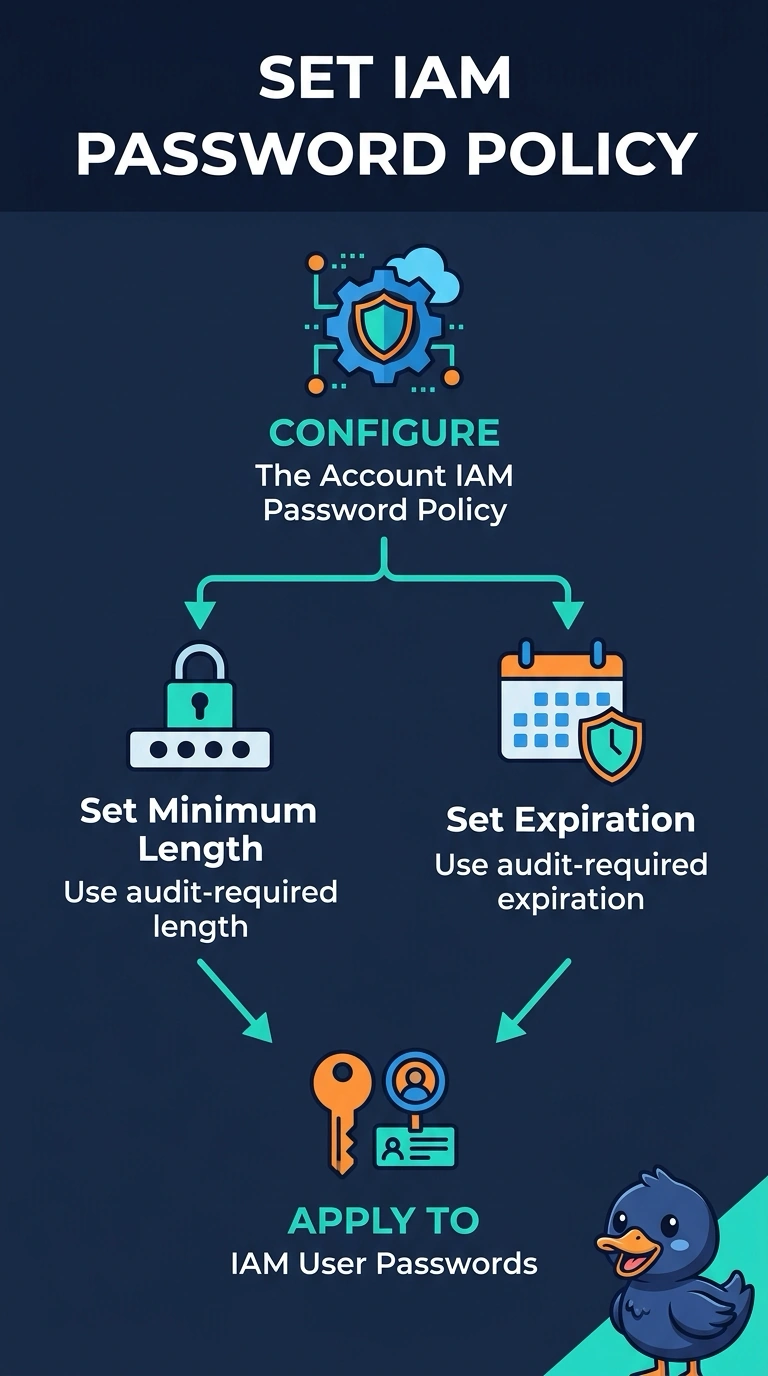
Short Explanation
IAM user passwords are governed by the account password policy, the way a building sets the rules for its own badges. You set length and expiration there. A bucket policy and a security group do not inspect passwords, and neither does an alarm.
Full Explanation
The IAM account password policy sets requirements for IAM user passwords, including minimum length and expiration. That is the control the auditor named. A bucket policy evaluates S3 calls, not password strength. A security group filters packets by port and address, not by password age. CloudWatch has no built-in metric of IAM password length to put in a composite alarm. Caveat: this policy applies to IAM users, not to identities that sign in through an external identity provider; those passwords are governed at the provider. Operational check: after you save the policy, confirm the console shows the required length and expiration, and that a too-short password change is rejected. The password policy screen sets minimum length, password reuse, and expiration in days. It does not apply retroactively until the user next changes the password, so an audit may also ask you to expire existing passwords. IAM users created later inherit the policy. Federated users are unaffected. After the change, try to set a short password on a test user and confirm the console refuses it.