
A studio disabled a customer managed KMS key during cleanup. Applications can no longer read S3 objects that were encrypted with that key, and the objects are still in the bucket. What restores read access with the least data movement?
Select an answer to reveal the explanation.
Short Explanation
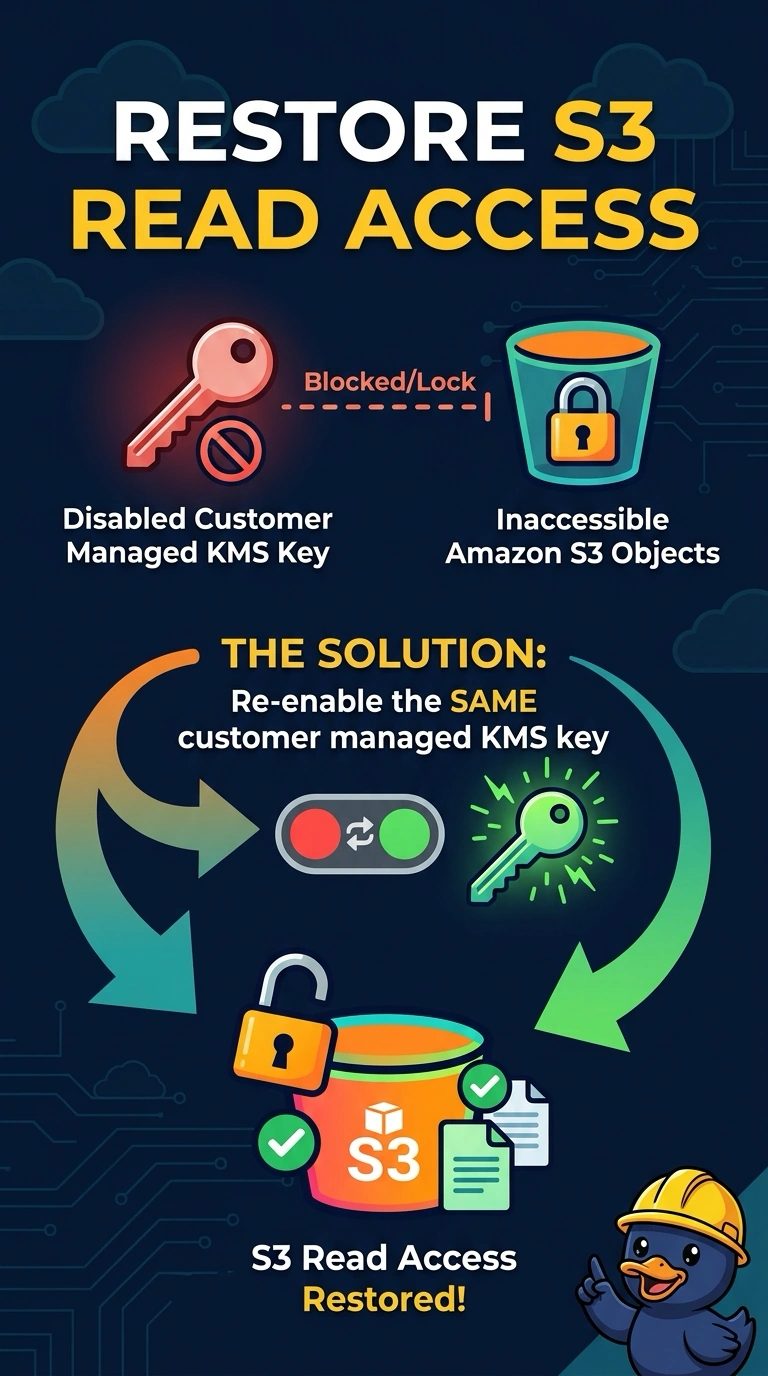
Your objects are still encrypted with the same key, so re-enabling that customer managed key restores access without moving data. A new bucket or turning off default encryption won’t unlock existing objects, and deleting them won’t restore them.
Full Explanation
A disabled customer managed key cannot decrypt objects encrypted with it. Re-enabling the same key restores the ability to decrypt those objects without copying or moving their data, so you can regain read access with the least data movement. Creating a new empty bucket and enabling versioning there does not move the existing objects or provide the key material needed to decrypt them. Turning off default encryption on the current bucket affects how new objects are encrypted; it does not change the encryption on existing objects, which still require the original key. Deleting the unreadable objects removes the data rather than restoring it, and a key alias is only a name for a key, not a backup from which S3 can recreate objects. Exam caveat: if the key is pending deletion rather than merely disabled, cancel the scheduled deletion before using it; once the key has been deleted, it cannot be re-enabled. Practical check: confirm that the key state is Enabled, then have the application read an object that previously failed.