
Versioning is enabled on a contracts bucket. A cleanup deleted an object and did not specify a version ID. The console shows the key as deleted, and the older versions are still listed. How is the current view of that key restored?
Select an answer to reveal the explanation.
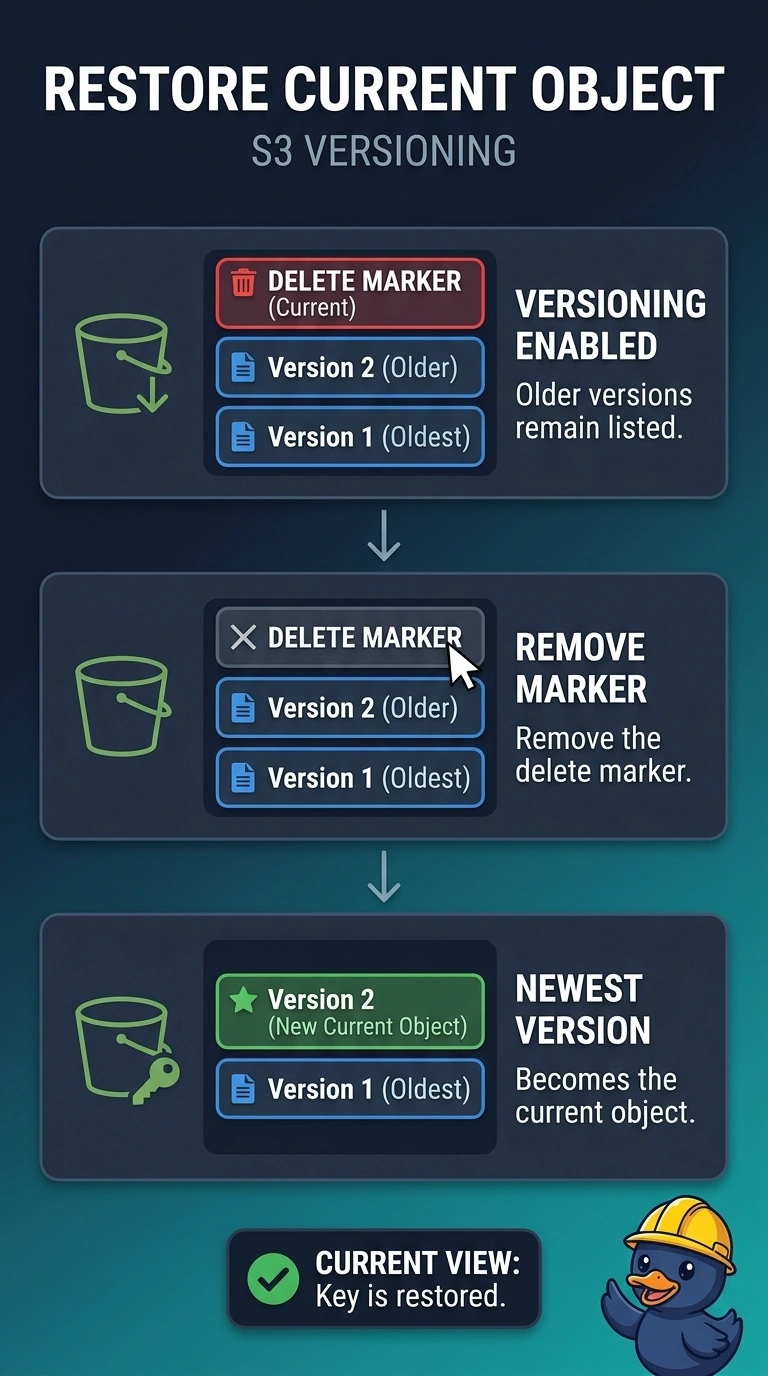
Short Explanation
You put a gone-note on a folder that is still in the drawer. On a versioned bucket, a delete without a version ID only writes a delete marker, so the older versions are still stored. Remove that delete marker and the newest remaining version shows as the current object again; suspending versioning does not peel the note off.
Full Explanation
On a versioned bucket, a delete that does not name a version ID writes a delete marker. The console hides the key behind that marker, and the stored versions remain. Removing the delete marker makes the newest remaining version the current object again, which restores the view of the key without copying bytes anywhere. Suspending versioning stops new versions from being created. It does not delete the marker, and it does not promote an older version to current. Incomplete multipart uploads are unfinished uploads. Aborting them does not remove a delete marker. MFA Delete adds a confirmation when a version is permanently deleted. Enabling it and deleting the key again, still without a version ID, adds another delete marker. It does not restore the versions. Caveat: if the version under that marker is itself a delete marker, remove markers until a real object version is current before you share the key. Operational check: after the marker is gone, a read of the key returns the newest remaining version and that version is still listed in the bucket.