
CPU is hot only on a SaaS fleet's instances tagged payments. Instances with every other tag are idle. Scaling out every Auto Scaling group in the account was proposed. How should operators focus the response?
Select an answer to reveal the explanation.
Short Explanation
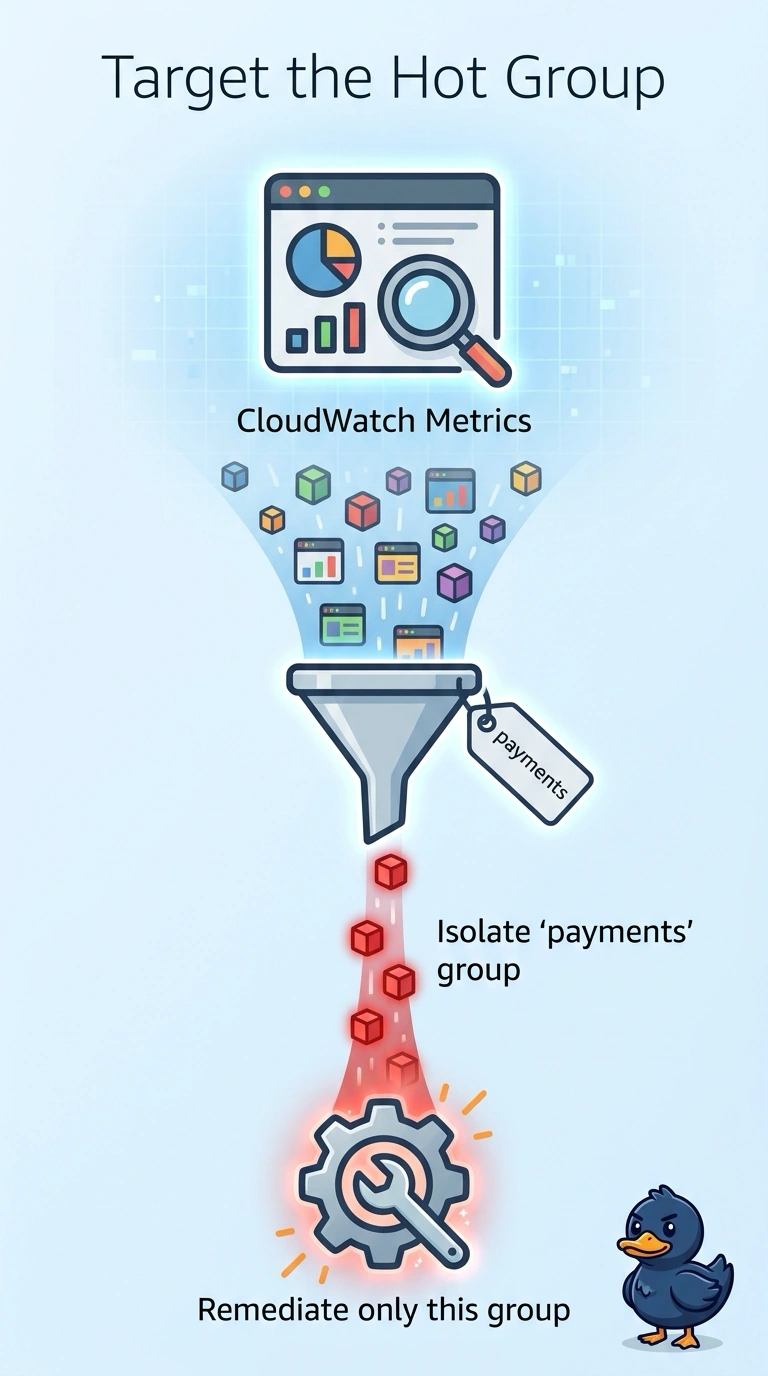
The smoke is coming from one stove, so you do not rebuild the whole kitchen. Group or filter the metrics by the payments tag and remediate that fleet, because the other tags are idle. The trap is an account-wide scale-out that grows the quiet groups too.
Full Explanation
CloudWatch Metrics Explorer filters and aggregates metrics by resource tag, so the payments tag can isolate the hot instances from the idle ones. The capacity change then belongs on that group alone. Raising desired capacity on every Auto Scaling group spends capacity on idle fleets and does not explain why the payments instances are hot. An account-wide average hides a hot group inside a large idle population and can stay quiet while payments is saturated. Removing the payments tag erases the label operators need and does not reduce CPU on those instances. A tag filter only includes instances that actually carry the tag, so a hot payments host missing the tag will not appear in the filtered view and can be left out of the fix. Build the filtered view, confirm every instance in it has the payments tag, and apply the remediation only to that group. Metrics Explorer follows the tag on current resources, so a new payments instance with that tag shows up without pasting instance IDs into the graph.