
A factory Automation execution has been in Waiting for an hour. The security group on the instance already allows the traffic the document needs. Opening another port was proposed. What is the execution waiting for?
Select an answer to reveal the explanation.
Short Explanation
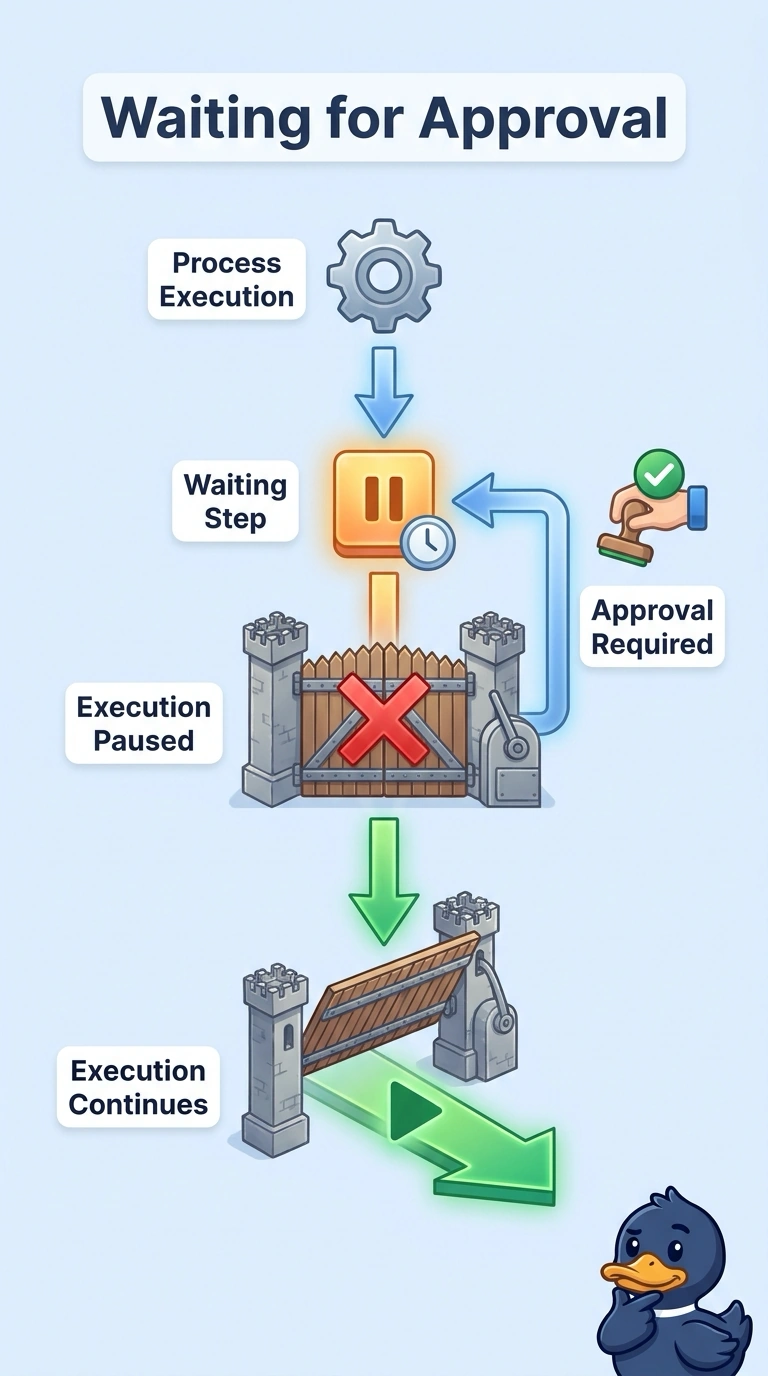
A work order parked on the supervisor's desk is not a locked door. Your execution is in Waiting, which means it is paused for input, and on this runbook that input is the approval. The trap is opening another port for a run the security group is not blocking.
Full Explanation
Automation reports Waiting when the run is waiting for input. The input that holds a runbook at an approval step is the approve or reject decision, and supplying that decision is what lets the execution continue. Another security group rule does not provide that input. The group already allows the document's traffic, and a real network block would fail a later step rather than park the whole execution in Waiting. A TCP health check belongs to a load balancer or target group and is not the status Automation is reporting. A CloudTrail digest file validates the integrity of log deliveries and is not a gate between Automation steps. Waiting is the documented input pause, so open the step and confirm it is the approval action and which principals may approve before anyone edits the network. Approve or reject that step and confirm the execution leaves Waiting without a security group change. A timed-out approval becomes TimedOut rather than staying in Waiting, so check the step age before assuming the execution is still waiting on a person.