
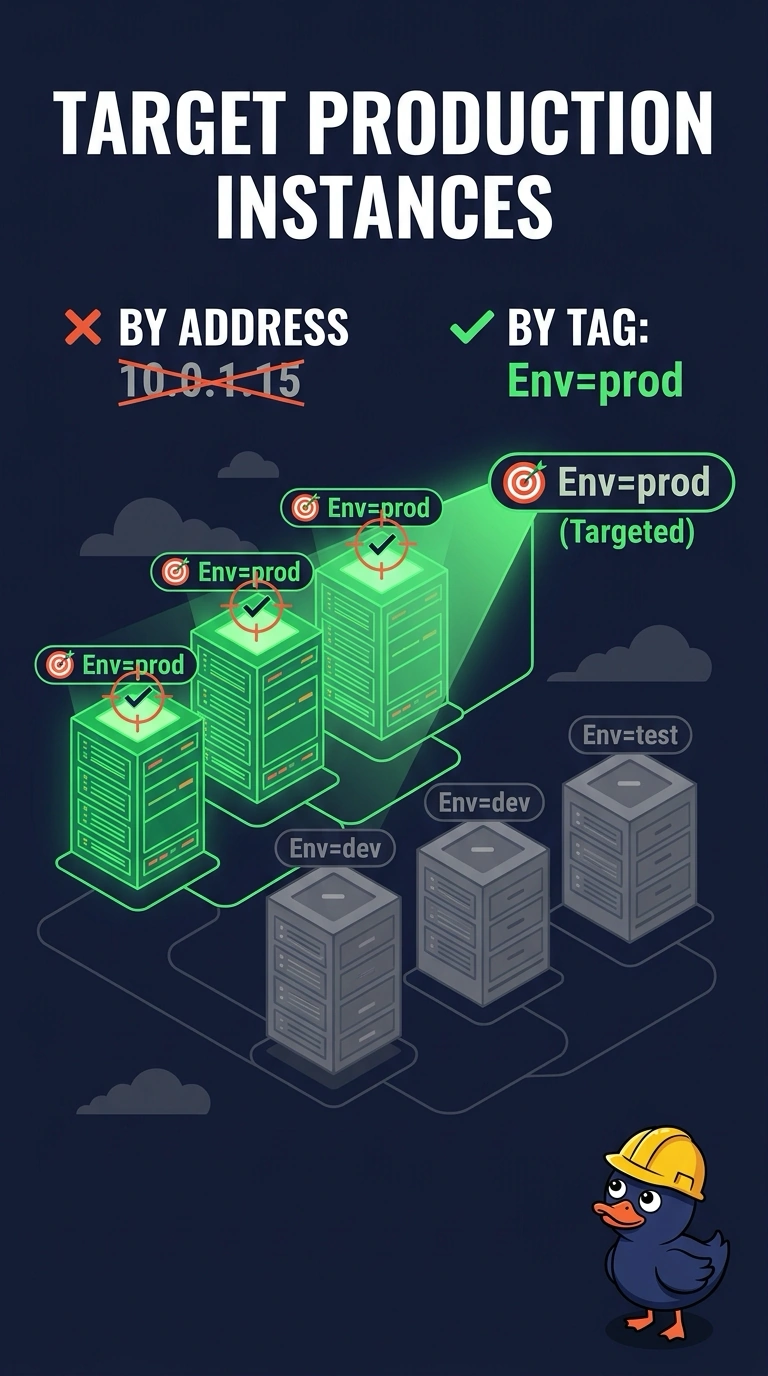
A media Automation document must run only on instances tagged Env=prod. The ticket pastes private IP addresses copied from last week's spreadsheet. What should the document target?
Select an answer to reveal the explanation.
Short Explanation
A guest list with last month's seat numbers will seat the wrong people. You want the instances that carry Env=prod right now, and a tag target follows that label when addresses change. The trap is pasting a stale IP list into the run.
Full Explanation
Systems Manager can select instances by tag at run time, so a document aimed at the Env tag with the value prod hits the instances that carry that tag when the run starts. Private IP addresses are reused by DHCP and by replacement instances, and last week's spreadsheet will miss new hosts or hit a host that inherited an old address. Targeting every managed instance and skipping non-production by hand runs on the wrong hosts as soon as someone does not skip. A production VPC CIDR is a network range, not a tag selector, and it includes every host in that range whether or not the Env tag is prod. The tag value has to match exactly, and a step that uses Run Command reaches only managed nodes, so an instance with the tag but no agent will not run a command step. Preview the resolved targets and confirm each selected instance has Env=prod and that no untagged host is included. A tag filter selects whatever currently carries Env=prod, while an address copied into the ticket goes stale as soon as that address is reused.