
A CloudWatch dashboard widget for an ALB went blank after the load balancer was recreated in another Region. The metric is healthy in the new Region. The widget still queries the old Region. What should change?
Select an answer to reveal the explanation.
Short Explanation
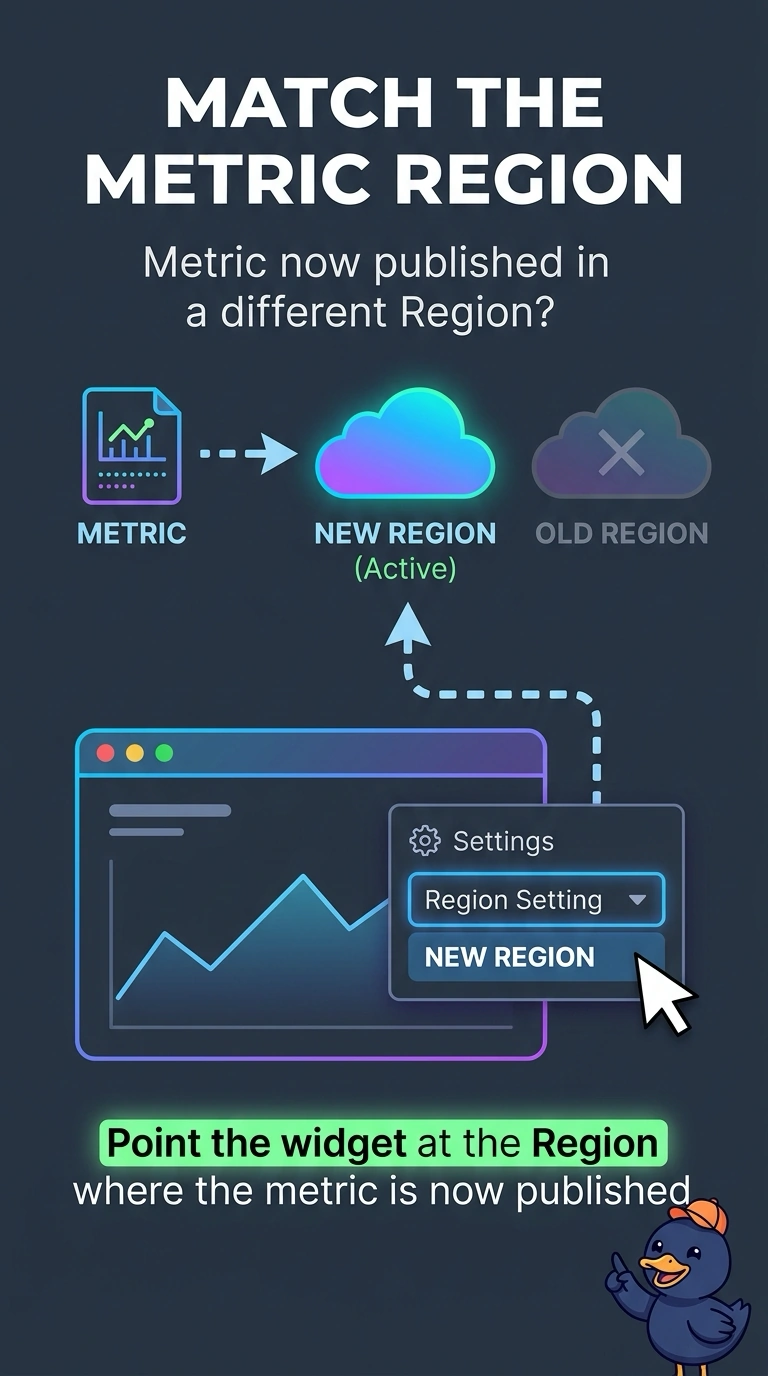
Your widget is still looking in the old Region, even though the metric moved. Point it to the Region where the metric is published, and your dashboard can show the healthy data again. Deleting the new load balancer to satisfy a stale widget would take away the healthy service.
Full Explanation
A CloudWatch dashboard widget stores the Region of the metric it graphs. After the load balancer was recreated in another Region, the old Region has no metric series, so the widget is blank even though the metric is healthy in the new Region. Point the widget at the Region where the metric is now published. Deleting the load balancer in the new Region would remove the healthy service and could cause an outage; it would not fix the stale widget. Turning off the metric in the new Region would leave the widget without data rather than make it work. S3 versioning does not copy CloudWatch metrics or replicate CloudWatch time series between Regions. Caveat: alarms created in the old Region are separate from the widget and will also be blind to the new metric until you recreate them in the new Region; duplicate the alarm there if you still need paging. Practical check: open the metric directly in the new Region and confirm the repaired widget shows the same datapoints. Set the widget’s Region to the load balancer’s new Region.