
A single EC2 instance fails its system status check, and a CloudWatch alarm sees that failure. The instance is not in an Auto Scaling group. What is the least disruptive recovery?
Select an answer to reveal the explanation.
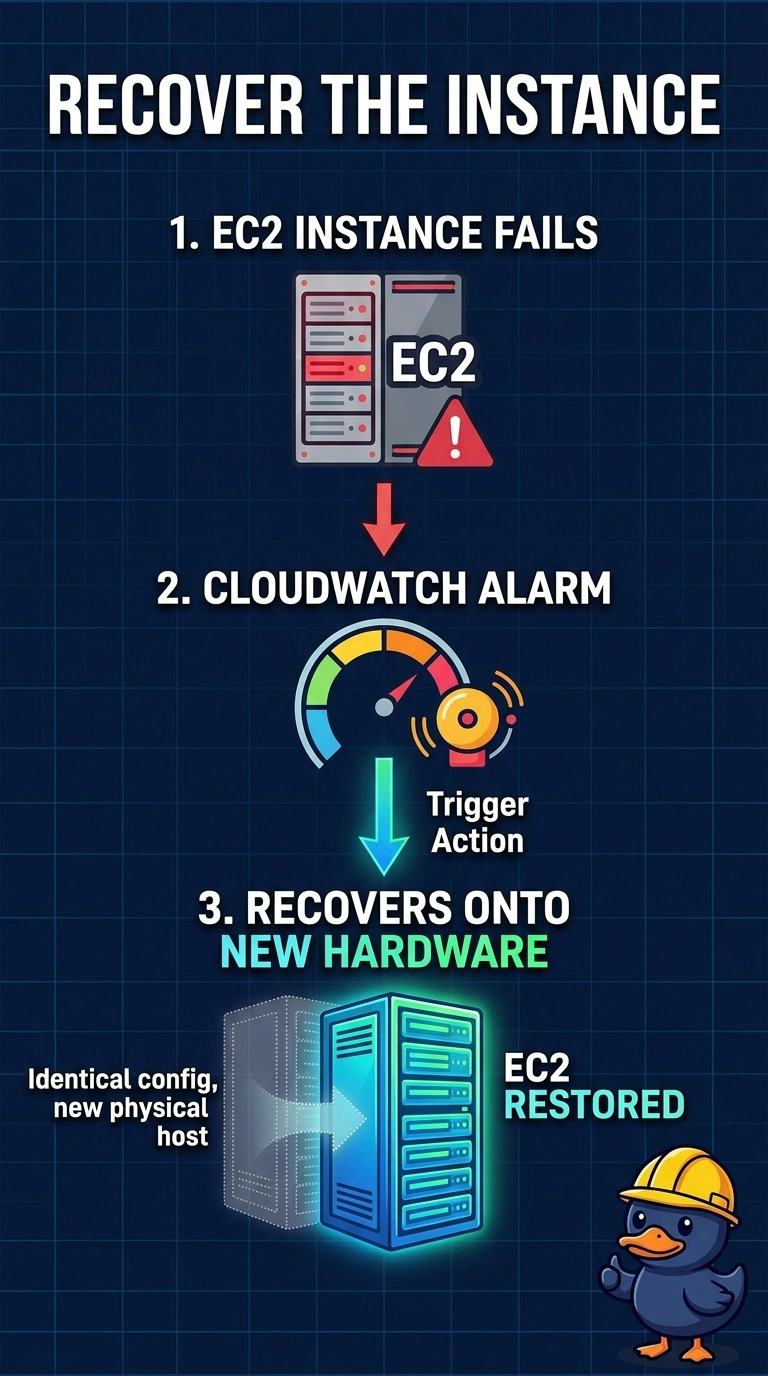
Short Explanation
A system status check means the building's hardware is the problem, not your furniture. Recover moves the instance onto healthy hardware and keeps the disks. Tearing down the VPC is not a recovery, and silencing the alarm leaves you on the bad host.
Full Explanation
A system status check failure means the underlying host is the problem. An alarm action that recovers the instance starts that same instance on new hardware and keeps its instance id, private addresses, and EBS volumes, which is the smallest change when the instance is not in an Auto Scaling group. Terminating every instance in the VPC and launching a replacement fleet takes down workloads that are still healthy. Deleting the subnet removes the network placement and does not move the failed host. Disabling the status check alarm leaves the instance on the failed hardware and only stops the page. Caveat: recover moves the instance to new hardware; it does not repair a broken operating system on a host that is otherwise fine, so confirm the failing check is the system status check named in the stem. Operational check: confirm the alarm action is recover, then verify the instance returns to running with the same volumes attached and the system status check clear.