
A shipping line wants the CloudWatch agent to stay installed on its instances, including instances that lose the agent later. A user-data script installed it once at first boot and does not run again. What keeps the agent installed?
Select an answer to reveal the explanation.
Short Explanation
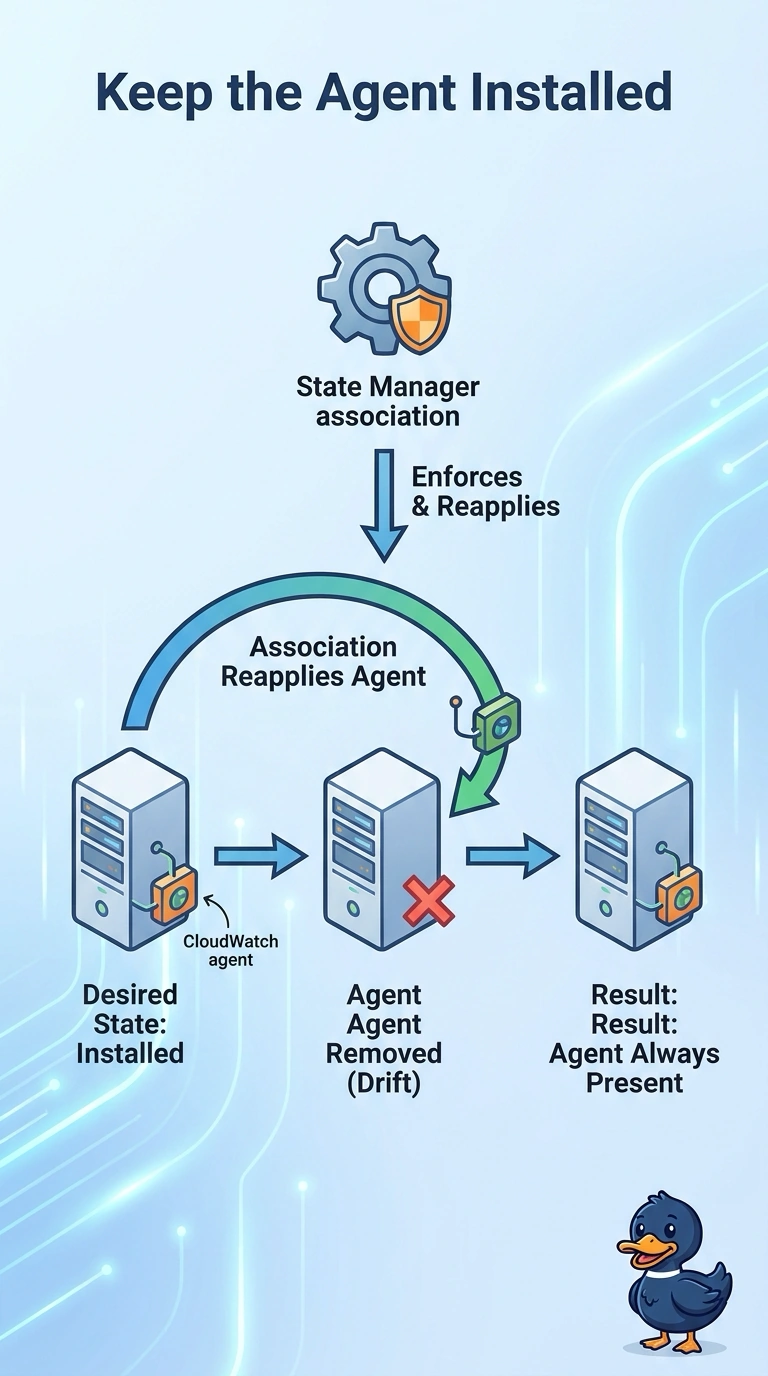
A note taped to the door on move-in day does not climb back up after someone peels it off. You keep the CloudWatch agent in place with a State Manager association that installs it again when it is missing. Rebooting does not rerun that one-time user-data script, and a new AMI only helps the next replacement.
Full Explanation
State Manager associations apply a chosen configuration to targeted instances and can reapply it, so an association that installs the CloudWatch agent puts the agent back when it is missing. The user-data script in this launch path already ran once at first boot and does not run again, so leaving it unchanged does not repair an instance that loses the agent later. A reboot does not by itself replay that one-time script. Replacing the AMI fixes instances launched from the new image, but it does not reinstall the agent on an instance that is already running until that instance is replaced. The association is the control that looks again later. A new image helps only after an instance is launched from it, which is too late for a host that lost the agent today. Caveat: the association reaches only instances that are managed nodes, so the instance profile and the path to Systems Manager still have to work. Operational check: remove the agent from one test instance and confirm a later association run installs it again and the agent process is running.