
An operator needs a command shell on an instance that has no public address. Allowing port 22 from the office would publish SSH on the subnet. How should the operator open the shell?
Select an answer to reveal the explanation.
Short Explanation
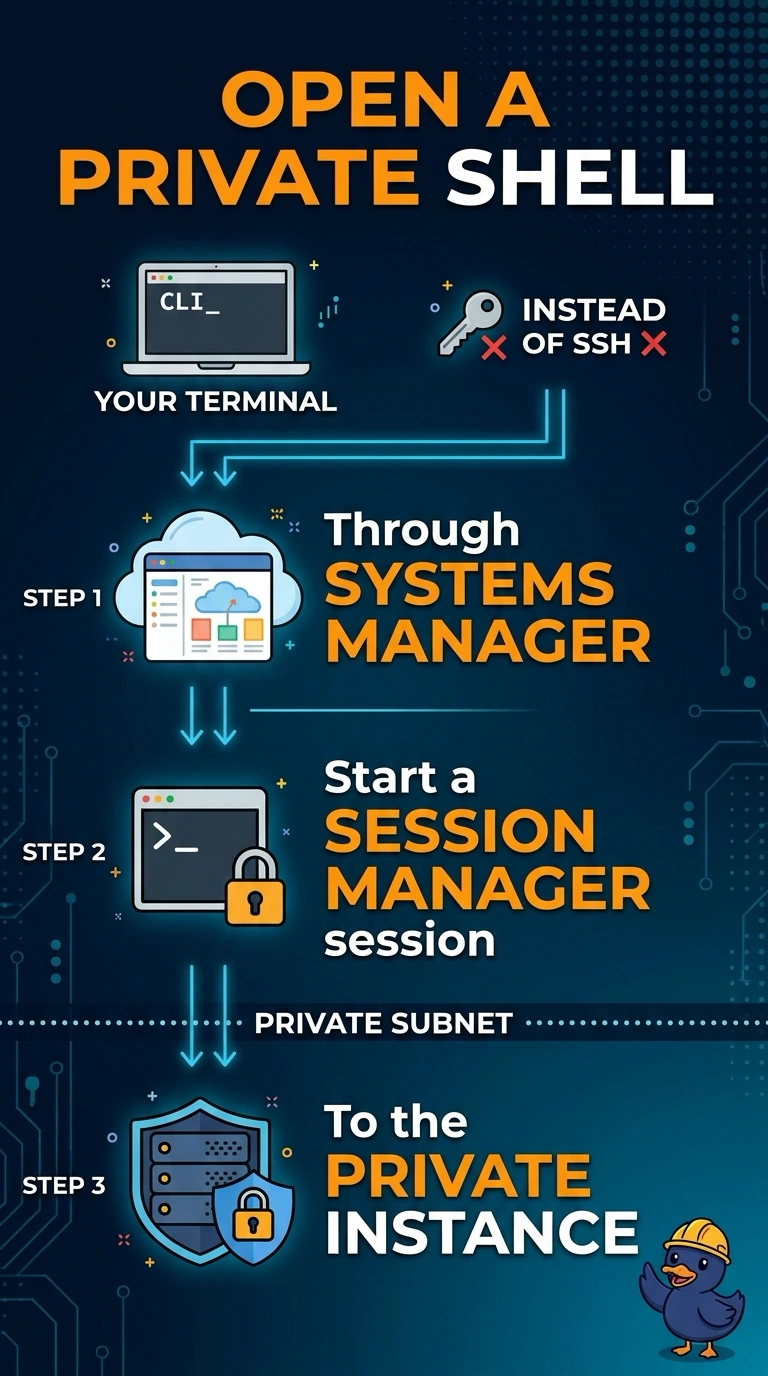
Publishing port 22 is cutting a new keyhole in a private door. You open a shell with Session Manager, which reaches the instance through Systems Manager instead of an inbound SSH port. An Elastic IP plus port 22 is the exposure your operators were told to avoid.
Full Explanation
Session Manager opens a shell through Systems Manager. The instance does not need a public address, and the subnet does not need an inbound rule for port 22. The operator starts a session to the managed instance over that channel. An Elastic IP plus an allow for port 22 from the office publishes SSH, which is the exposure this change is meant to avoid. Allowing port 22 on the network ACL and hopping through a bastion with a shared key still depends on inbound SSH and a credential several people hold. The EC2 serial console is a break-glass path for boot problems. It is not the ordinary admin shell, and it does not take the place of Session Manager for routine work. Caveat: the instance needs the Systems Manager agent, an instance profile that allows Systems Manager, and a network path to the service, either outbound through NAT or through interface VPC endpoints. Operational check: confirm the instance appears as a managed instance, then open a session and run a command with no inbound rule for port 22.