
An OpenTofu apply for a shared network account failed because the provider rejected the credential. The remote state still lists the existing VPC and its subnets. What should the operator do before applying again?
Select an answer to reveal the explanation.
Short Explanation
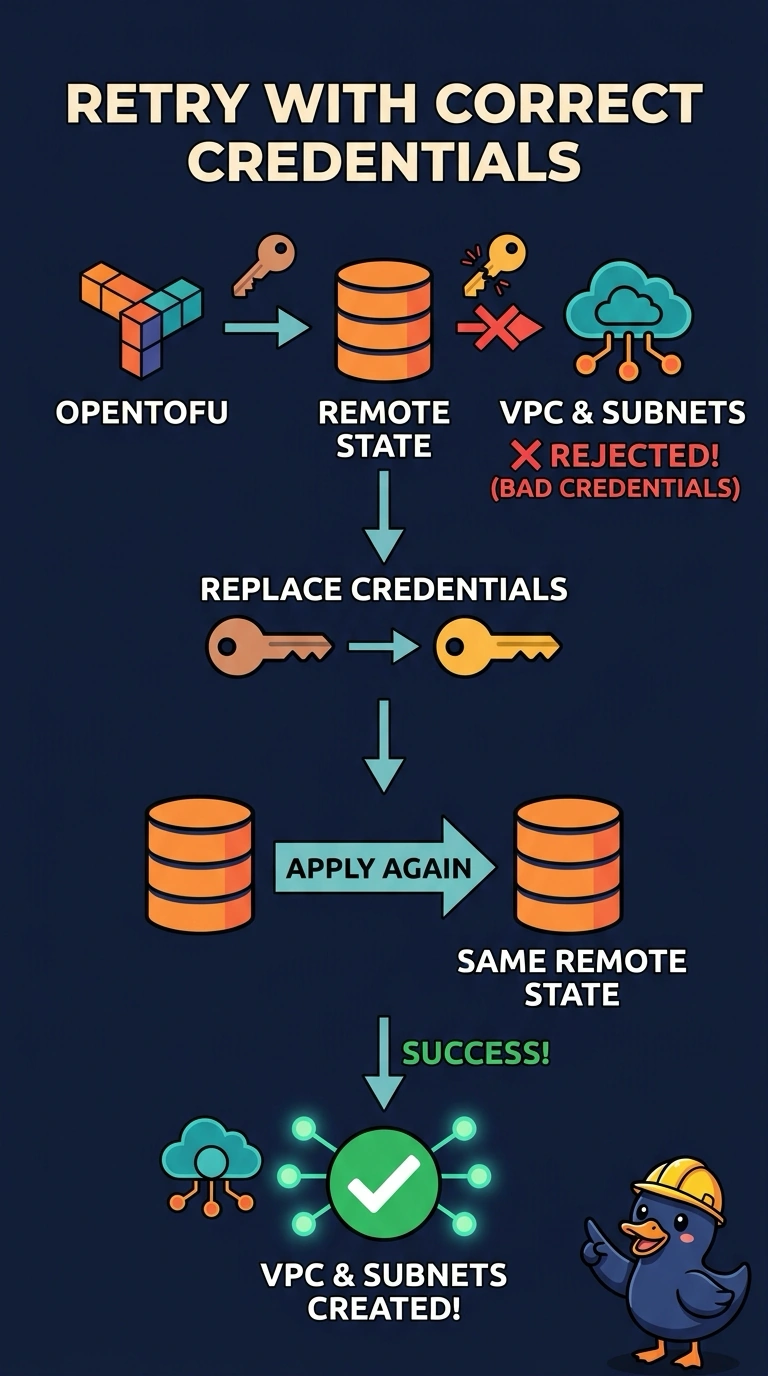
A rejected credential is a bad key, and your house is still the same house. Replace the credential and apply again using the existing remote state, so OpenTofu keeps track of the VPC and subnets it already manages.
Full Explanation
The apply stopped because the provider rejected the credential, before it changed the network. The remote state still describes the VPC and subnets that exist, so replace the rejected credential and apply again against that same remote state. This lets OpenTofu continue managing the resources it has already recorded. Copying the state to a new backend key starts a second history; an apply against that state may not see the existing VPC and can try to create another one. Deleting the remote state also leaves the live network unmanaged, so a later apply treats it as absent. Switching to a new local state file on the operator’s laptop creates another empty history and separates the apply from the shared account’s real state. Caveat: do not edit or delete state to force a successful apply, and do not proceed if a plan shows unexpected resource creation. Practical check: use the corrected credential to run a plan, confirm the existing VPC remains in state, and verify that the plan does not propose creating it.