
A hospital reviews a CloudFormation change set that would replace the production database. The only intended edit was a tag. The change set has not been executed. What should the operator do?
Select an answer to reveal the explanation.
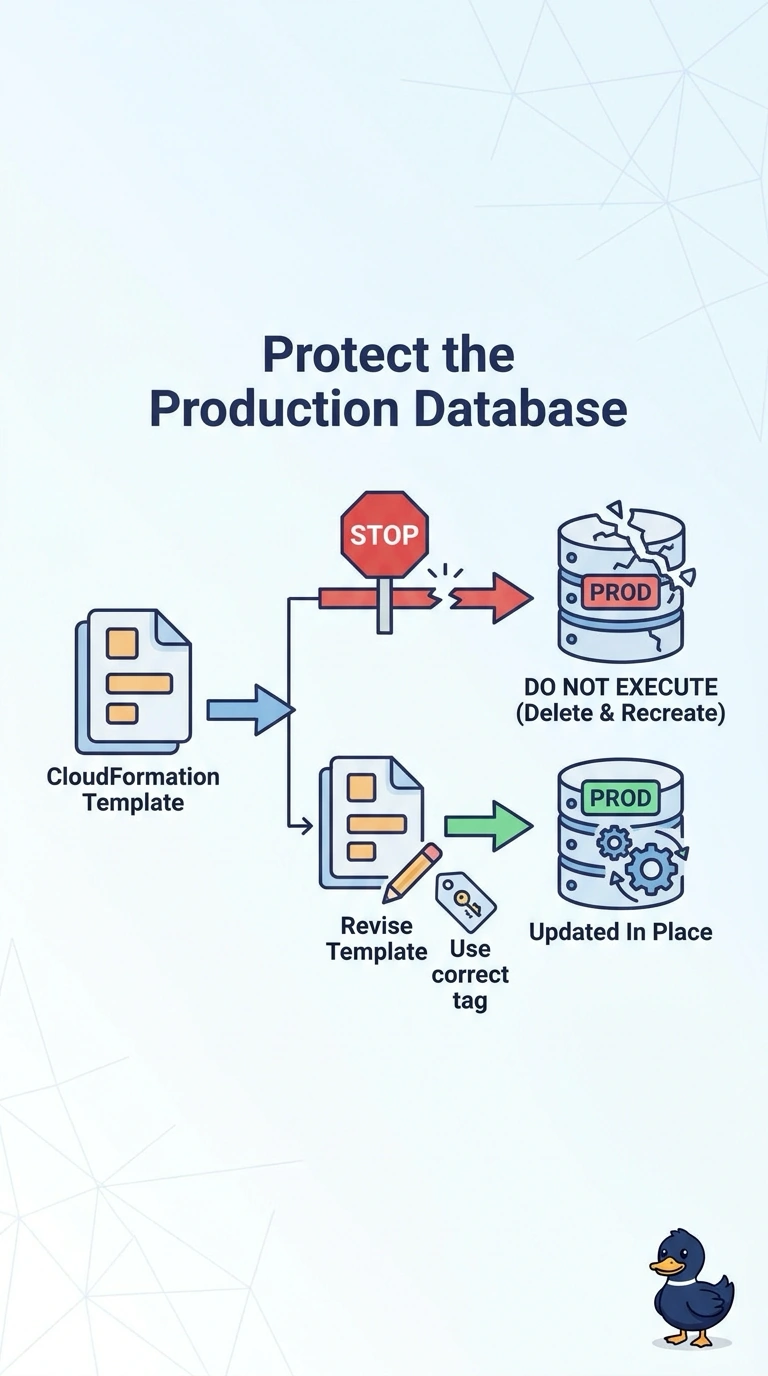
Short Explanation
You’re right to pause before anyone executes a change set that would replace the production database just to change a tag. Leave it unexecuted and revise the template so the database is updated in place. Setting its deletion policy to Delete would make the risk worse, not apply the tag safely.
Full Explanation
CloudFormation replaces a resource when a changed property requires replacement. A tag edit should not require replacing the production database, so a change set showing replacement signals that the template includes some other change that forces a new database. Do not execute the change set in the next window: doing so would create a replacement database rather than safely applying the intended tag, and depending on the deletion policy, the existing database holding production data could be destroyed. Instead, keep the change set unexecuted, identify the replacement-triggering property, and revise the template so the tag update modifies the existing database in place. Setting the database’s DeletionPolicy to Delete and then executing the replacement would cause the old database to be deleted rather than retained; it does not make the tag edit safe. Restoring last night’s snapshot over the live instance is a recovery action, not a way to apply a tag, and could overwrite newer transactions. Caveat: if a template change genuinely requires replacing a database property, plan a migration to a new database and a cutover rather than disguising the replacement as a tag update. Practical check: generate a new change set and confirm that it shows an in-place database modification with no replacement before anyone executes it.