
CloudFormation replaced an instance during an update. The Elastic IP that had been associated by hand stayed behind on nothing, and the new instance has no public address. The template never mentioned the address. What should the template include?
Select an answer to reveal the explanation.
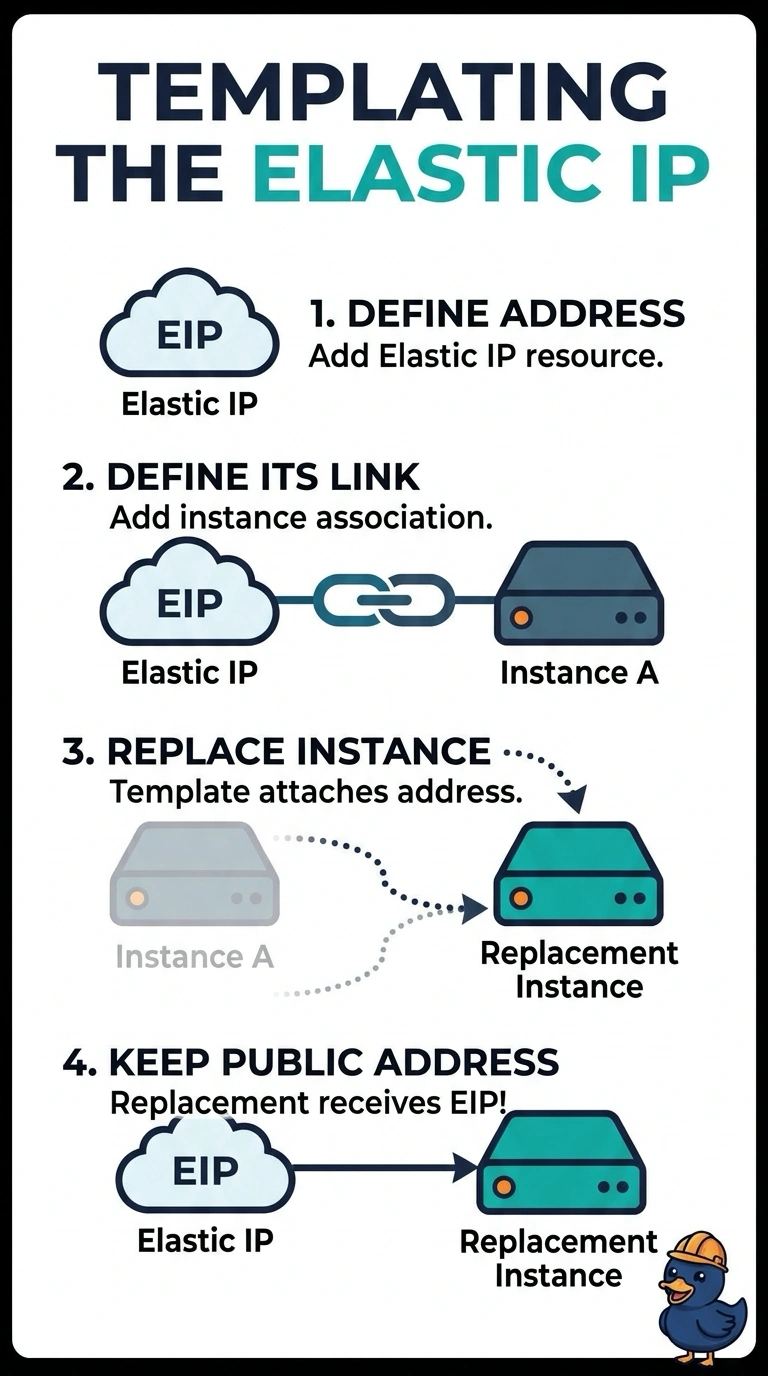
Short Explanation
If the address is not in the template, CloudFormation does not know to move it when it replaces the instance. You describe the Elastic IP and the association in the template. A comment in the file is a wish, not an association.
Full Explanation
Resources CloudFormation does not manage are left behind when it replaces an instance. A hand-associated Elastic IP stays associated with the old network interface or with nothing useful, and the new instance comes up without it. Declaring the address and the association in the template makes the replacement take the address along. A comment does not run. An extra instance does not bind the address. A bucket policy cannot associate an Elastic IP. Caveat: an address that is also associated outside the stack can fail the update with a conflict; the template should be the only owner. Operational check: after a test replacement, the new instance should have the same Elastic IP and the template should list that resource. Add an AWS::EC2::EIP and an association resource, or the equivalent in the tool you use, with DependsOn or a reference so the new instance exists first. Remove the hand association so the stack is the only owner. On the next replacement the address should move. A comment in the template will not run. After a test update that replaces the instance, the public address on the new instance should be the one you declared.