
A game studio's Lambda deploy fails when the console tries to upload the zip directly, and the message says the package is too large for a direct upload. A teammate wants to raise the function's memory setting. How should the package be published?
Select an answer to reveal the explanation.
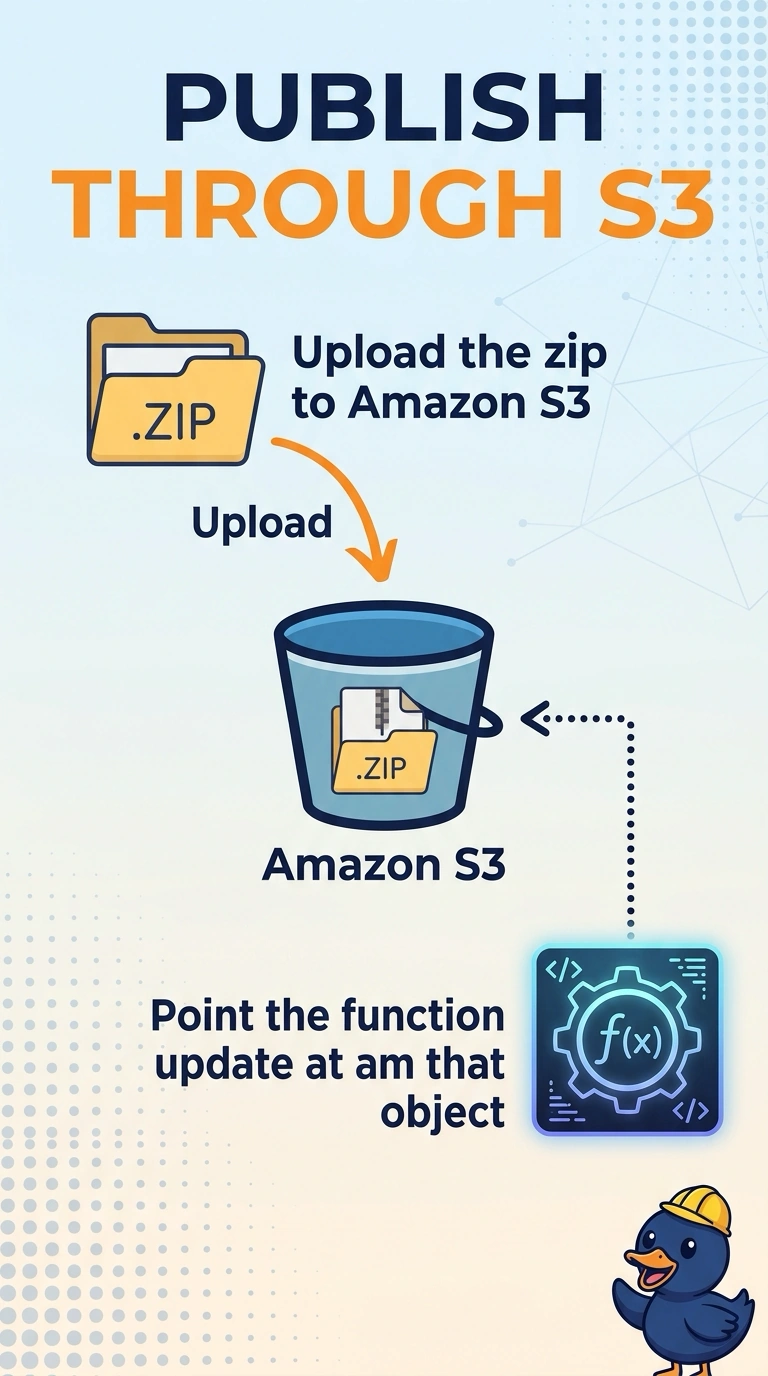
Short Explanation
The loading dock is refusing the crate, and raising the machine's horsepower does not widen the dock door. You are over the direct-upload quota, so the zip belongs in S3 and the function update should reference that object. Memory changes how much CPU the invocation gets, not how large a package the upload API will accept.
Full Explanation
Lambda accepts a direct zip upload only up to the direct-upload quota. A larger zip is published by storing the object in an S3 bucket in the same Region and calling the function update with that bucket and key. The function's memory setting allocates memory and proportional CPU at invocation time. It is unrelated to the deployment package quota, so raising it cannot make a rejected upload succeed. Splitting into two functions is an application redesign, and account concurrency does not increase the package size Lambda will accept. Parameter Store and environment variables hold small configuration values, not a deployment archive, and the environment-variable quota is far too small for a package. Caveat: publishing through S3 removes the direct-upload ceiling, but the unzipped package, including layers, still has to fit Lambda's unzipped quota. Operational check: after the S3 update, read the function configuration and confirm the new code size and revision before you shift any alias traffic.