
An ECS service on a port-8080 container never reaches steady state. The target group health check uses port 80. The tasks start and then fail the check. What should be aligned?
Select an answer to reveal the explanation.
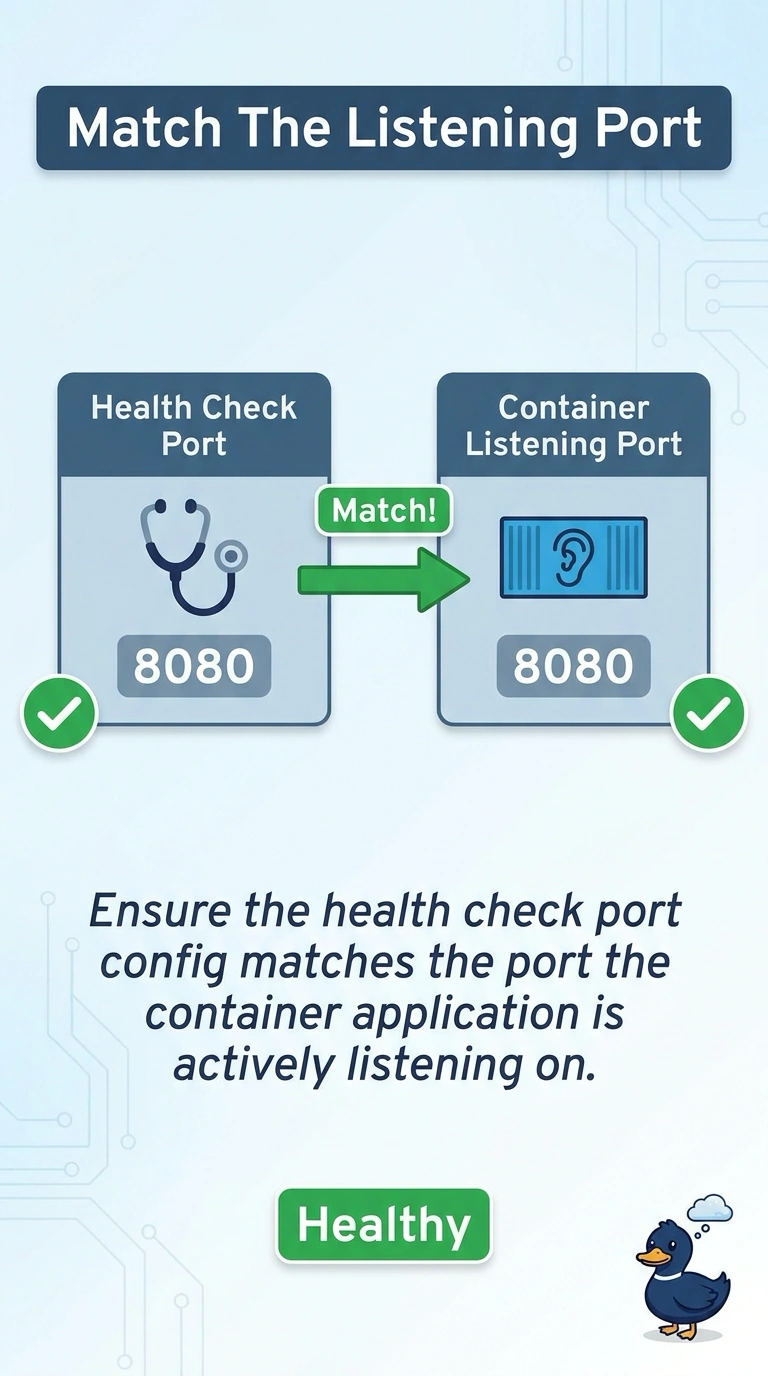
Short Explanation
The load balancer is knocking on port 80, and the container is listening on 8080. You point the check at the port that answers. More CPU does not open a port the process never bound.
Full Explanation
A target stays unhealthy when the health check port is not the port the container accepts. These tasks listen on 8080 and the check uses 80, so they fail and the service never steadies. Change the target group port or the health check port to 8080, and match the container port mapping. CPU does not fix a wrong port. Route 53 TTL does not choose the target-group check. This failure is the check, not an AMI, and Fargate does not use an AMI you pick for the task. Caveat: the security group on the task must allow the load balancer to that same port, or the corrected check still times out. Operational check: the target group should show healthy targets on 8080 and the service should reach a steady state. The service can stay on a dynamic host port only if the target group is also configured for that mapping. Here the check is a fixed port 80 against a container on 8080. Align those numbers and allow the load balancer security group to reach the task on 8080. The service events will stop citing failed ELB health checks once targets go healthy. CPU and DNS TTL do not appear in that event.