
An approved change to a production database is blocked during a CloudFormation update. The stack policy denies updates to that database resource. The database must stay. What should operations change?
Select an answer to reveal the explanation.
Short Explanation
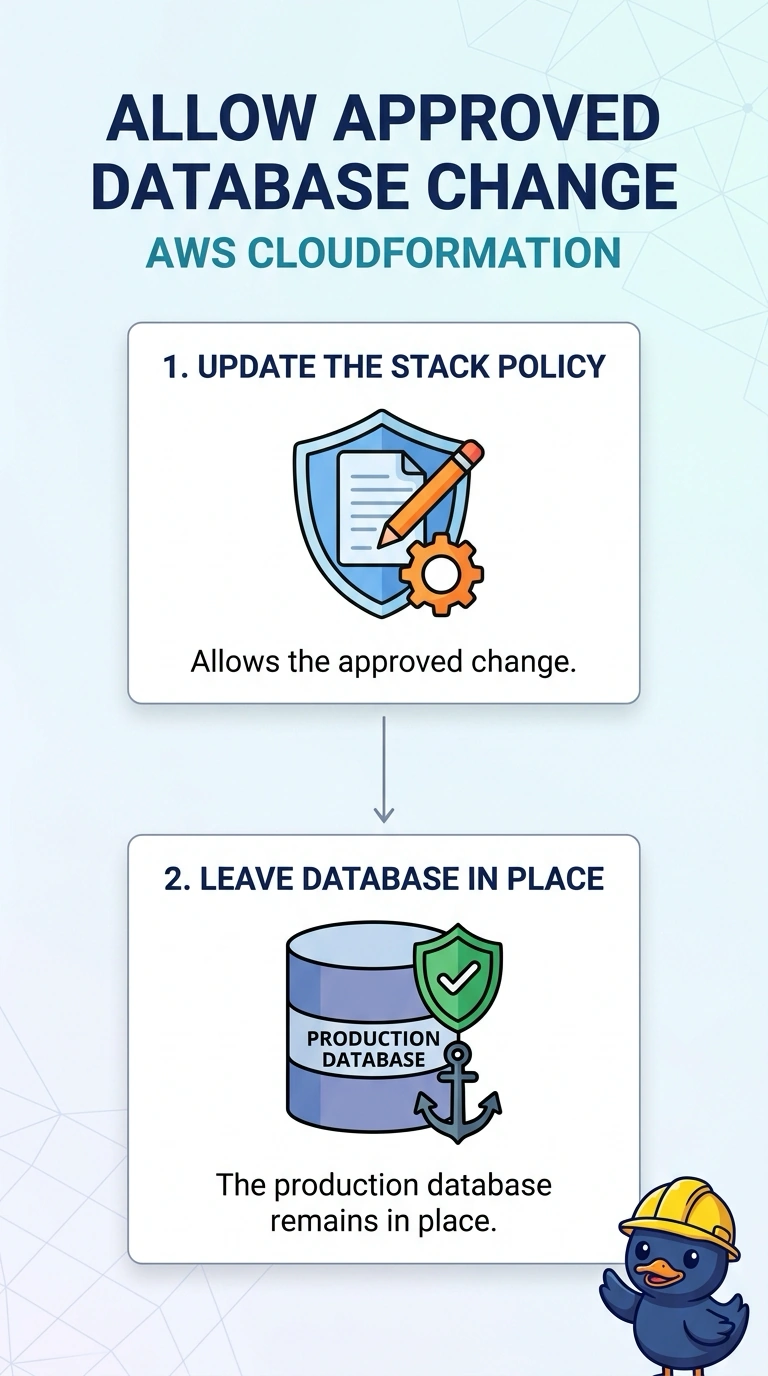
A stack policy is a lock you put on the database on purpose. The change is approved, so you open the lock for that update. You do not delete the database to get past a rule that was there to protect it.
Full Explanation
A stack policy can prevent updates to a resource even when the template and the deployer would otherwise be allowed to change it. The denial in this update is that policy, and the database has to remain, so the policy statement that blocks the database should be adjusted to allow the approved change. Deleting the database or the stack violates the requirement to keep it. CloudTrail does not enforce stack policies, and disabling it does not let the update through. Caveat: put the strict statement back after the change if the lock was meant to be permanent, and use a change set so you can see that only the approved property will move. Operational check: the update should proceed past the database resource, and the instance should still exist with the intended modification. Stack policies are JSON that names resources and the actions Update:Modify, Update:Replace, or Update:Delete. A statement that denies Update:* on the database is what blocked this change. Replace that statement for the window of the approved update, apply the update, and restore the deny if the database should be locked again. A change set shows whether the database will be modified or replaced before you widen the policy.