
A game studio patched a container by running docker commit on a live ECS task and pushing that image. The next task picked up a debug shell that was only meant for the incident. How should operations produce the next image?
Select an answer to reveal the explanation.
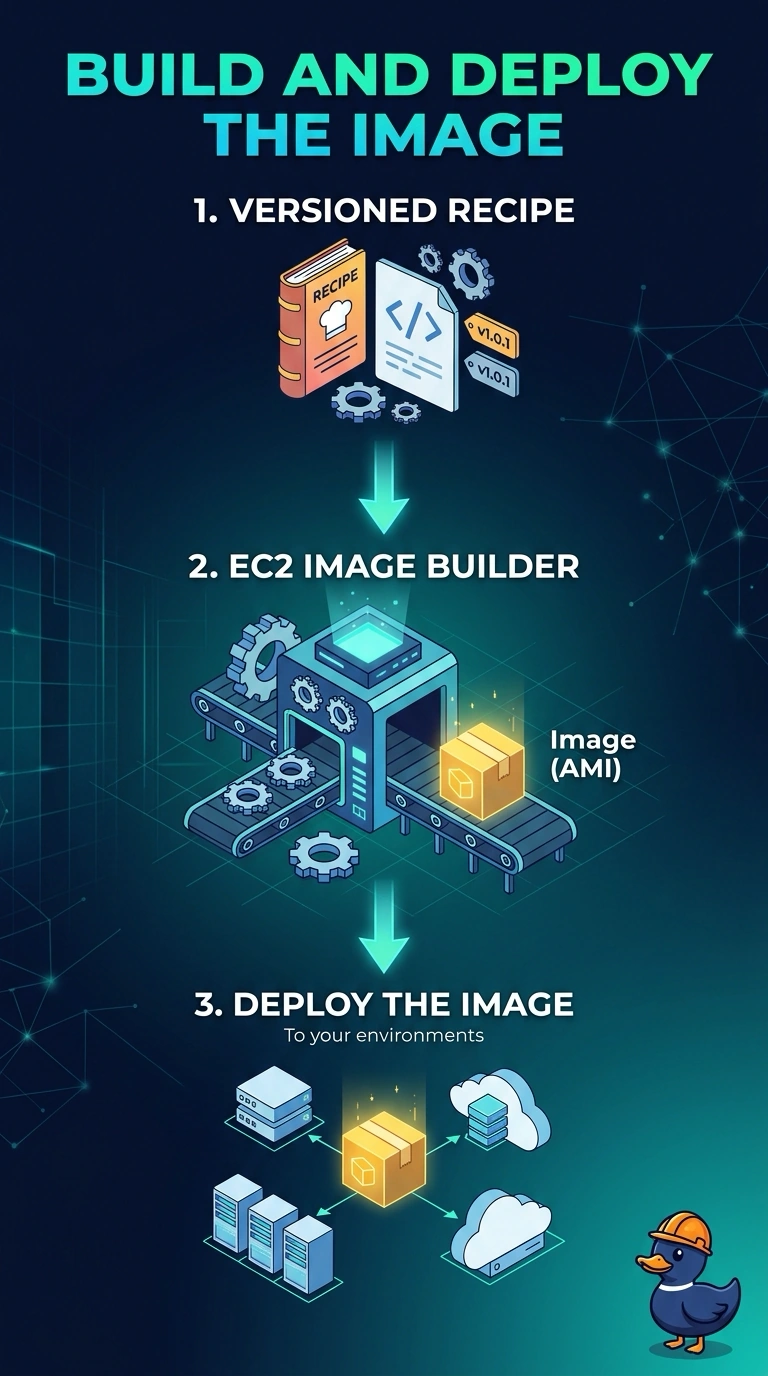
Short Explanation
A commit of a live task is a photo of the incident, debug shell included. You want the next image to come from a written recipe, the same way you would reprint a poster from the file instead of photographing the wall. EC2 Image Builder is that recipe for the container image.
Full Explanation
docker commit freezes whatever is in the running container, including a debug shell that was never part of the build. The next task then runs that accident. EC2 Image Builder can build a container image from a versioned recipe and a test, so the image you push is the one the recipe describes and you can build it again. Committing the live task a second time repeats the same drift. Copying the container filesystem onto an EBS volume is not an image the task definition can pull, and it still carries the debug shell. An ECS service runs a container image, not an AMI exported from a task, and a public AMI would publish the incident's contents. Caveat: the task definition and the service must be updated to the new image digest, or a perfect build sits unused in the registry. Operational check: confirm the Image Builder workflow produced the digest the service now runs, and that the debug shell is not in that image. Image Builder stores the recipe, the build components, and the output image in the account, so a later audit can show which packages were intended. A committed container has no such recipe, and the debug shell is invisible until the next incident. Keep the repository private and the task role limited to pull, or a clean image is still an open registry.