
A retail fleet of Amazon EC2 instances stopped sending application logs to CloudWatch Logs after an AMI update, the agent is running, but the log group is empty and metrics are missing. The config file path changed and IAM permissions were narrowed. Which troubleshooting step restores missing logs from the CloudWatch agent configuration?
Select an answer to reveal the explanation.
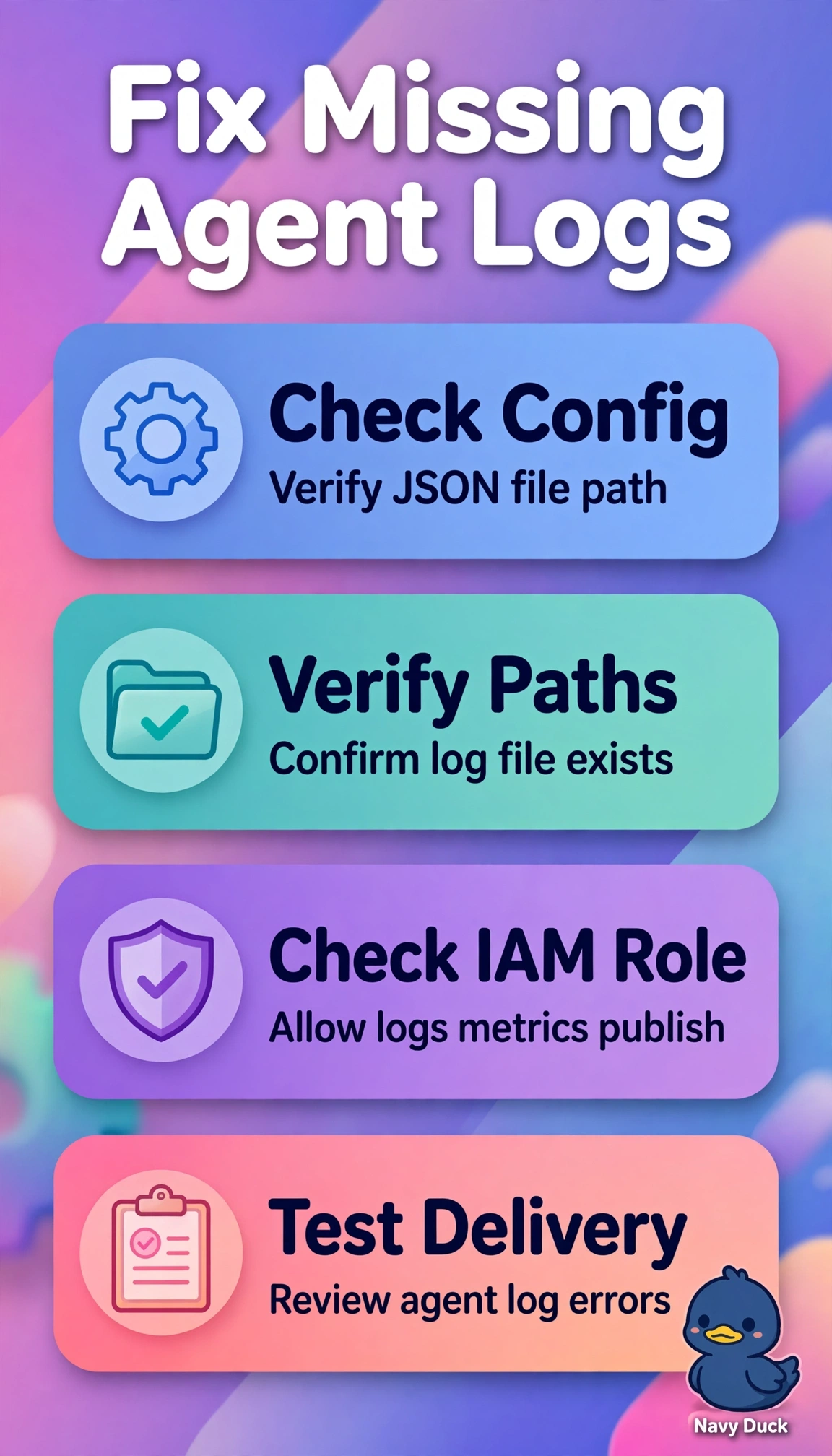
Short Explanation
You’ve spotted that a running agent doesn’t mean it’s reporting. Checking the active config path and IAM rights restores the pipeline, because delivery depends on correct permissions and file paths.
Full Explanation
Validating the CloudWatch agent’s active JSON configuration path and effective IAM permissions addresses both failures after the AMI update: the agent can be running while loading a stale or nonexistent file, and a narrowed instance role can deny PutLogEvents and PutMetricData. Together, these issues explain the empty log group and missing metrics, so checking both restores the full reporting pipeline. Updating the service to use the new path and verifying the log group still fails if IAM denies the API calls. Attaching permissions for PutLogEvents and PutMetricData and restarting still fails if the agent reads a stale configuration with incorrect log file pointers. Checking the config path and Logs delivery without checking missing metrics leaves the unified agent only partly verified and the fleet health blind spot unresolved. An exam caveat: a running agent or existing log group does not prove successful delivery; these scenarios often hinge on both configuration location and IAM permissions, rather than a reboot or network issue alone. As a practical check, run amazon-cloudwatch-agent-ctl -a status, apply the intended file with -a fetch-config -c file:<path> -s, confirm the resolved path, test Logs and PutMetricData calls using the instance role, and inspect /opt/aws/amazon-cloudwatch-agent/logs/amazon-cloudwatch-agent.log for authorization or file-not-found errors.