
A developer with PowerUserAccess receives AccessDenied on s3:PutObject to a data-lake bucket despite an attached allow policy, and the error mentions an explicit deny. The bucket policy, SCPs, permission boundaries, and session policies could all contribute. Which authorization analysis method pinpoints the cause of this authorization failure?
Select an answer to reveal the explanation.
Short Explanation
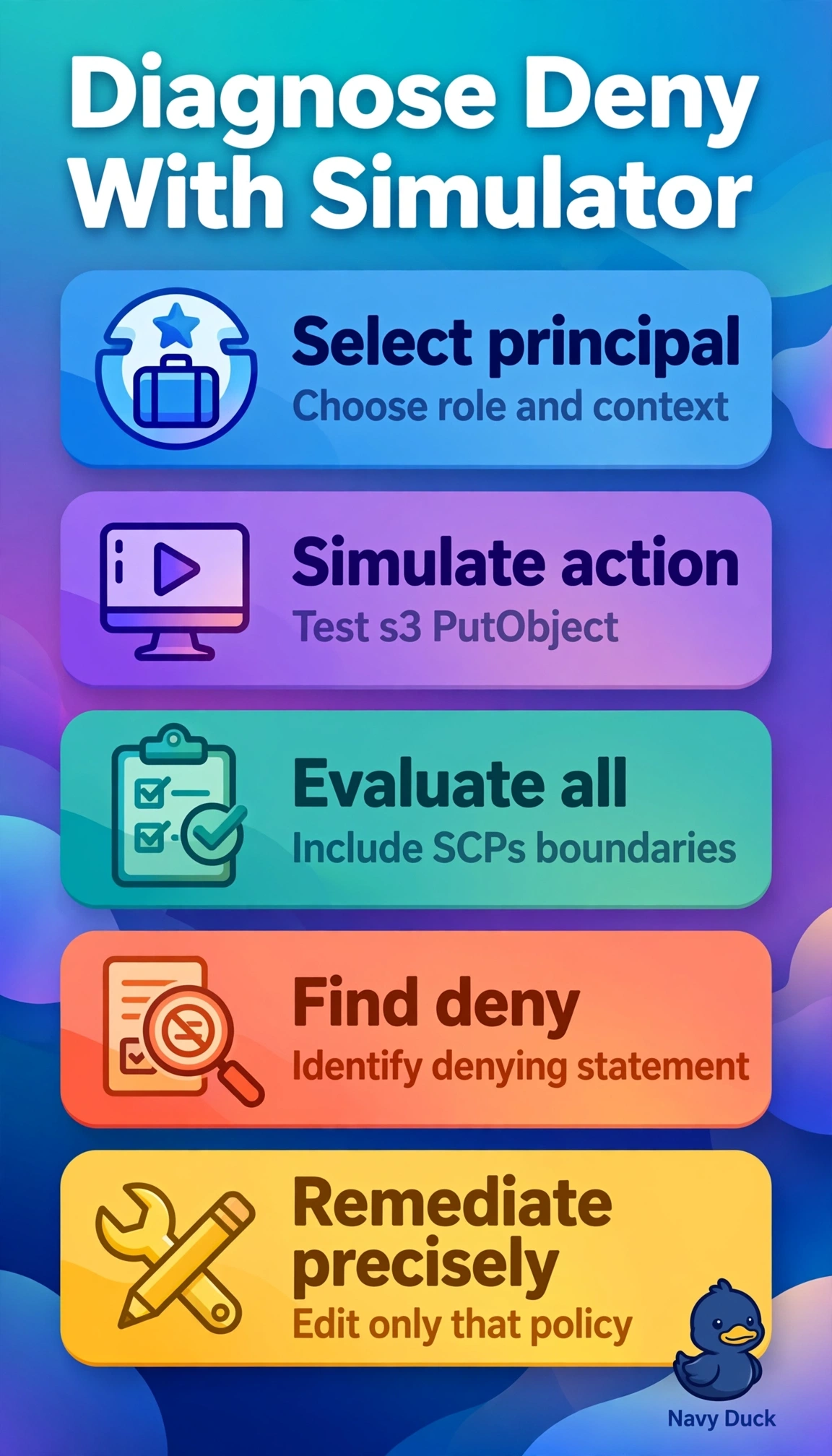
You replay the denied call with all policies in play. Policy Simulator highlights the exact explicit deny like a highlighter on stacked rules.
Full Explanation
The correct method works because IAM Policy Simulator evaluates the complete effective permission set for the simulated identity, action, resource, and condition context, testing identity policies, a permission boundary, the resource-based bucket policy you supply, and organization SCPs to report an explicit deny and identify the offending statement (for SCPs it reports allow or deny without the matched statement, and it does not simulate session policies or resource control policies, so check those separately). Checking IAM Access Advisor fails by concept because it reports service last-accessed timestamps for access review and least-privilege cleanup, not policy evaluation logic, so it cannot distinguish an allow from an overriding deny. Analyzing CloudTrail history fails by concept because trail events record request metadata, principal, and error codes for auditing, but do not simulate or decompose policy decisions across multiple policy types. Examining the credential report fails by concept because that report audits password age, key rotation, and MFA enablement for hygiene, not authorization for a specific action on a specific resource. For the exam, remember that any explicit deny in any applicable policy type always overrides any allow, and the simulator only yields an accurate result when resource ARN and condition context keys are supplied. In practice, reproduce the failure with exact role, bucket ARN, prefix, and session tags in the simulator, then open the matched deny statement to check its Condition, Principal, and NotAction elements before editing SCPs, boundaries, or bucket policy.