
Developers report an EC2 deployment role receives AccessDenied when calling s3:PutObject to a vendor bucket despite an allow in its identity policy, and the security engineer must pinpoint whether an SCP, permission boundary, or resource policy blocks it without changing production. Which authorization analysis approach pinpoints the blocking policy type?
Select an answer to reveal the explanation.
Short Explanation
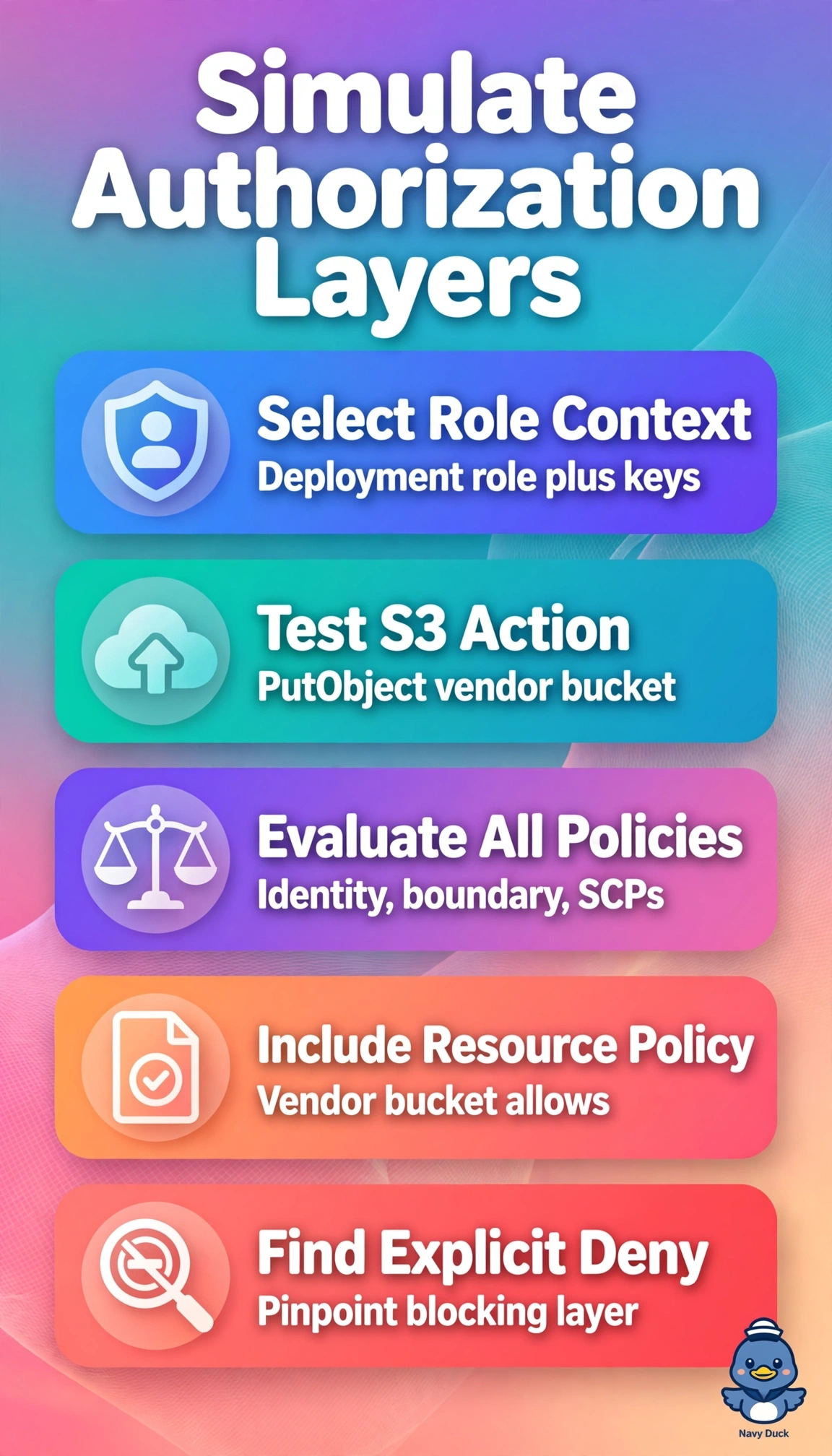
You need a flight simulator for permissions, not a syntax checker. Policy Simulator in Principal mode replays that exact PutObject call across the listed policy layers at once.
Full Explanation
IAM Policy Simulator in Principal mode is the right analysis because it reconstructs the deployment role’s authorization decision without changing production. Supply the vendor bucket policy and relevant context keys to evaluate the identity policy, permission boundary, organization SCPs, and resource policy together, helping pinpoint which layer blocks s3:PutObject. Querying CloudTrail Lake for AccessDenied events is useful for forensics and respects the no-change constraint, but logs do not simulate the decision or attribute the denial to a boundary, SCP, or resource policy. Simulating the role’s identity policy, boundary, and SCP while omitting the vendor bucket policy is useful for some troubleshooting, but misses a resource policy that may explicitly deny the principal. IAM Access Analyzer for S3 can identify external access based on the bucket policy, but it does not evaluate the specific role’s principal context alongside its boundary and SCP. An exam caveat: the simulator can assess all four policy types together only when the resource policy and needed context are included in Principal mode. In practice, decode the CloudTrail encoded message with sts decode-authorization-message, then rerun the simulator with the exact context keys to confirm the blocking layer before requesting a vendor policy update.