
A logistics company reports missing application logs from EC2 fleet running CloudWatch Agent, with gaps after an AMI update. The agent status is healthy but log groups lack recent events, suggesting config or IAM issues. Which remediation step best troubleshoots the CloudWatch Agent misconfiguration causing missing logs?
Select an answer to reveal the explanation.
Short Explanation
Healthy agent but silent logs screams config mismatch. A quick check of file, role, and destination restores your pipeline without guesswork.
Full Explanation
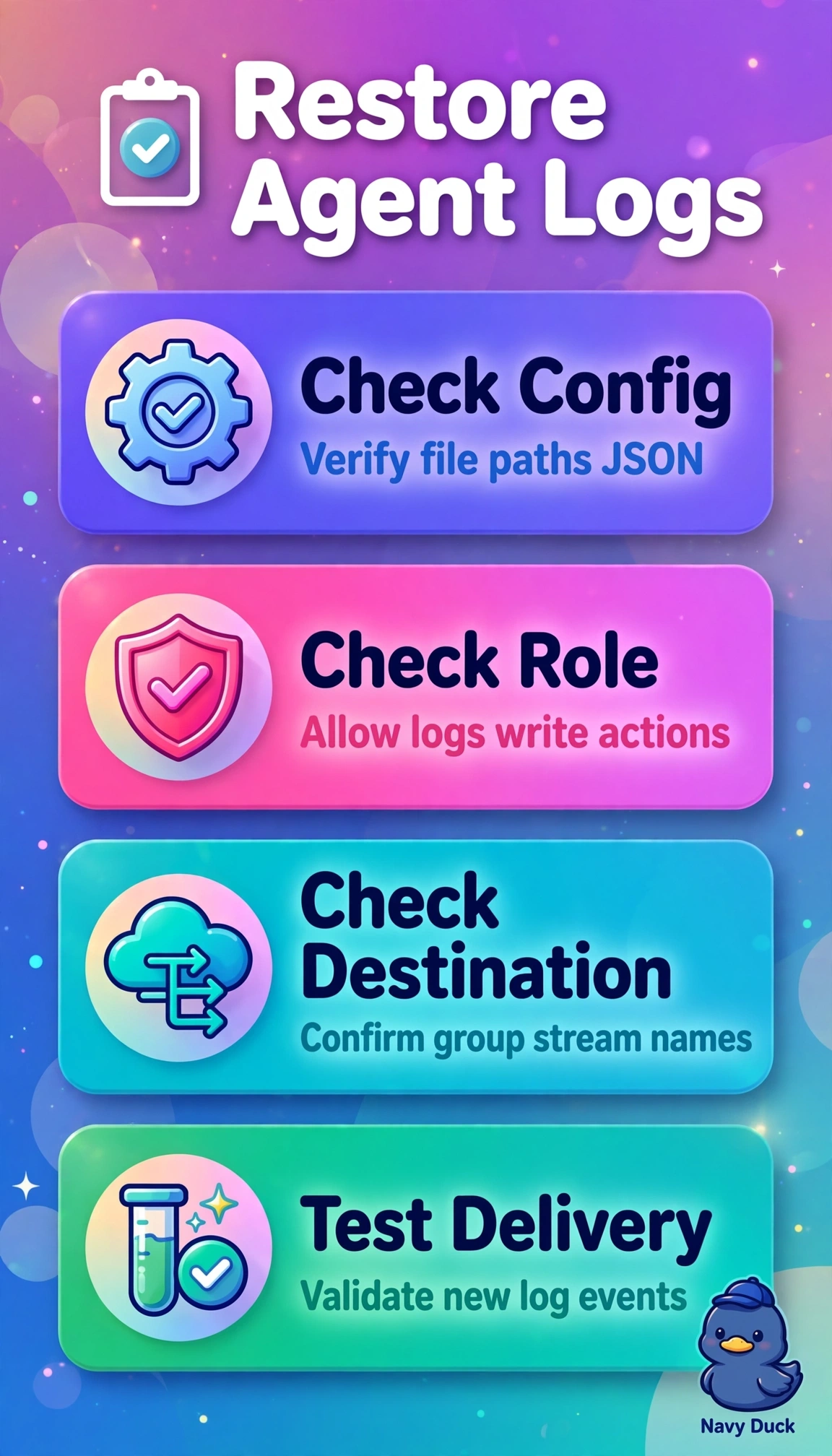
The correct remediation directly addresses the most likely delivery chain failure after an AMI change, where the agent process can remain healthy while no log events arrive because the collection definition, authorization, or destination is broken, so validating the JSON configuration confirms log file paths, log groups and log streams still exist and match the new image layout, checking the instance profile confirms logs:CreateLogGroup, logs:CreateLogStream and logs:PutLogEvents are still attached and trusted by EC2, and reviewing stream settings rules out a misspelled group, wrong region or throttled stream that silently drops ingestion. Restarting the service and checking version compatibility is standard operational practice after an AMI update but fails here because a healthy status already indicates the daemon is running, so a restart does not repair a wrong path or denied PutLogEvents call. Checking file paths but validating permissions for metrics namespaces fails by telemetry type because CloudWatch Logs and CloudWatch Metrics use different configuration blocks and IAM actions, so metrics can flow while application logs are still denied or misrouted. Reviewing application appenders and confirming retention and archival policies fails by lifecycle stage because retention controls how long stored events are kept and when they expire, not whether the agent can deliver new events to the group. As an exam caveat, do not equate agent healthy with end-to-end log delivery, since health reflects process state rather than successful PutLogEvents authorization or correct destination mapping. As a practical check, run config validation with the agent control utility, inspect agent logs for access-denied or no-such-file errors, and send a test logger event to verify a new stream appears in the expected group in the correct region.