
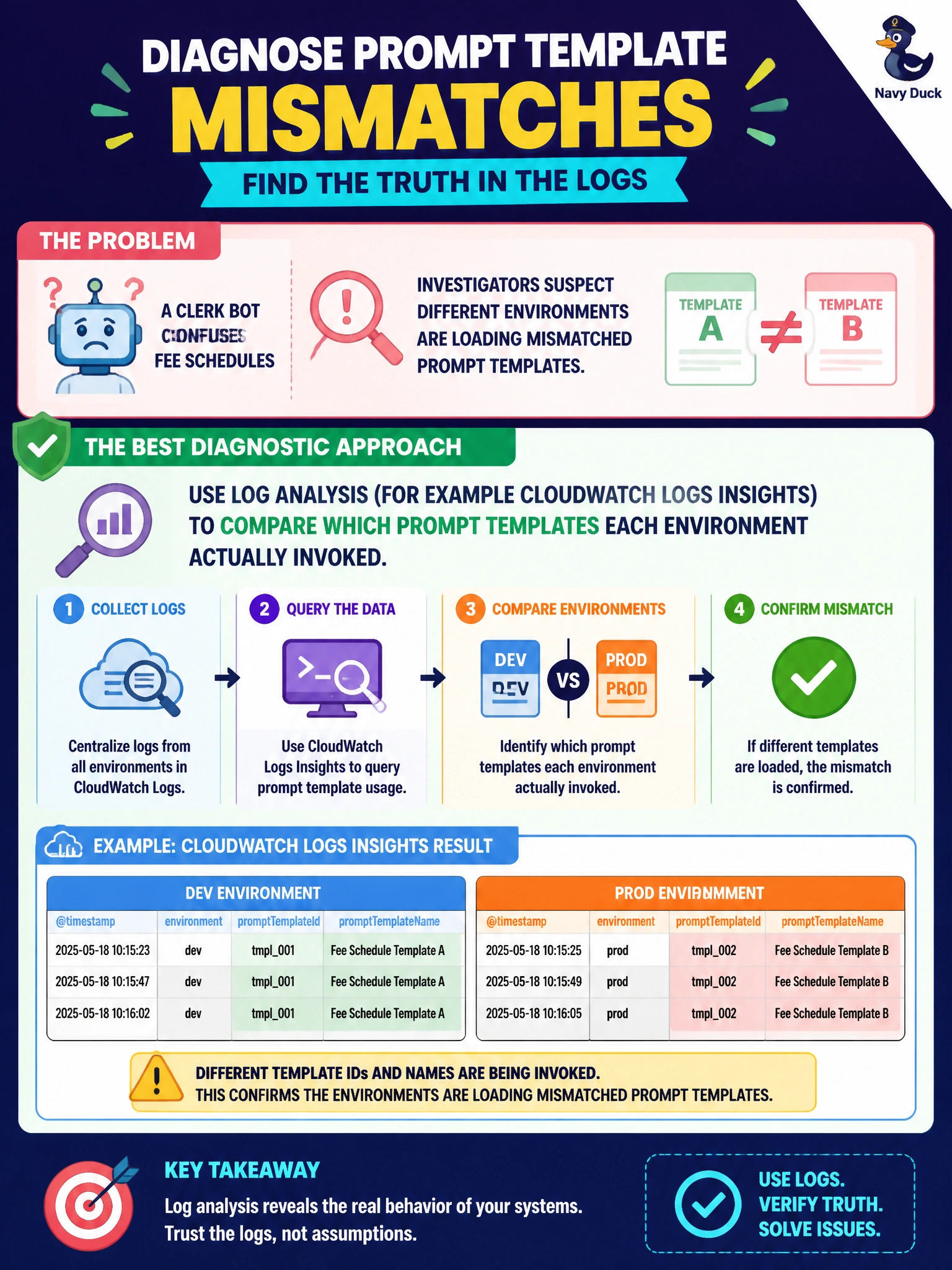
A clerk bot confuses fee schedules, and investigators suspect different environments are loading mismatched prompt templates. Which diagnostic approach best confirms that?
Select an answer to reveal the explanation.
Short Explanation
When fee answers smell like the wrong form letter, check which template each environment grabbed. Logs Insights is the paper trail that shows staging and production are not reading the same script.
Full Explanation
Using log analysis (for example CloudWatch Logs Insights) to compare which prompt templates each environment actually invoked is the diagnostic approach that best confirms suspicion that mismatched prompt templates across environments cause a clerk bot to confuse fee schedules. Fee-schedule answers are highly template-sensitive; logs that record template IDs or hashes per environment reveal whether staging and production load different prompt artifacts despite assumptions they match. Evidence from invoked templates beats speculation. Assuming templates are identical and stopping investigation fails by concept: the hypothesis under test is mismatch—assumption ends diagnosis prematurely. Wiping production data without inspecting prompt identifiers in logs fails by concept and harm: destructive data loss does not confirm template divergence. Solving fee confusion by training a classical decision tree on parking tickets only fails by concept: an unrelated classical model does not diagnose prompt-template drift between clerk environments. Exam caveat: cross-environment GenAI answer divergence often traces to config/template mismatch visible in logs, not data wipes or unrelated ML. Operational check: emit prompt template version/ID in every clerk-bot invocation log, query Insights across staging and production for fee questions, reconcile deployment artifacts when IDs differ, add config tests that assert template parity, and retest fee schedules after alignment.