
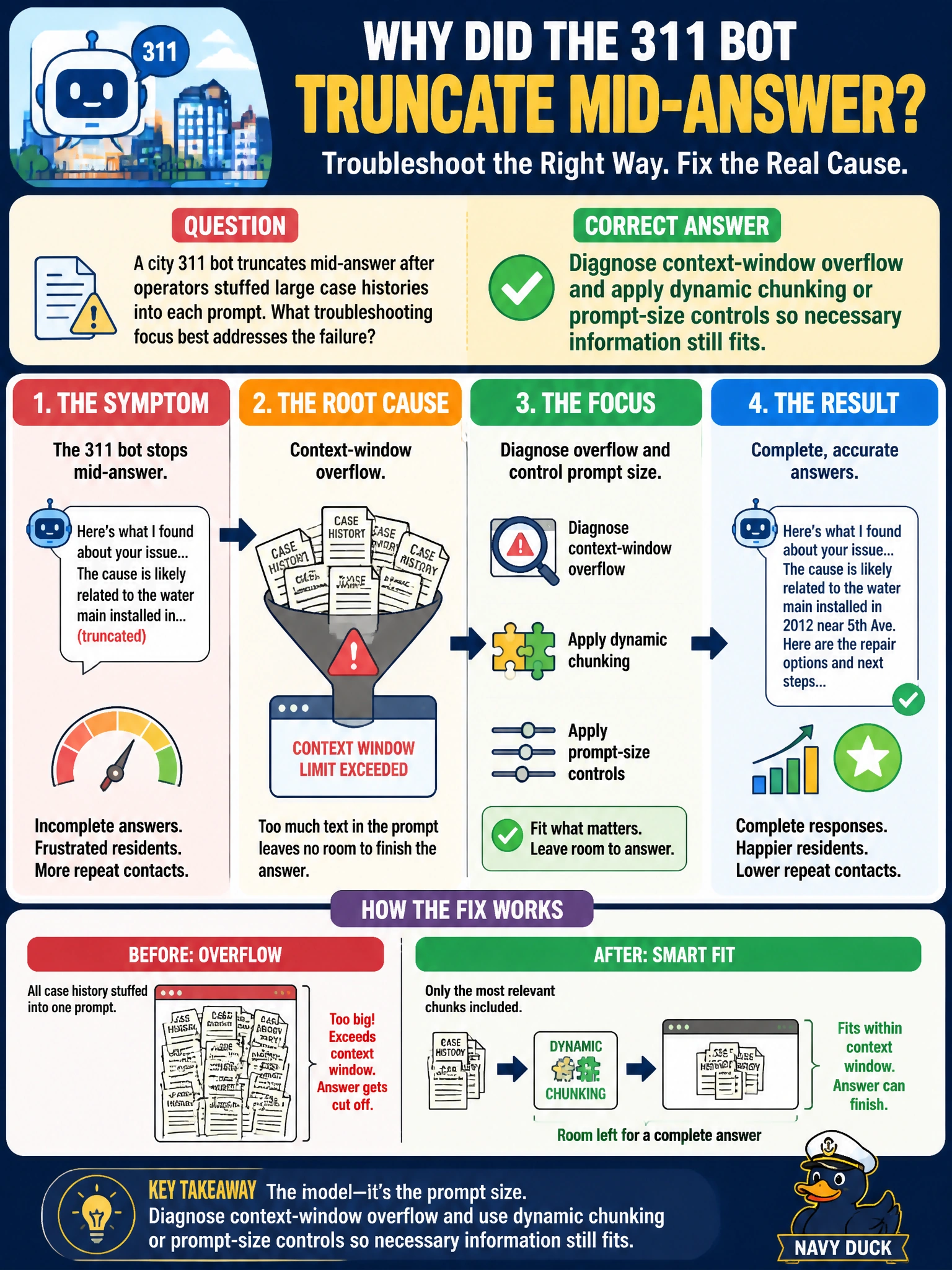
A city 311 bot truncates mid-answer after operators stuffed large case histories into each prompt. What troubleshooting focus best addresses the failure?
Select an answer to reveal the explanation.
Short Explanation
Cramming the whole filing cabinet into one prompt is how answers get cut off mid-sentence. Diagnose context-window overflow, then chunk and trim so the 311 bot can finish the thought.
Full Explanation
Diagnosing context-window overflow and applying dynamic chunking or prompt-size controls so necessary information still fits is the troubleshooting focus that best addresses a city 311 bot truncating mid-answer after operators stuffed large case histories into each prompt. Context windows are finite; oversized prompts cause truncation, dropped instructions, or incomplete generations that residents experience as cut-off answers. Dynamic chunking, summarization of case history, and hard prompt-size controls restore complete responses while keeping critical facts. Increasing CSS animation duration on the chat widget and ignoring prompt size fails by concept: UI animation does not fix token overflow. Disabling all logging of truncation errors to hide the symptom fails by concept and operations—hiding truncation removes the diagnostic signal. Switching every query to an offline OCR scanner with no foundation model fails by concept: abandoning the FM does not remediate prompt sizing for the 311 assistant. Exam caveat: mid-answer truncation after large prompts points to context-window management, not cosmetic UI or unrelated OCR swaps. Operational check: log prompt token counts and truncation events, cap case-history injection with summarization/chunking, test long-history scenarios in staging, alert on rising truncation rates, and train operators on what belongs in the prompt versus linked case views.