
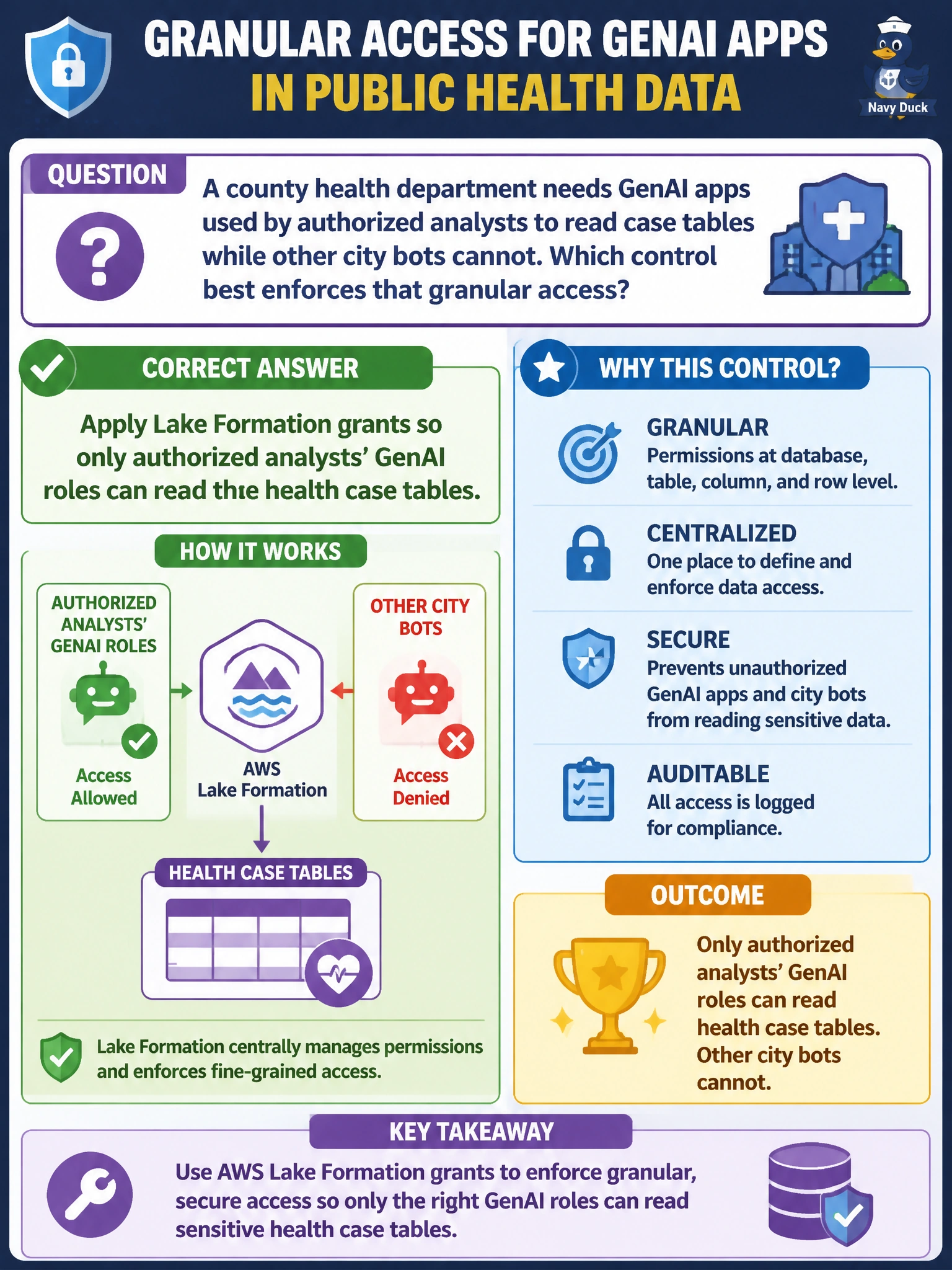
A county health department needs GenAI apps used by authorized analysts to read case tables while other city bots cannot. Which control best enforces that granular access?
Select an answer to reveal the explanation.
Short Explanation
With Lake Formation grants, you can let authorized analysts’ GenAI roles read the health case tables while other city bots cannot. That gives you granular access without opening the data to every municipal role.
Full Explanation
Applying Lake Formation grants so only authorized analysts’ GenAI roles can read the health case tables enforces granular access. Lake Formation associates database and table permissions (and, where configured, column- or row-level permissions) with IAM principals. You can grant the approved analysts’ roles access to the tables they need while withholding grants from other city bots, preventing those roles from reading the protected case data through the data lake. Assigning every municipal GenAI role administrator access defeats least privilege: roles that do not need the case tables would still have broad access, increasing the impact of a compromised or misused bot. Storing the tables in a shared world-readable bucket labeled “internal use only” does not restrict access; the label is not an authorization control, so other principals able to reach the bucket may read the data. Hard-coding database passwords into prompt templates shared across departments exposes credentials in prompts, logs, and shared copies, and does not provide table-level authorization. Exam caveat: prompt instructions and labels do not enforce data-plane permissions; access must be controlled by actual grants. Practical check: verify that each authorized analyst role has only the required Lake Formation grants, other municipal GenAI roles lack them, and an unauthorized role cannot query or inspect the health tables; review grants as roles change.