
A school district student-data assistant must allow only org-approved tools. Where should that constraint live?
Select an answer to reveal the explanation.
Short Explanation
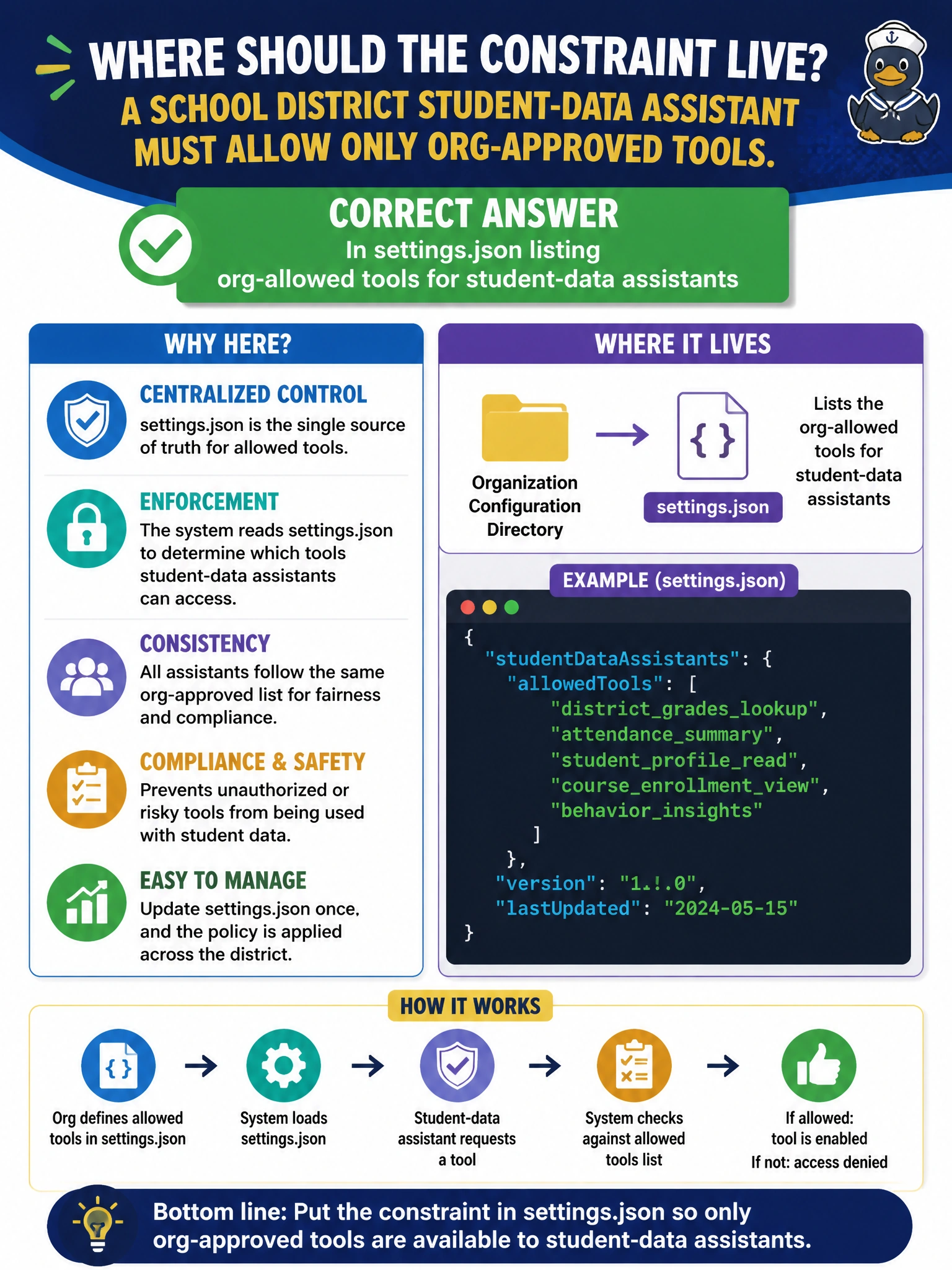
Student-data tools need a written allow-list, not a pep talk. Put org-allowed tools in settings.json so Claude projects actually obey the district.
Full Explanation
Student-data assistants must enforce tool allow-lists in machine-readable settings, not hope training sticks. Placing org-allowed tools in settings.json for student-data assistants works because configuration can deny unapproved connectors at runtime, keep projects consistent across teachers, and give auditors a single artifact showing which tools may touch education records. Districts can update the allow-list deliberately when a new SIS or storage tool is approved. Relying only on verbal training with no machine-enforced settings fails because humans forget and workarounds appear under deadline pressure. Scattering constraints in individual chats with no shared settings.json fails conceptually by making policy non-portable and unverifiable. Putting the constraint nowhere and letting students enable any online tool fails as data-protection design for student information. Exam caveat: settings.json must be deployed and protected—local overrides or unmanaged copies can reintroduce banned tools if endpoint management is weak. Operational check: commit a district settings.json allow-list for student-data Claude projects, distribute it through managed configuration, and periodically verify running assistants only expose the approved tool set.