
A community sailing-club intern needs to compare several pretrained models and maybe adapt one, without building a no-code spreadsheet app. Which path should the intern pick?
Select an answer to reveal the explanation.
Short Explanation
Think of an intern who wants to browse and maybe adapt a pretrained model, not build a spreadsheet app. JumpStart. Canvas is no-code ML, Quick is a dashboard, and one club member's fine-tune does not rewrite the public base.
Full Explanation
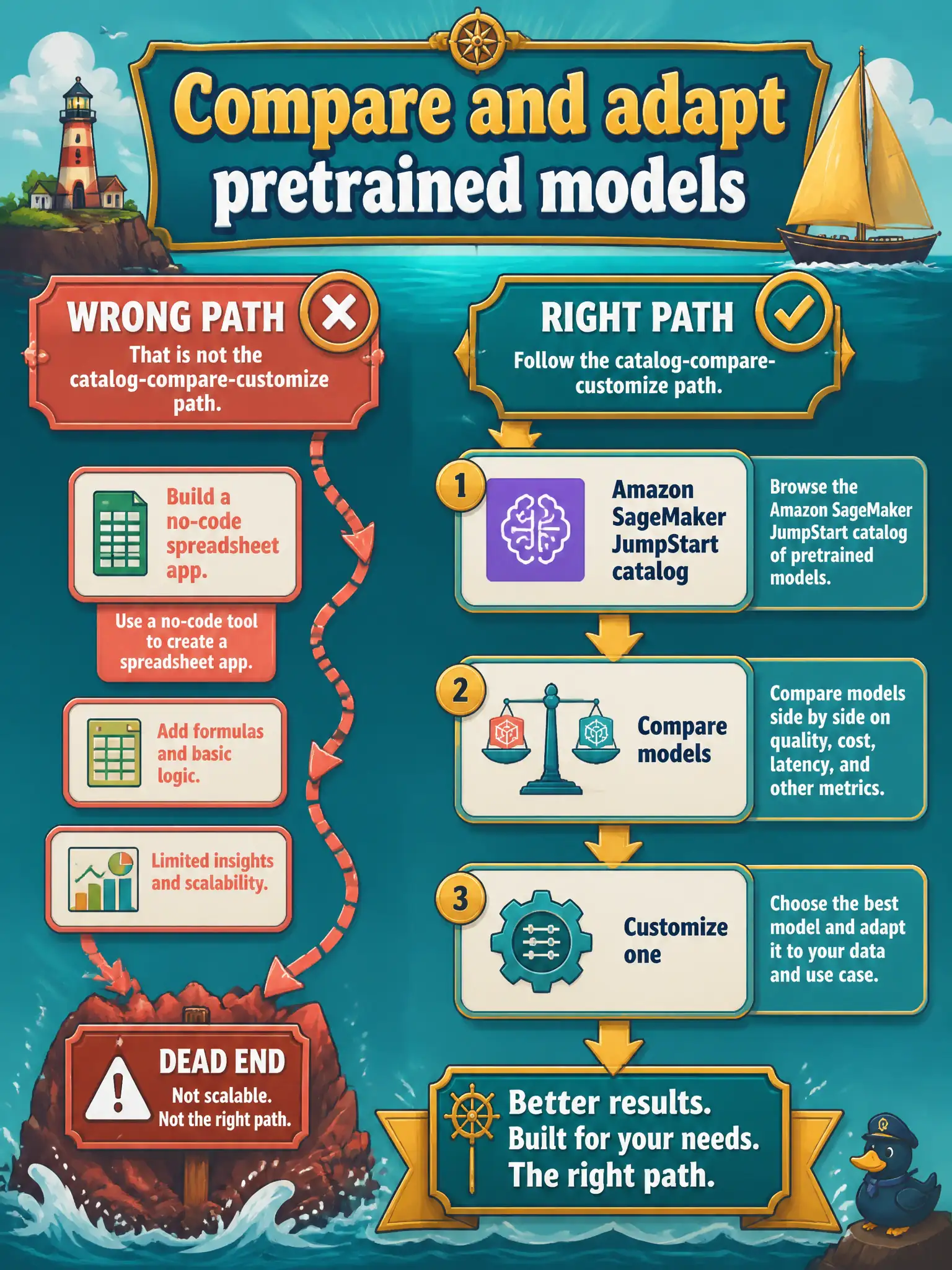
Amazon SageMaker JumpStart is the catalog, compare, and customize path for pretrained models—exactly what a sailing-club intern needs to browse several foundation models and optionally adapt one. JumpStart surfaces model cards, deployment options, and fine-tuning/customization entry points without forcing the intern to build a separate no-code spreadsheet application. That matches 'compare and maybe adapt' rather than 'build a Canvas-style app.'
Amazon SageMaker Canvas is a no-code visual ML experience oriented to tabular and classic ML workflows; it is not the foundation-model catalog for browsing and comparing pretrained FMs the way JumpStart is. Assuming one club member's fine-tune rewrites the public base model for everyone confuses a private adapted artifact with the shared public foundation weights—fine-tunes produce a new model artifact, they do not silently mutate the public base for all users. Amazon QuickSight dashboards do not compare or host foundation-model catalogs.
Exam caveat: JumpStart helps discover and launch; production still needs IAM, networking, evaluation, and cost controls—picking JumpStart does not skip those operational duties.
Operational check: have the intern open JumpStart, deploy two candidate models to ephemeral endpoints, run the same sailing FAQ set through both, and record quality and cost before any fine-tune decision.