
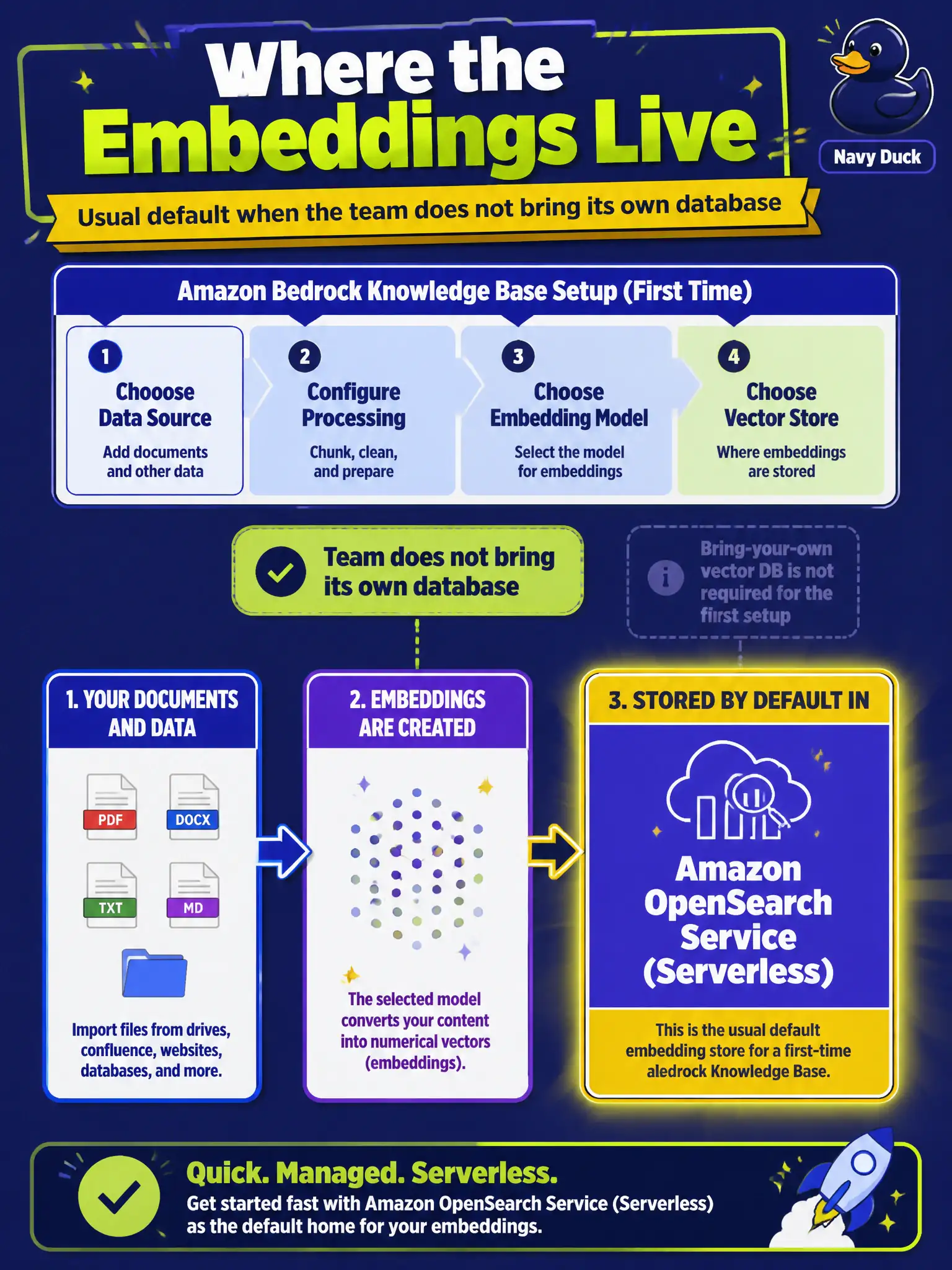
A first-time Bedrock Knowledge Base setup asks where the embeddings live if the team does not bring its own database. Which store is the usual default?
Select an answer to reveal the explanation.
Short Explanation
Think of a first-time Knowledge Base with no homemade database. Embeddings usually land in Amazon OpenSearch Service (Serverless). A laptop CSV folder, Quick, and Transcribe are not that default closet.
Full Explanation
On a first-time Bedrock Knowledge Base setup, if the team does not bring its own database, embeddings usually land in Amazon OpenSearch Service (Serverless) as the default vector store. That default gives the Knowledge Base a managed place to store and query embeddings without the team selecting and operating a separate homemade database on day one. Recognizing the usual default matters when the setup wizard asks where embeddings live and the society has not provisioned an alternate store.
A laptop folder of CSV files fails because defaults for Knowledge Bases use a managed vector store, not ad-hoc local spreadsheets, and a laptop folder cannot serve production similarity search. Amazon Quick fails because a dashboard is not an embedding store; analytics visualization does not hold vector indexes for retrieval. Amazon Transcribe fails because speech-to-text is unrelated to storing embeddings for RAG.
Exam caveat: practitioner coverage of Knowledge Bases includes the common default vector store; alternate stores may exist, but OpenSearch Service (Serverless) is the usual default when none is brought by the customer. Operational check: in a new Knowledge Base with no customer-managed database attached, verify the configured vector store is Amazon OpenSearch Service (Serverless) before indexing handbook embeddings.