
During merge of a platform-client branch, Git stops because both sides edited the same function. Conflict markers appear in the file. What is the correct resolution path if the intent is to finish the merge?
Select an answer to reveal the explanation.
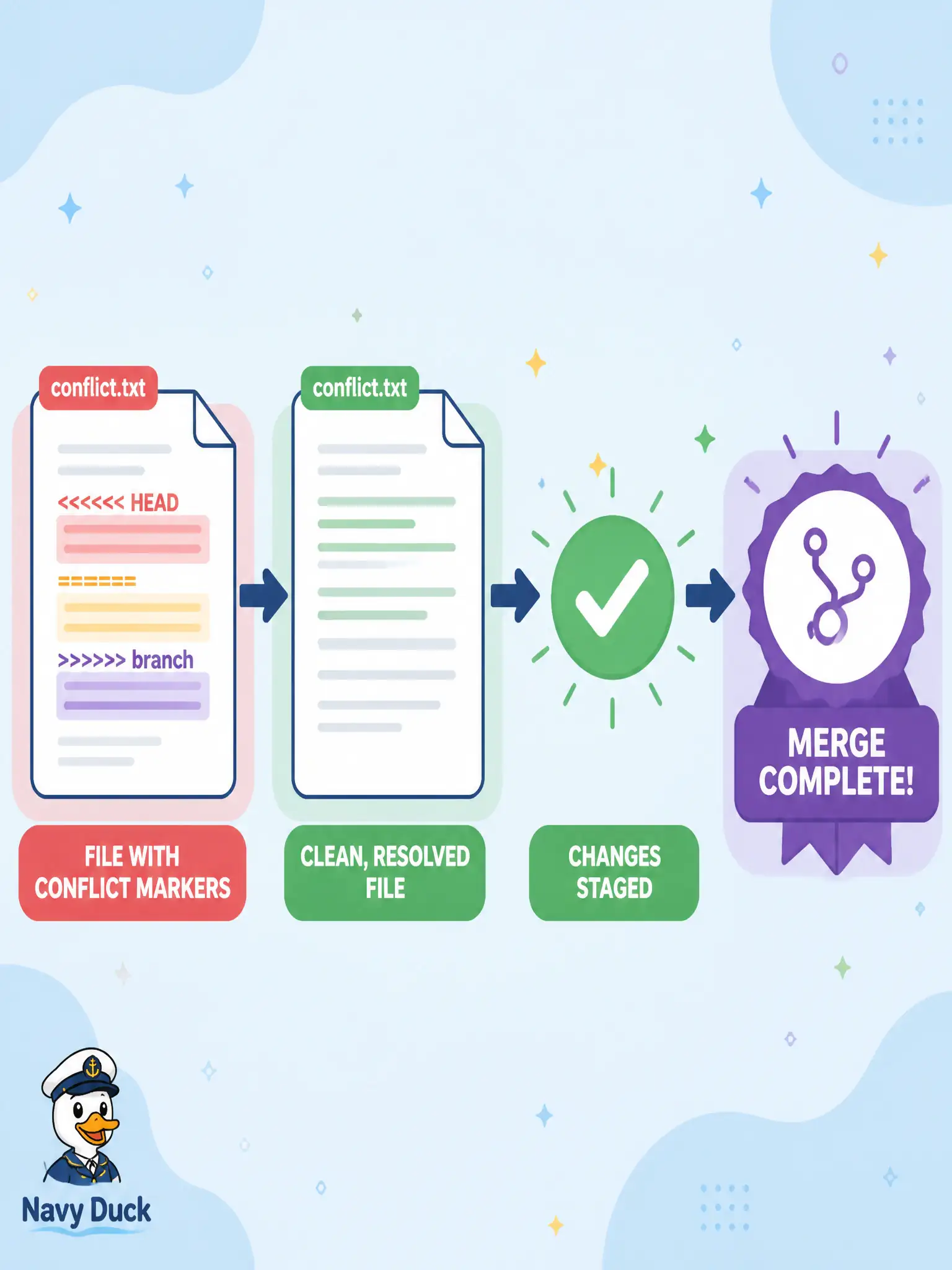
Short Explanation
Conflict markers are construction cones—you clear them, then finish the road join. Edit, stage, and complete the merge. reset --hard abandons the merge unless that is truly your intent.
Full Explanation
If the intent is to finish the merge, edit the file to resolve conflict markers, stage the resolved result, and complete the merge. Conflict markers are construction cones: clear them, then finish the road join. Both sides edited the same function on a platform-client branch; a human (or an agreed merge tool) must produce one correct function body, git add the path, and git commit (or --continue) to conclude the merge.
Running git reset --hard immediately to keep the conflict markers as the final code abandons the merge and would leave marker syntax in the tree if you somehow kept those lines—neither finishes a clean merge. Pushing the conflicted file to main so teammates can resolve it after deploy ships broken markers into the shared line and shifts incident risk downstream. Replacing the file with /dev/null and force-pushing the shared branch destroys content and rewrites shared history instead of resolving the conflict.
Exam caveat: if you truly want to abandon the in-progress merge, git merge --abort is the clean exit—do not confuse abort with resolve, and do not reset --hard unless discarding local merge state is intentional. Operational check: after resolving, search the file for residual <<<<<<< ======= >>>>>>> markers, run the unit tests for the touched function, then complete the merge commit and confirm git status is clean.