
Municipal Wi-Fi staff will use a browser dashboard that shows Meraki location counts and Intersight inventory. Where must the Meraki API key and Intersight private key live?
Select an answer to reveal the explanation.
Short Explanation
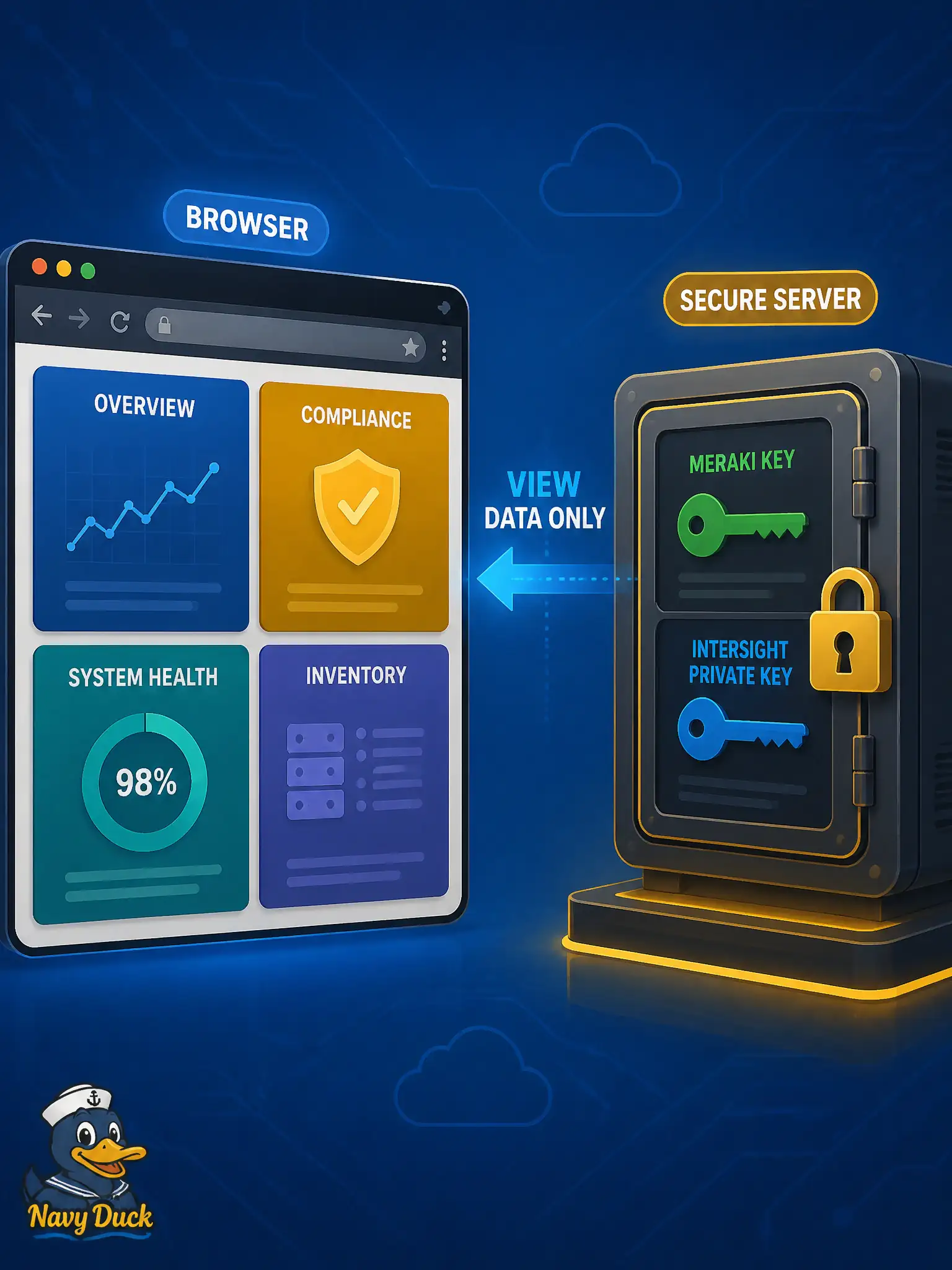
Privileged keys stay in the back office—like the vault behind the counter—not in every visitor’s pocket. The browser gets tidy view data; Meraki keys and Intersight private keys never ride in the SPA.
Full Explanation
Privileged Meraki API keys and Intersight private keys must live only on the dashboard’s server-side collector. The browser should receive already-shaped, least-privilege view data—location counts and inventory summaries—never the credentials that can mutate or read those platforms. That placement matches how municipal ops dashboards are built for DEVCOR: the back-office service authenticates, collects, and transforms; the SPA merely presents sanitized results.
Embedding keys in front-end JavaScript puts every visitor’s browser in possession of production credentials, so any XSS or casual “view source” becomes a platform compromise. Publishing keys in a public GitHub gist for client-side rotation is worse: the secret is world-readable and rotation still happens in an untrusted client. Cookies set from Meraki or Intersight portals and readable by page scripts likewise move privileged material into the browser trust boundary where operators cannot control retention or scope.
Exam caveat: “dashboard in a browser” does not mean the browser calls Cisco APIs with long-lived platform keys; it means the UI displays data the collector already fetched under least privilege. Operational check: inspect the collector’s environment or secret store for Meraki and Intersight credentials, confirm those strings never appear in static JS bundles or network responses to the SPA, and verify the API the browser calls returns only shaped view-models.