
What unit does AppDynamics follow when instrumenting application work such as login or checkout?
Select an answer to reveal the explanation.
Short Explanation
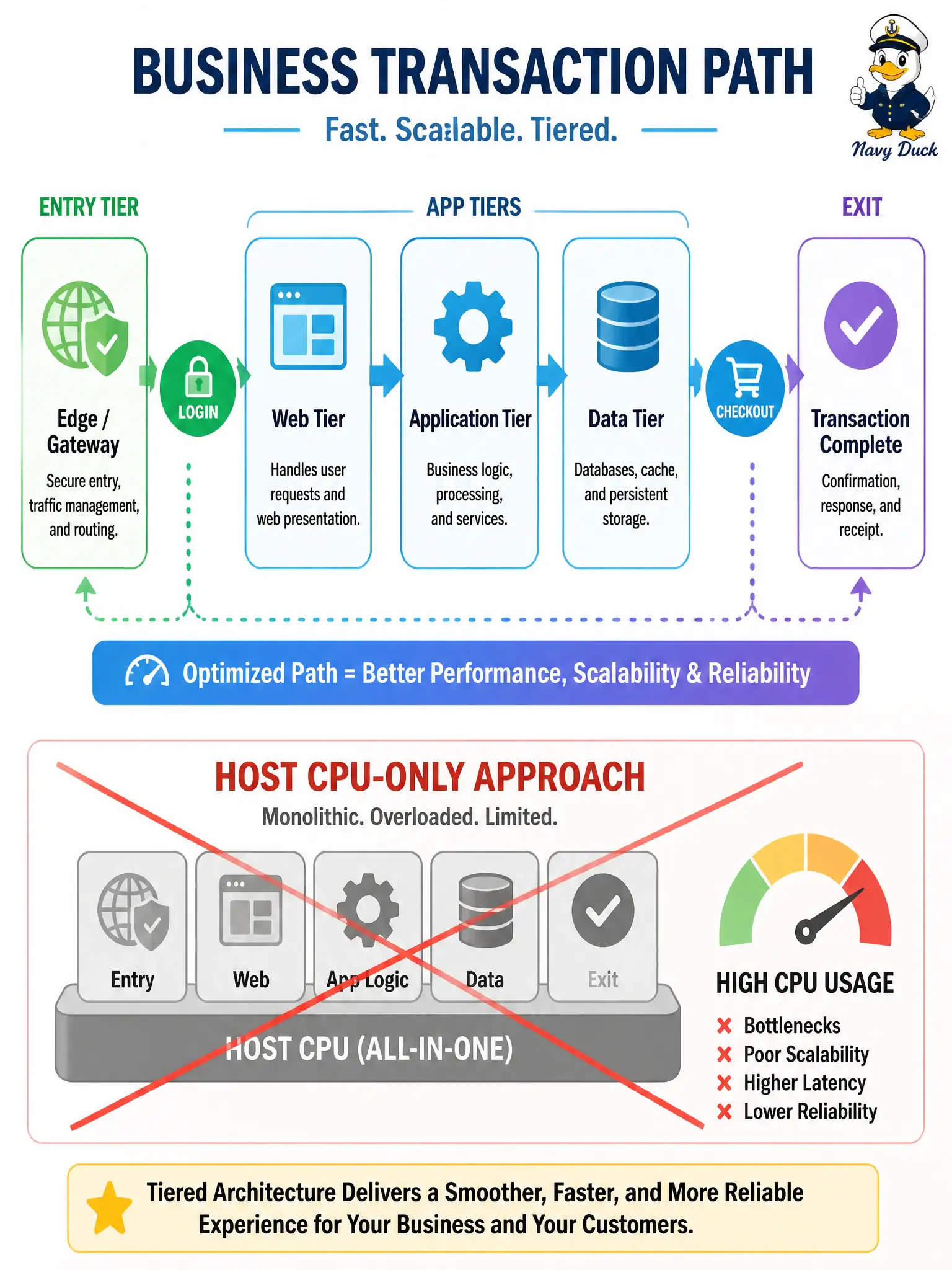
AppDynamics tracks the customer errand—login, checkout—as a business transaction across tiers, not just how warm the server chassis feels.
Full Explanation
AppDynamics follows business transactions—login, checkout, permit renewal, and similar application work—discovered end-to-end across entry points, tiers, and exits. That unit ties user-meaningful municipal operations to timing and backend calls, which is why DEVCOR treats business transactions as the core instrumentation concept rather than raw host counters.
Per-host CPU percentage alone fails because chassis heat without transaction context does not explain which civic user journey is slow or which dependency burned the clock. Only network interface counters from the hypervisor fail similarly: link statistics are infrastructure telemetry, not business-transaction tracing through application tiers. Static code line counts from a nightly lint report fail by measuring codebase size, not runtime transaction performance under city load.
Exam caveat: automatic discovery may name transactions differently than city product owners expect—refine entry-match rules so “pay citation” and “renew permit” remain distinct business transactions rather than one noisy catch-all that hides regressions.
Operational check: drive a known transaction in a test environment, find it in AppDynamics by name, verify it spans the expected tiers and exit calls, and only then attach health rules or baselines to that business transaction in production.