
Before enabling an SSID, a civic script must place the correct identifier in the Meraki path /networks/{networkId}/wireless/ssids/{number}. How should networkId be resolved?
Select an answer to reveal the explanation.
Short Explanation
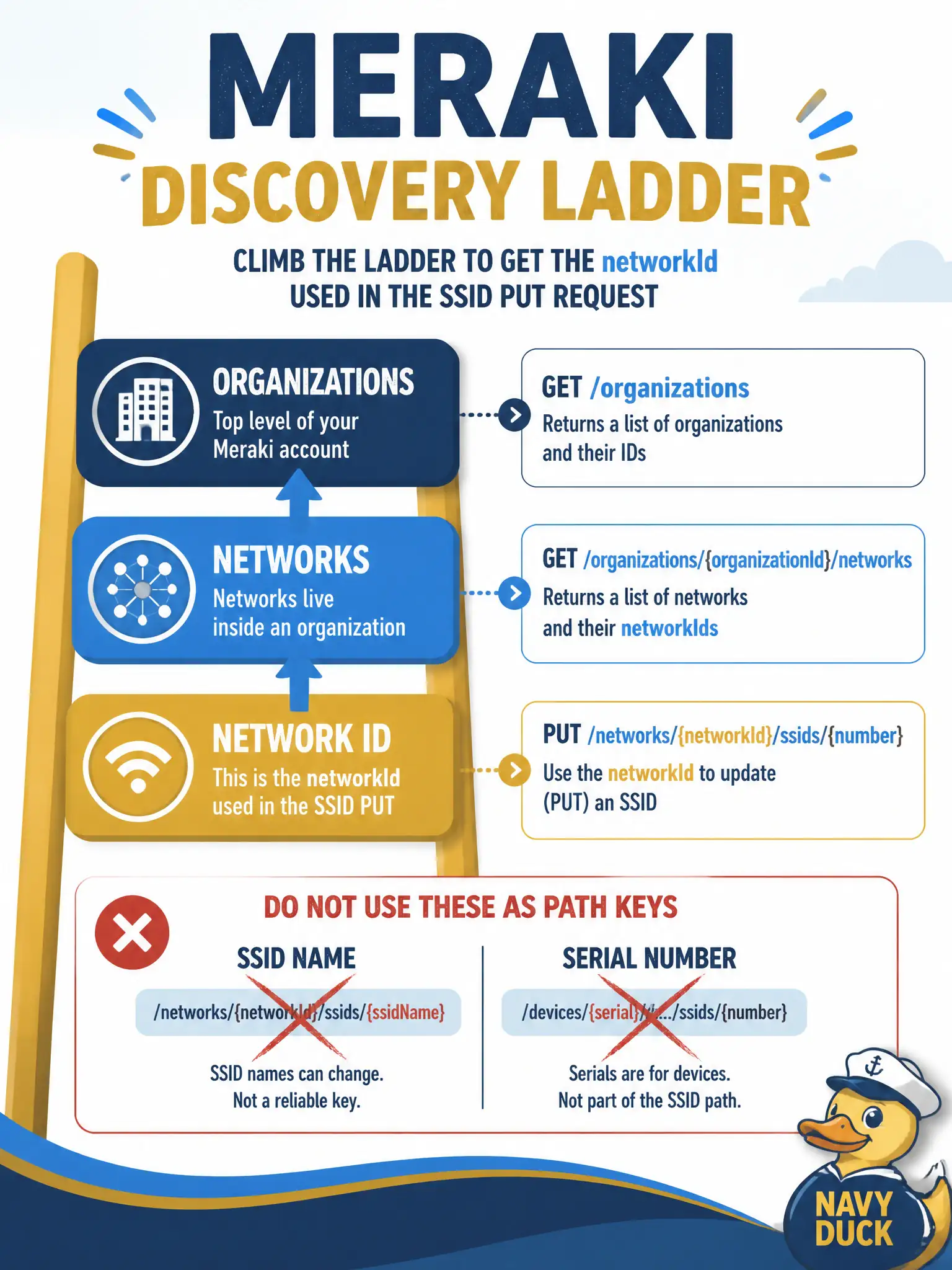
networkId is a Dashboard id you discover—org first, then networks—not the SSID name or an AP serial taped into the path.
Full Explanation
Meraki paths such as /networks/{networkId}/wireless/ssids/{number} require a Dashboard networkId, which is an opaque identifier issued by the cloud—not a friendly SSID broadcast string or hardware serial. The correct resolution path is to list organizations, list that organization’s networks, match the intended civic network by name or tag, and then PUT the SSID using that network’s networkId. Walking org→networks keeps automation pointed at the right site when several municipal venues share similar WLAN naming.
Putting the SSID broadcast name or an AP serial into {networkId} fails because Dashboard does not treat those strings as networkId path keys for wireless SSID resources. Hard-coding {networkId} as the literal string guest fails identity discovery and will not resolve to a real network resource under the tenant. Deriving networkId from a Webex roomId fails cross-platform mapping: ChatOps room identifiers have no Meraki networkId meaning and must not be spliced into Dashboard URLs.
Exam caveat: organizationId and networkId are easy to swap when assembling paths; the wrong id yields 404s or, worse, updates an unintended sister network in the same org.
Operational check: script organization list → networks list, print name/id pairs for operator confirmation, select the parks or library network by exact name match, then GET wireless/ssids on that networkId before any enable PUT.