
A parks Wi-Fi automation job calls api.meraki.com to manage SSIDs. Which authentication header is the classic Dashboard construction?
Select an answer to reveal the explanation.
Short Explanation
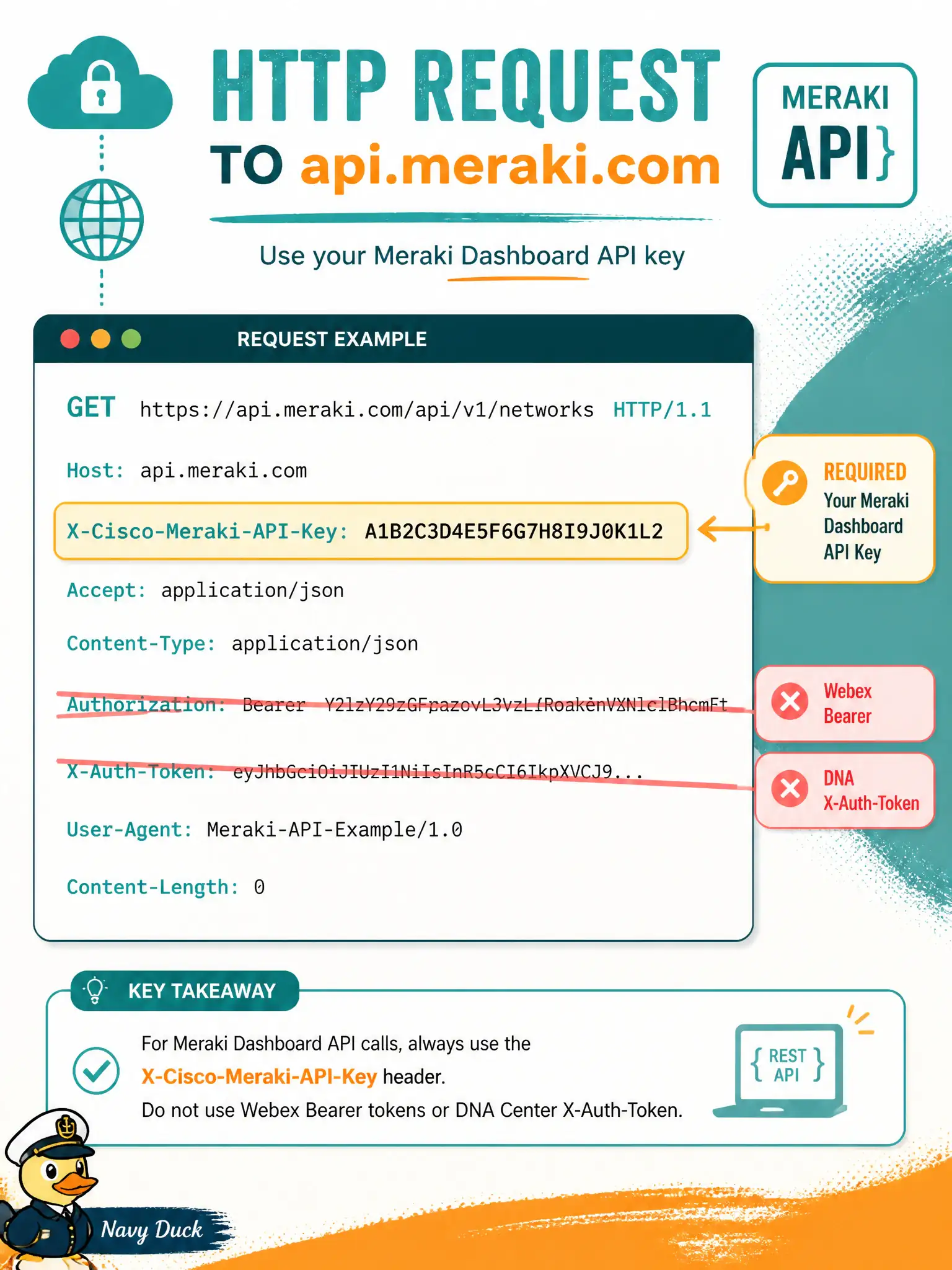
Meraki Dashboard expects its own key in X-Cisco-Meraki-API-Key—like a branded city ID, not a Webex or DNA Center badge taped over it.
Full Explanation
Automation that calls api.meraki.com to manage SSIDs authenticates with the classic Dashboard header X-Cisco-Meraki-API-Key carrying the organization (or appropriately scoped) Dashboard API key. That key is issued in the Meraki Dashboard for API access and must be sent on each request to authorize org and network operations such as wireless SSID updates for parks or library networks. Keeping the Meraki-specific header avoids confusing this cloud with other Cisco API families that look similar in study materials.
Authorization: Bearer with a Webex bot access token aimed at api.meraki.com fails by product boundary—Webex bot tokens authorize Webex messaging APIs, not Meraki Dashboard configuration calls. X-Auth-Token copied from a Cisco DNA Center login session fails the same way: DNA Center session tokens authenticate DNA Center Intent/Platform APIs, not Meraki’s documented key header. Authorization: Basic with an FDM password-grant access_token fails both encoding and platform—FDM Bearers belong on threat-defense FDM URLs and wrapping them as Basic does not convert them into Dashboard credentials.
Exam caveat: Meraki API keys are secrets equivalent to passwords; rotate them, restrict who can view them, and never commit keys into civic repos or paste them into ChatOps spaces.
Operational check: GET /organizations (or another minimal authorized endpoint) with only X-Cisco-Meraki-API-Key set; a 200 with an organization list confirms the key before any SSID PUT against a production municipal network.