
After rotating a Vault symmetric key used for permit PDFs, last month’s ciphertext must still decrypt. What does rotation do?
Select an answer to reveal the explanation.
Short Explanation
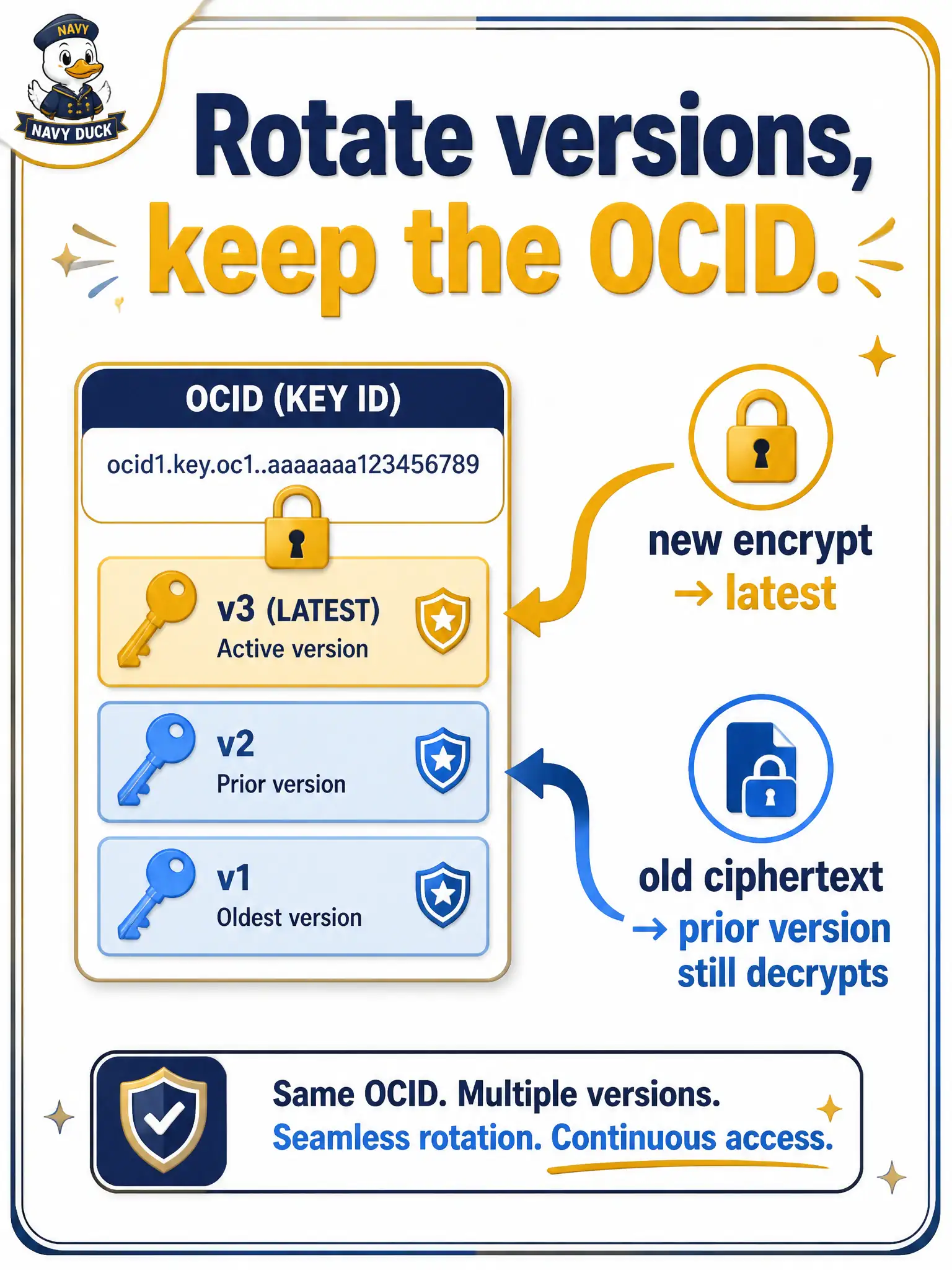
Rotation adds a new version of the same key—the OCID stays put. Fresh locks use the new version; old versions remain so last month’s PDFs still open. Do not delete history the day you rotate.
Full Explanation
Rotating a Vault symmetric key used for permit PDFs generates a new key version under the same key OCID. New encrypt operations use the latest version, while older versions remain available so last month’s ciphertext can still decrypt. Rotation is version advancement on a stable key identity, not deletion of history and not replacement with an entirely new key resource. That is why archives encrypted before rotation continue to open after rotation.
Deleting every prior key version immediately so old ciphertext can never be read again fails by concept: that would be destructive key destruction or version purge, not rotation’s preserve-and-advance model. Creating an entirely new key resource with a new OCID and abandoning the previous OCID fails as a description of rotation—that is provisioning a different key, which breaks stable references applications hold. Converting the symmetric key into an asymmetric key automatically and dropping version tracking fails because rotation does not change key type or abandon versioning.
Exam caveat: rotation keeps the OCID and prior versions; encrypt moves forward, decrypt still reaches backward. Operational check: encrypt a sample PDF, rotate the key, encrypt a second PDF, then decrypt both—confirm the first still opens with an older version and the second used the latest—without changing the key OCID in application config.