
During a planned deploy of the business-license API, the team still wants metrics and logs but must not page the Notifications topic. Which Monitoring action fits?
Select an answer to reveal the explanation.
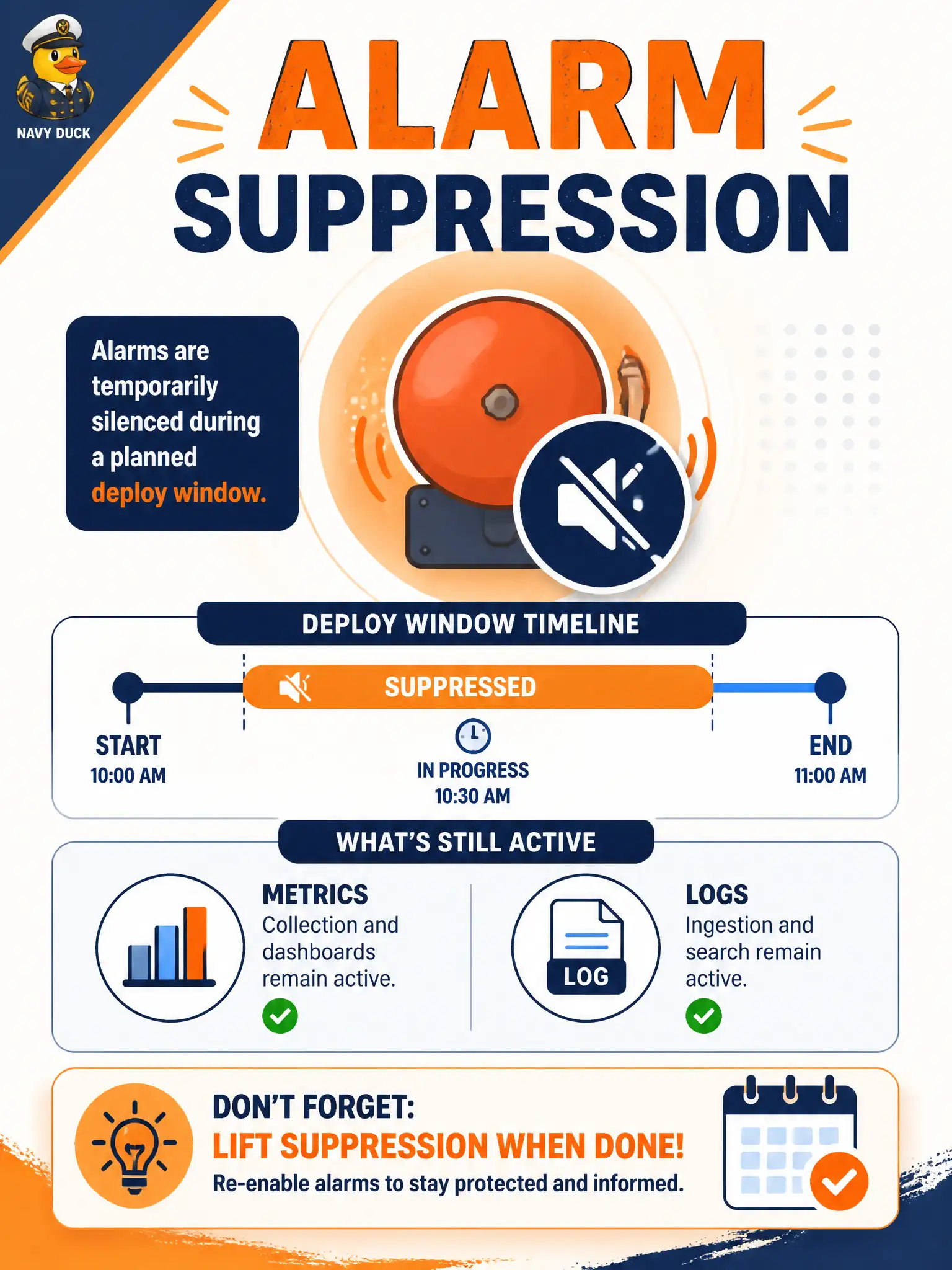
Short Explanation
Suppression is a mute button for the pager during your change window—metrics and logs keep running. Forgetting to lift it is how a real outage stays quiet.
Full Explanation
OCI Monitoring alarm suppression pauses alarm messages for a planned window. During a business-license API deploy, suppression lets the team keep metrics and logs flowing for observation while Notifications topic pages do not fire for the suppressed alarm. That matches "still watch the system, do not page on-call for expected deploy noise." After the window, suppression ends and normal paging resumes without destroying the alarm definition.
Deleting the underlying metric so charts go blank permanently removes observability instead of quieting pages. Disabling the alarm forever and never re-enabling it after deploy risks silent production failure once the deploy is done. Removing the log group so alarms cannot evaluate queries attacks Logging organization and does not cleanly implement a temporary notification pause—alarms evaluate metrics, and deleting log groups is the wrong lever.
Exam caveat: suppression is time-bounded—calendar the window to cover the deploy plus buffer, and verify the alarm returns to active evaluation afterward so real regressions still page. Operational check: apply suppression for the planned deploy window on the relevant alarm, confirm metrics/logs still update, confirm the Notifications topic stays quiet during a test breach, then confirm paging works again after suppression expires.