
What does the professional default command fn deploy --app <app-name> accomplish for an OCI Function?
Select an answer to reveal the explanation.
Short Explanation
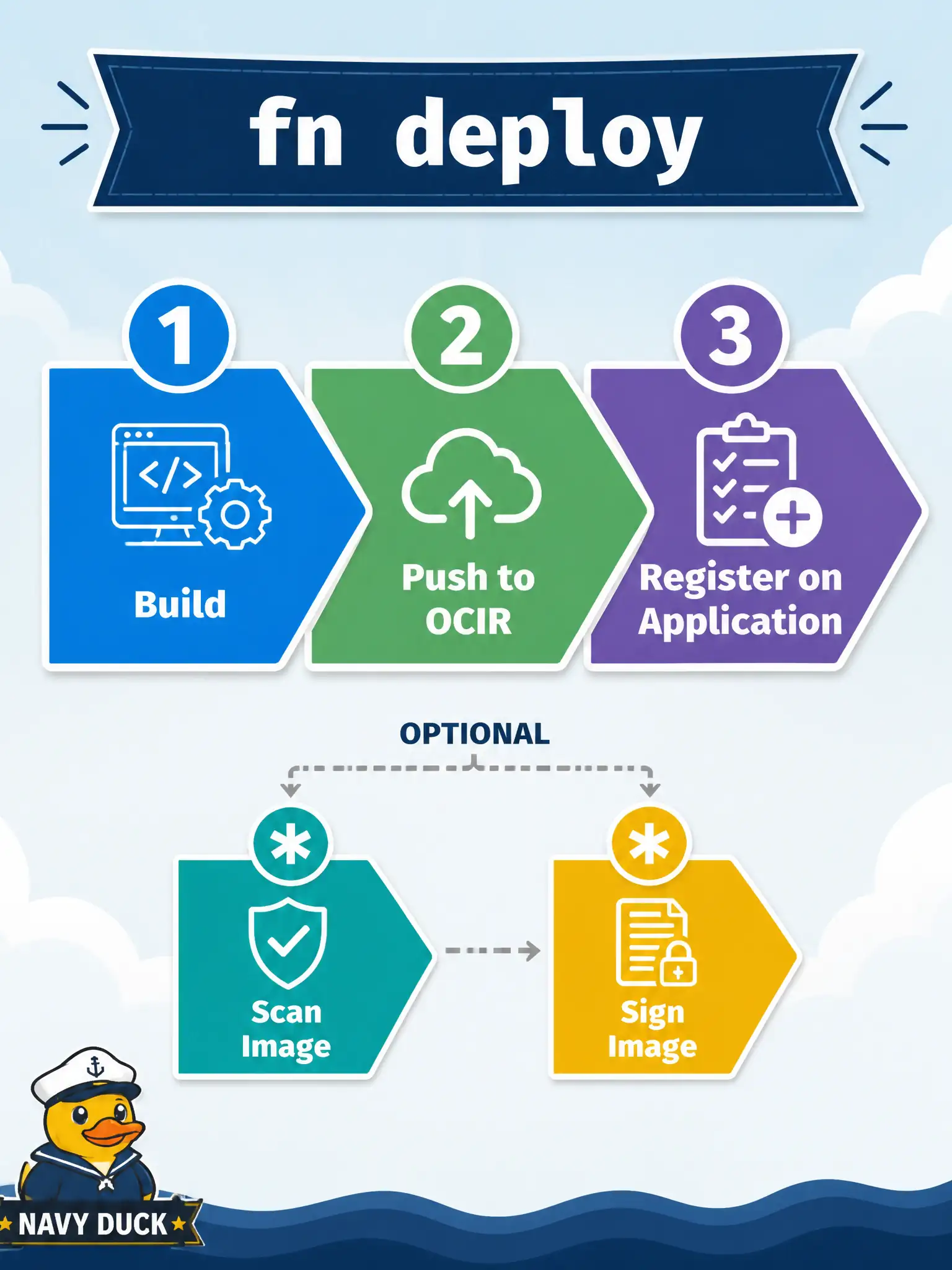
One command, three beats: build the image, push it to the registry in your Fn context, and register the function on the application. You can split the steps, but deploy is the default rhythm.
Full Explanation
The professional default fn deploy --app <app-name> builds the function image, pushes it to the registry configured in the Fn CLI context, and registers or updates the function on the named OCI Functions application. That single rhythm—build, push, register—is how municipal developers normally promote a unit after local iteration. Steps can be split, but deploy is the documented default path.
Saying deploy only validates func.yaml syntax without building an image fails by concept because deploy’s purpose is to produce and publish a runnable image and update the function resource, not merely lint YAML. Claiming it creates a new VCN and three subnets for the application fails because VCN/subnet design is infrastructure setup for the application, not what fn deploy does. Opening a break-glass SSH session to an OKE worker for manual copy fails because Functions deploy is registry-and-API based, not SSH copy onto Kubernetes workers.
Exam caveat: deploy still depends on a correct Oracle context (compartment, registry prefix, API endpoint) and on the application already existing with workable networking. Operational check: from a configured OCI context, run deploy against the app name, confirm a new image tag in OCIR, inspect the function on the application, and invoke once before calling the change done.