
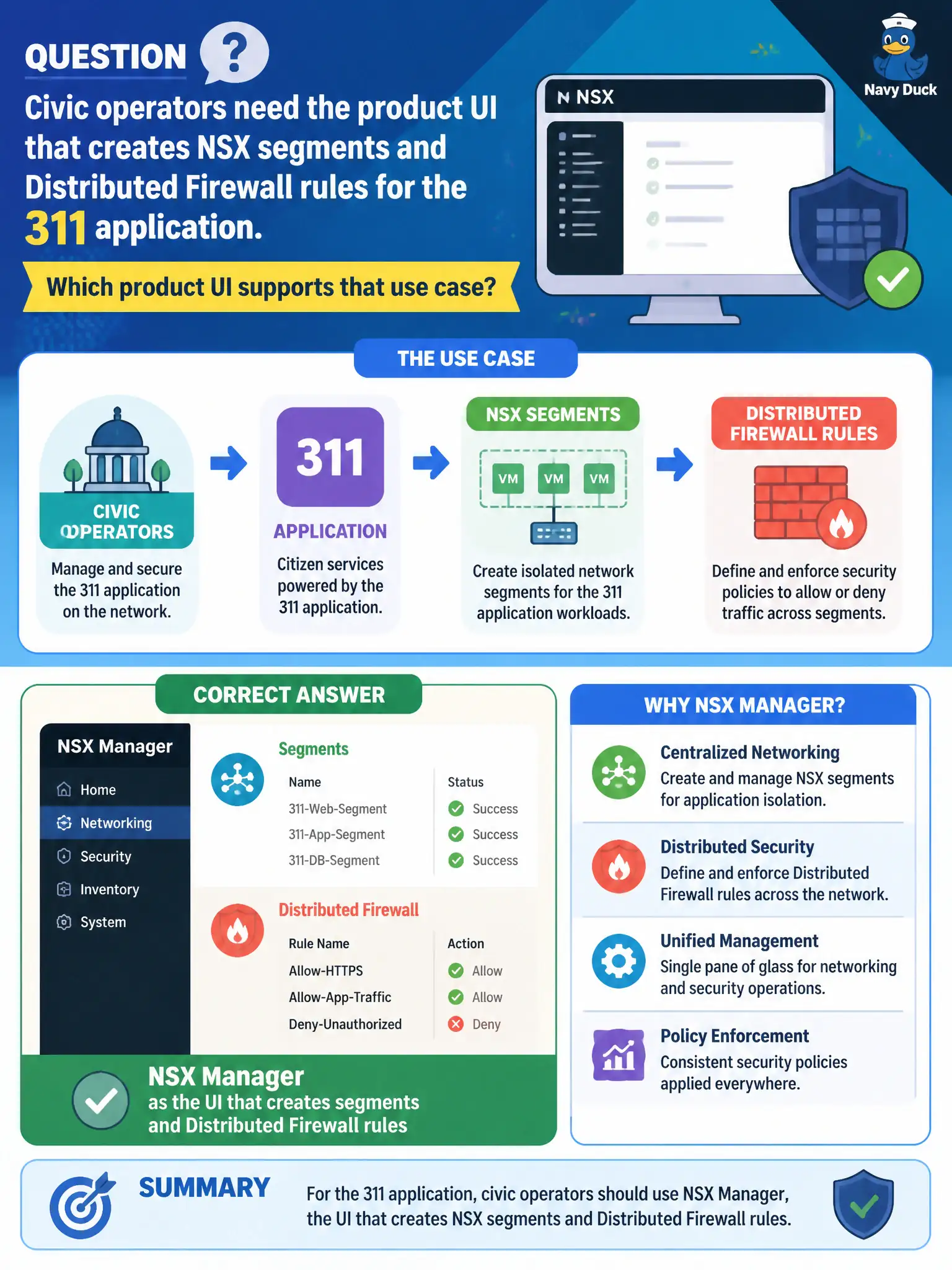
Civic operators need the product UI that creates NSX segments and Distributed Firewall rules for the 311 application. Which product UI supports that use case?
Select an answer to reveal the explanation.
Short Explanation
The vSphere Client is the compute cockpit, not the place you draw NSX segments and DFW rules. NSX Manager is the product UI for that work. Host Client and the vCenter appliance UI do not author civic NSX policy.
Full Explanation
Creating NSX segments and Distributed Firewall rules for the 311 application is performed in the NSX Manager product UI. Civic operators author Policy objects—segments, gateways, groups, and DFW—through NSX Manager, which is the management and policy plane for those constructs. The vSphere Client is the primary compute inventory and host-management UI; it is not the primary UI that authors NSX segments and DFW policy even when inventory is shared. The ESXi Host Client manages a single host and cannot serve as the city-wide Distributed Firewall editor. The vCenter Server Appliance management interface addresses appliance health and vCenter services, not segment editing. Exam caveat: compute-manager integration between vCenter and NSX does not make the vSphere Client the authoritative NSX policy editor. Operational check: open NSX Manager, create a 311 segment and a sample DFW rule in Policy mode, then verify the objects appear under Networking and Security rather than only under vSphere networking views, and train escalations to open NSX Manager for those tasks. In municipal operations, record the chosen control and the rejected distractors in the change ticket so future on-call staff understand which failure modes would affect city services. Re-validate after the next maintenance window that the same design still holds for the current NSX build and the agency workloads that depend on it.