
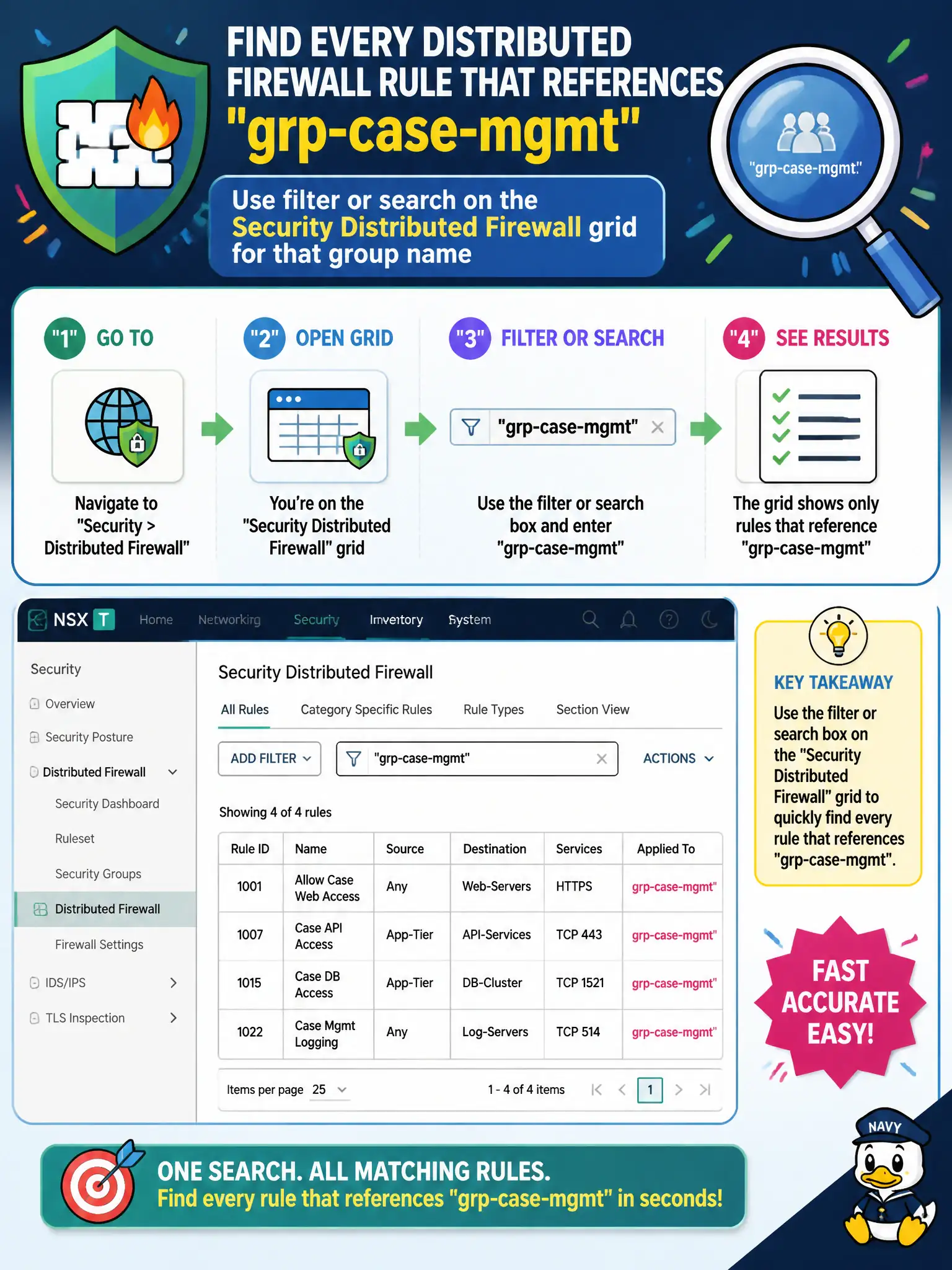
Courts need every Distributed Firewall rule that references the group grp-case-mgmt. How does the operator find them quickly in the NSX GUI?
Select an answer to reveal the explanation.
Short Explanation
The DFW grid has a search box for a reason—type grp-case-mgmt and the matching rules surface. ESXi grep, Horizon sessions, and vCenter tag search are not that filter.
Full Explanation
Courts that need every Distributed Firewall rule referencing grp-case-mgmt should use filter or search on the Security Distributed Firewall grid for that group name—the NSX GUI path that surfaces matching policies and rules without reading every section by hand. SSH to ESXi and grepping syslog for the group UUID is host-level troubleshooting, not the VCTA-NV GUI method for listing DFW rule references. Filtering Horizon session lists for case-management users inspects EUC sessions, not Security policy objects that cite the civic group. Searching vCenter tags only and skipping the Distributed Firewall grid looks at compute tags, which are not the DFW rule inventory. Exam caveat: filter results depend on how the group is referenced (source, destination, Applied To); empty results may mean the group is unused, renamed, or only nested inside another group. Operational check: open Security → Distributed Firewall, enter grp-case-mgmt in the grid filter, export or screenshot the matching rules for the courts change ticket, and verify each hit truly cites that group before editing. In municipal operations, record the chosen control and the rejected alternatives in the change ticket so future on-call staff understand which failure modes would affect city services. Re-validate after the next maintenance window that the same GUI path and realized state still hold under the current NSX build used by the civic platform team.