
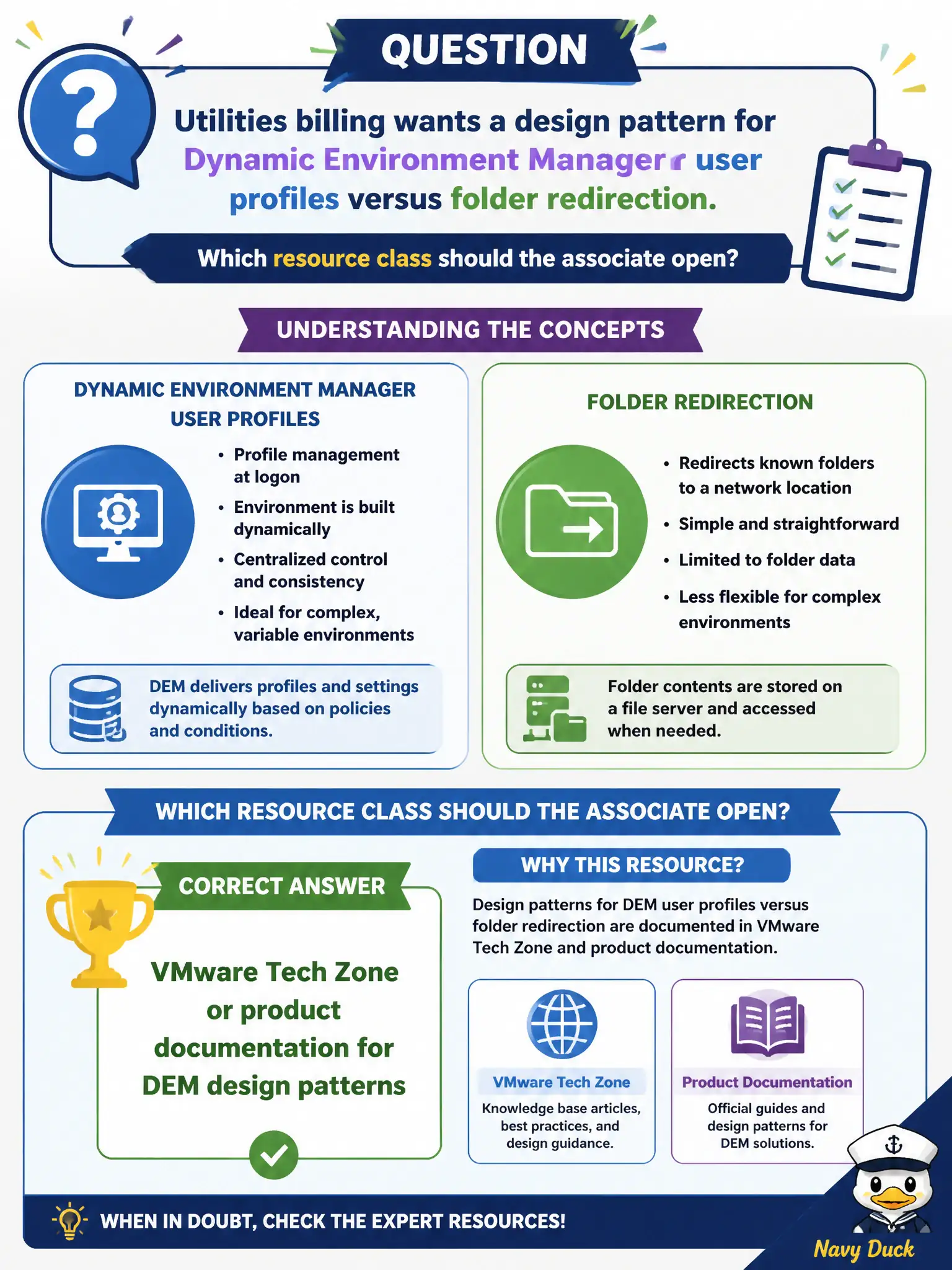
Utilities billing wants a design pattern for Dynamic Environment Manager user profiles versus folder redirection. Which resource class should the associate open?
Select an answer to reveal the explanation.
Short Explanation
Profile-versus-folder-redirection is a recipe, and recipes live in Tech Zone and Docs, not in App Volumes Manager. Client logs show one session; Boxer DLP is mail policy. For DEM design patterns, open the design-class resources.
Full Explanation
Design patterns that compare Dynamic Environment Manager user profiles with folder redirection belong in VMware Tech Zone or product documentation for DEM, where architecture guidance and supported patterns are published for utilities billing and similar civic desktops. Billing supervisors care that profile data and redirected folders behave consistently across floating clones, which is why design guidance must come from DEM Docs or Tech Zone rather than App Volumes screens. App Volumes Manager is the console for packages and writables; it is not the DEM profile-design authority. Horizon Client logs from one billing PC show a single session's client behavior and do not teach estate-wide profile design. Workspace ONE Boxer DLP settings govern managed mail sharing, not Windows profile versus folder-redirection choices. Exam caveat: Utilities billing scenarios still map to DEM design resources even when App Volumes and Horizon are present in the same stack. Operational check: Open Tech Zone or DEM documentation for profile strategies, note when folder redirection complements or replaces certain DEM profile data, and validate the chosen pattern against a pilot utilities OU before citywide rollout.